Investigating
RTE support for <strong> and <em> tags
| Request for Feature Enhancement (RFE) Summary: | RTE support for <strong> and <em> tags |
| Use-case: | We are running an accessibility improvements project right now and our 3rd party a11y consultants reported some issues with they way RTE work. Right now RTE has an option to bolden a part of a text or to make it italic style. For that purpose it is using <b> and <i> standard HTML elements and this is perfectly fine. We have learnt that in some cases instead of these tags it is advisable to use <strong> or <em> tags as they also bring more context for a screen readers so that they can emphasise how to read that section of text. The <strong> tag is read by screen readers as an indication that the text enclosed within it carries strong importance. When a screen reader encounters a <strong> tag, it typically emphasizes the text, often by changing the tone or pitch of the voice, or by adding a pause before and after reading the text. This helps users who rely on assistive technologies understand that the content is significant or has a higher priority in the context of the surrounding text. Using <strong> instead of <b> not only provides visual emphasis but also enhances the semantic meaning of the content, improving accessibility for users with disabilities. We would love to have na option to define which tag is used for particular place in text. It should sometimes be simply <b> and in other cases we would love to have a choice to pick <strong>. There is no such functionality right now in RTE and I would like to ask if there is any active feature request for such functionality and if this could be planned to be developed. |
| Current/Experienced Behavior: | We can only place <b> and <i> tags in RTE |
| Improved/Expected Behavior: | There should be a way to pick <b> or <strong> tag for selected text. There should be a way to pick <i> or <em> tag for selected text. |
| Environment Details (AEM version/service pack, any other specifics if applicable): | AEM 6.5.23 |
| Customer-name/Organization name: |
|
| Screenshot (if applicable): | 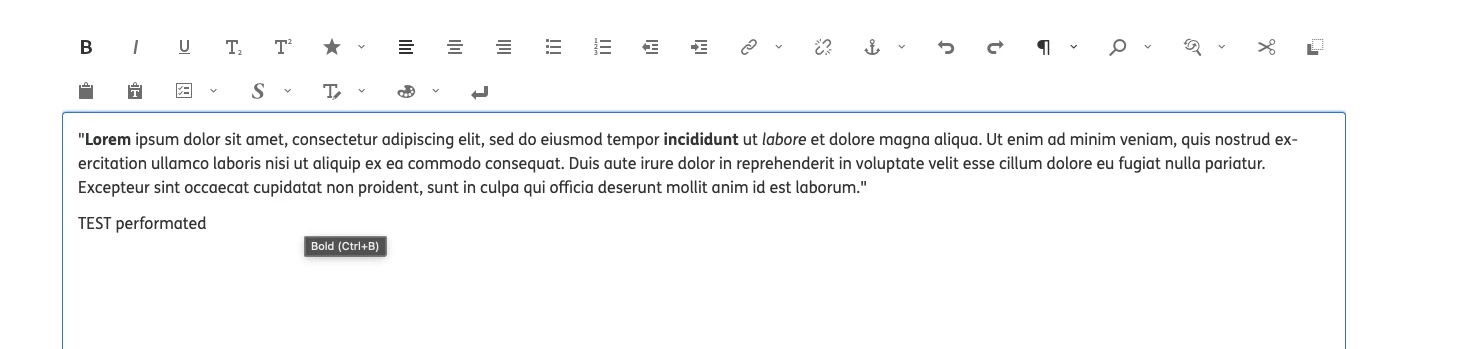 |
| Code package (if applicable): |