Solved
RTE Component Edit Options
Hi all,
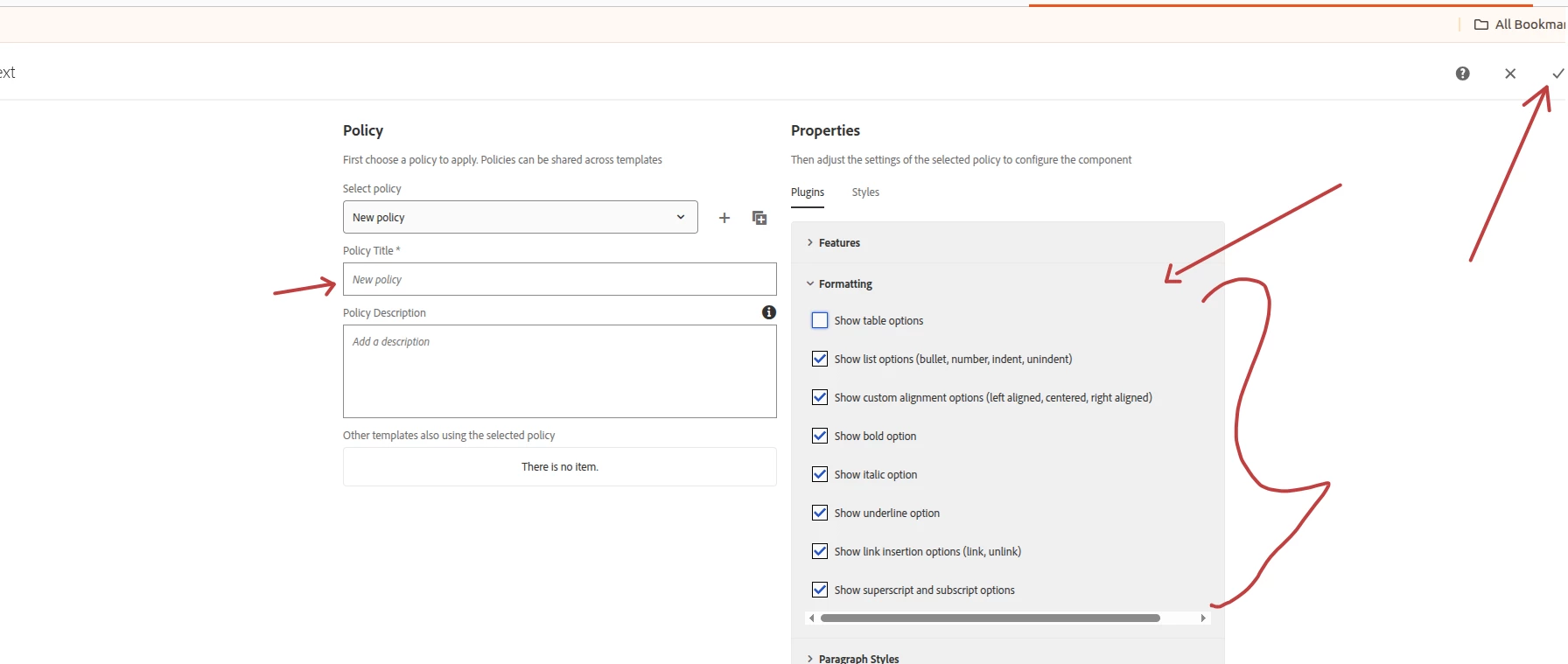
Does Adobe RTE provide the removeformat feature? I like to remove the format of the highlighted text, sometimes the RTE creates an extra space in paragraphs. Clicking on the Paragraph dropdown doesn’t solve the issue.
My
 <rtePlugins jcr:primaryType="nt:unstructured">
                                                    <format jcr:primaryType="nt:unstructured" features="*"/>
                                                    <justify jcr:primaryType="nt:unstructured" features="*"/>
                                                    <lists jcr:primaryType="nt:unstructured" features="*"/>
                                                    <edit jcr:primaryType="nt:unstructured" features="*"/>
</rtePlugins>
And my uiSettings is
<uiSettings jcr:primaryType="nt:unstructured">
                                                    <cui jcr:primaryType="nt:unstructured">
                                                        <inline
                                                            jcr:primaryType="nt:unstructured"
                                                            toolbar="[format#bold,format#italic,format#underline,edit#removeformat,edit#cut,edit#copy,edit#paste-plaintext,edit#undo,edit#redo,#justify,#lists,subsuperscript#subscript,subsuperscript#superscript,links#modifylink,links#unlink,links#anchor,findreplace#find,findreplace#replace,misctools#specialchars,misctools#sourceedit,#styles,#paraformat,table#table]">
                                                            <popovers jcr:primaryType="nt:unstructured">
                                                                <justify jcr:primaryType="nt:unstructured" items="[justify#justifyleft,justify#justifycenter,justify#justifyright]" ref="justify"/>
                                                                <lists jcr:primaryType="nt:unstructured" items="[lists#unordered,lists#ordered,lists#outdent,lists#indent]" ref="lists"/>
                                                                <styles jcr:primaryType="nt:unstructured" items="styles:getStyles:styles-pulldown" ref="styles"/>
                                                                <paraformat jcr:primaryType="nt:unstructured" items="paraformat:getFormats:paraformat-pulldown" ref="paraformat"/>
                                                            </popovers>
                                                        </inline>
                                                        <dialogFullScreen
                                                            jcr:primaryType="nt:unstructured"
                                                            toolbar="[format#bold,format#italic,format#underline,edit#removeformat,edit#cut,edit#copy,edit#paste-plaintext,edit#undo,edit#redo,#justify,#lists,subsuperscript#subscript,subsuperscript#superscript,links#modifylink,links#unlink,links#anchor,findreplace#find,findreplace#replace,misctools#specialchars,misctools#sourceedit,#styles,#paraformat,table#table]">
                                                            <popovers jcr:primaryType="nt:unstructured">
                                                                <justify jcr:primaryType="nt:unstructured" items="[justify#justifyleft,justify#justifycenter,justify#justifyright]" ref="justify"/>
                                                                <lists jcr:primaryType="nt:unstructured" items="[lists#unordered,lists#ordered,lists#outdent,lists#indent]" ref="lists"/>
                                                                <styles jcr:primaryType="nt:unstructured" items="styles:getStyles:styles-pulldown" ref="styles"/>
                                                                <paraformat jcr:primaryType="nt:unstructured" items="paraformat:getFormats:paraformat-pulldown" ref="paraformat"/>
                                                            </popovers>
                                                        </dialogFullScreen>
                                                    </cui>
                                                </uiSettings>
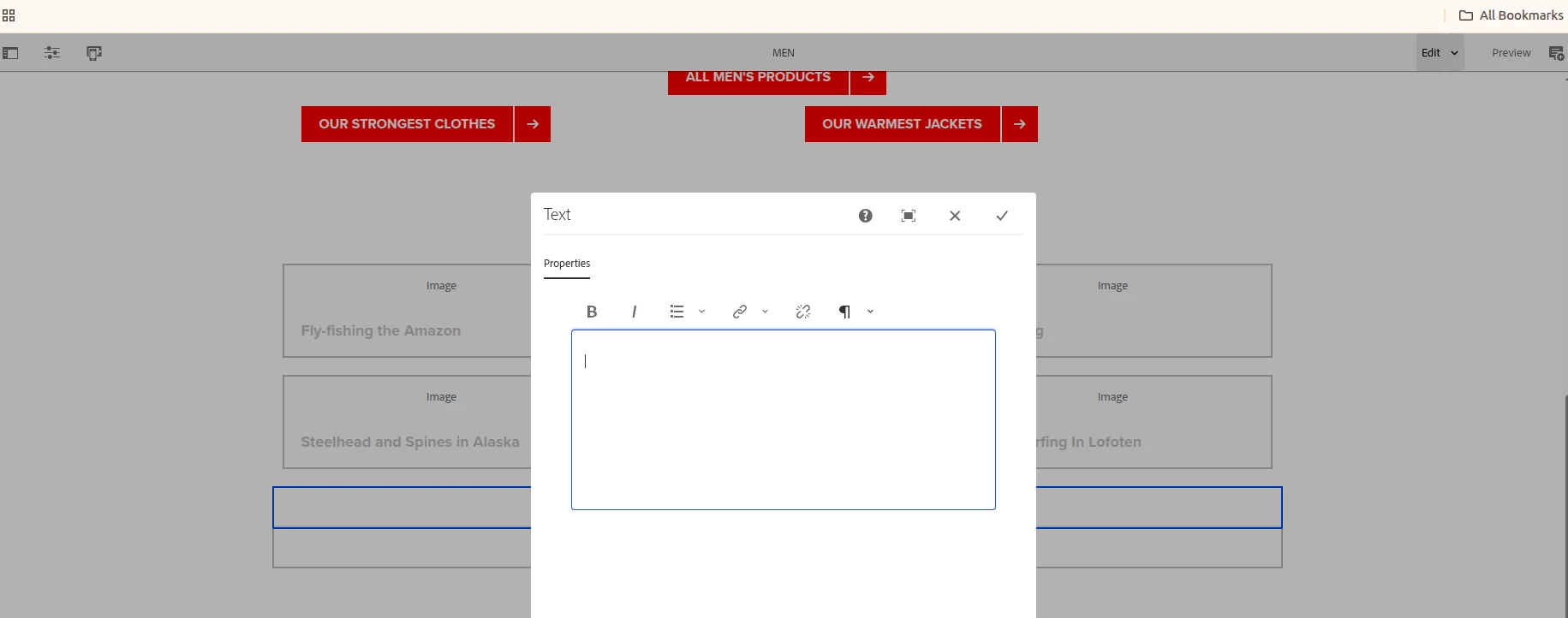
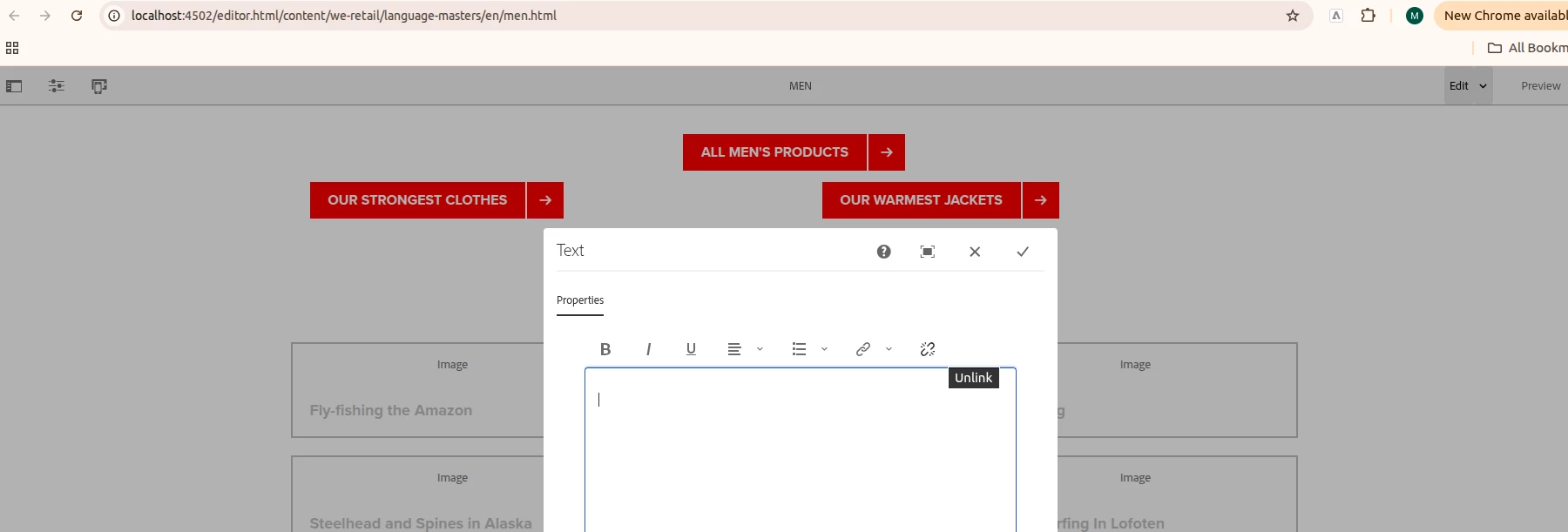
I can only see Copy, Cut, and Paste on the toolbars, the rest of the Edit features are not showing up. Can someone tell me how to get those features on?
Thanks,
-kt