


Remove regular HTML character codes from Sling Model Exporter | AEM Community Blog Seeding
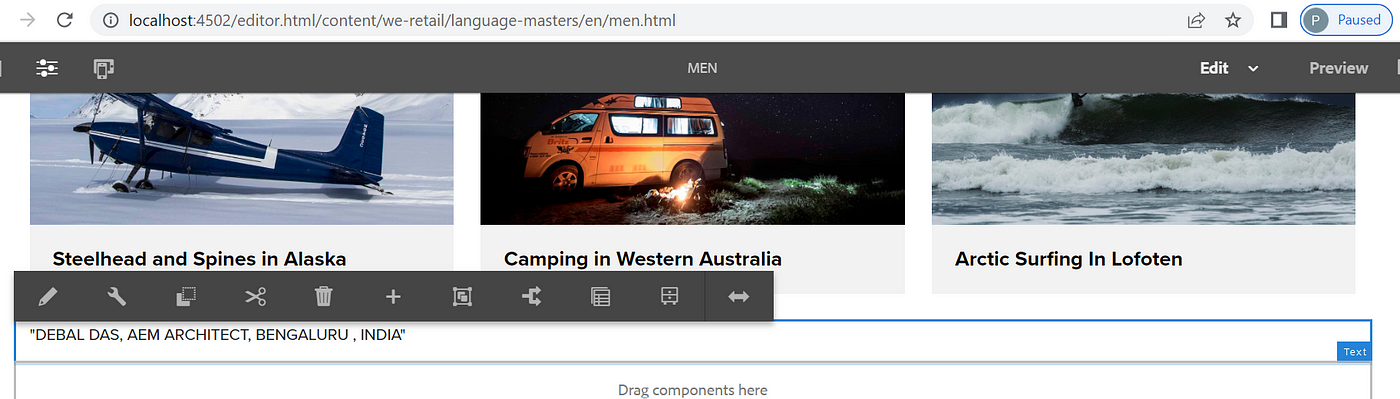
Remove regular HTML character codes from Sling Model Exporter by Debal Das
Abstract
We all know that AEM Rich Text Editor (RTE) provides content authors with a wide range of functionality for editing their text content.

Now if I want to export this text content as a JSON then immediately I will think about Sling Model Exporter and will write the necessary code for it some like below one -

/**
*
*/
package com.aem.demo.core.models;

import org.apache.commons.text.StringEscapeUtils;
import org.apache.sling.api.resource.Resource;
import org.apache.sling.models.annotations.DefaultInjectionStrategy;
import org.apache.sling.models.annotations.Exporter;
import org.apache.sling.models.annotations.Model;
import org.apache.sling.models.annotations.injectorspecific.ValueMapValue;

import com.fasterxml.jackson.annotation.JsonRawValue;

/**
* @author debal
*
*/

@Model(adaptables = Resource.class, defaultInjectionStrategy = DefaultInjectionStrategy.OPTIONAL, resourceType = {
“weretail/components/content/text” })

@Exporter(name = “jackson” , extensions = “json”)
public class RickTextModel {

@ValueMapValue
private String text;

@JsonRawValue
public String getText() {

return text;
}

}

Then what is a big deal with this code.
Read Full Blog
Remove regular HTML character codes from Sling Model Exporter
Q&A
Please use this thread to ask the related questions.