Remove all unused imports in one go using Eclipse IDE
Many times we face problem where some unwanted imports get added in the our program file. It is very annoying and time consuming task to remove those unused imports one by one, to make our code clear and readable.
But we do have a shortcut for this, just in a millisecond our Eclipse IDE done this job for us. Eclipse provide a shortcut CTRL + SHIFT + O, this shortcut command will remove all those unused imports from your code file.
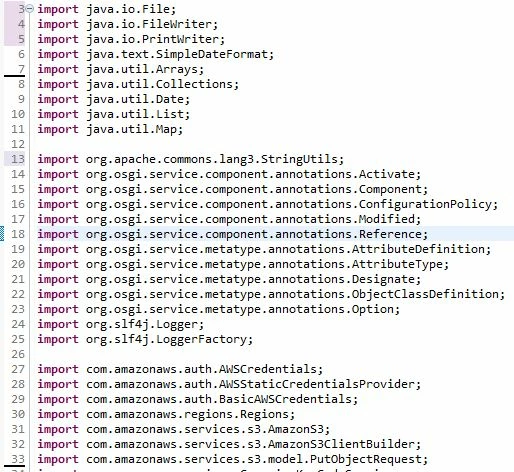
To do so, click anywhere in your java file and press CTRL+SHIFT+O. After using this shortcut command Eclipse will remove all the unused import from your java file. Below are the screenshots:
Before:
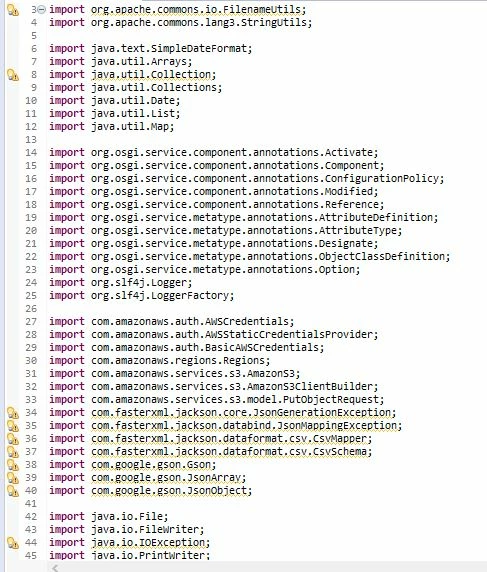
After: