Regarding Assets | Community
Skip to main content
This post is no longer active and is closed to new replies. Need help? Start a new post to ask your question.
Best answer by Anmol_Bhardwaj

Hi @neeraj_24412 ,


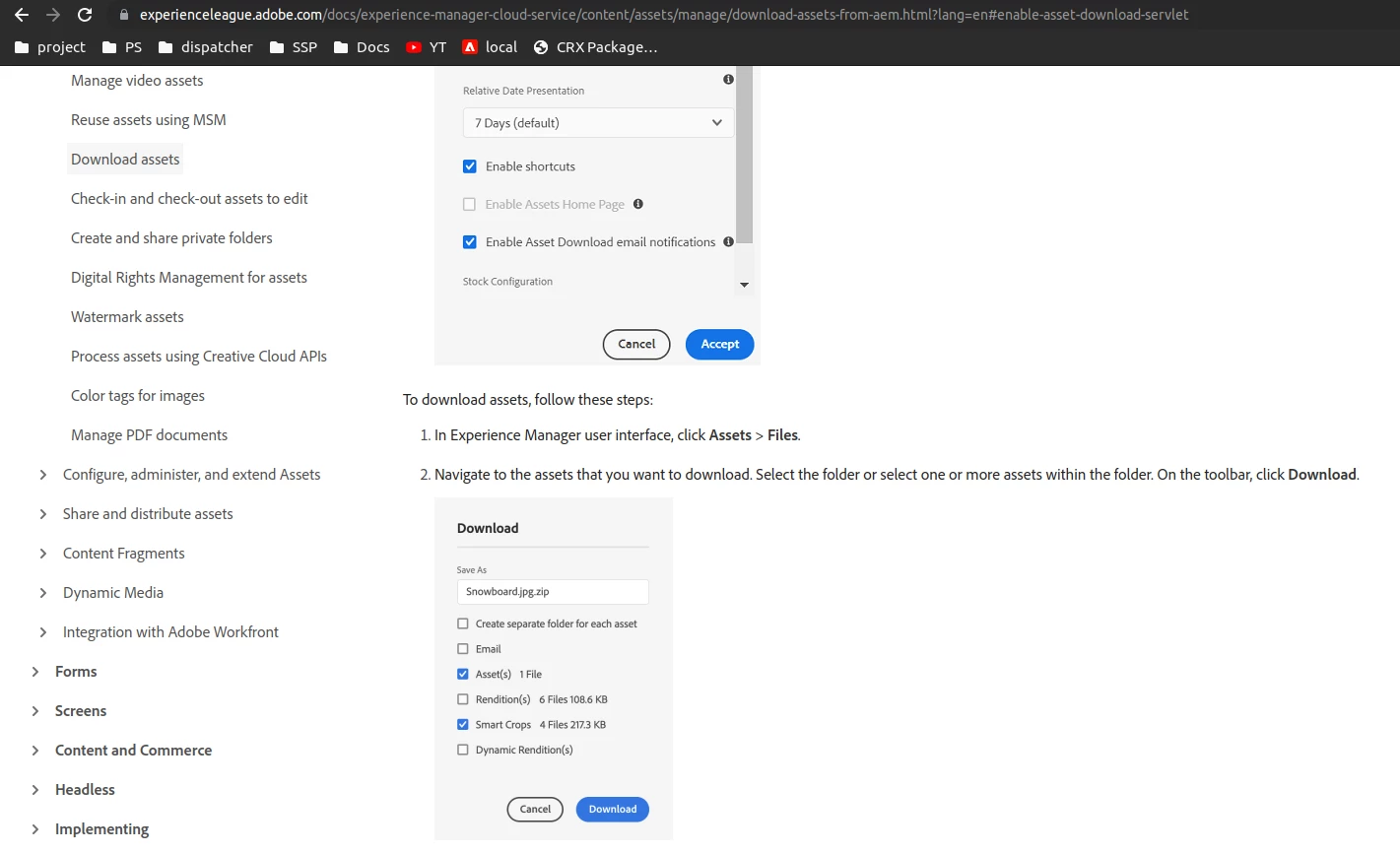
To have this checkbox:
1. You need to have smart crop enabled for your asset/s.


To enable smart crop :
1. You need to have dynamic media setup in your instance.
https://experienceleague.adobe.com/docs/experience-manager-65/assets/dynamic/administering-dynamic-media.html?lang=en 

After enabling dynamic media:
1. Add an image profile to "Enable Smart Crop"
https://experienceleague.adobe.com/docs/experience-manager-65/assets/dynamic/image-profiles.html 

2 replies

Anmol_Bhardwaj
Community Advisor
Anmol_BhardwajCommunity AdvisorAccepted solution
Community Advisor
April 26, 2023

Hi @neeraj_24412 ,


To have this checkbox:
1. You need to have smart crop enabled for your asset/s.


To enable smart crop :
1. You need to have dynamic media setup in your instance.
https://experienceleague.adobe.com/docs/experience-manager-65/assets/dynamic/administering-dynamic-media.html?lang=en 

After enabling dynamic media:
1. Add an image profile to "Enable Smart Crop"
https://experienceleague.adobe.com/docs/experience-manager-65/assets/dynamic/image-profiles.html 

neeraj_24412
Level 4
April 27, 2023

Thanks @anmol_bhardwaj