Rearrange child components by drag-n-move | Community
Skip to main content
Level 2
June 20, 2024

Rearrange child components by drag-n-move

  • June 20, 2024
  • 1 reply
  • 1246 views

Hi All,


Again I got a challenging task (at least for me) :).

We have a component with four child components/card in it (Fig-1). Each of the card can be configured separately as shown below. This creates JCR structure below Fig-2. 

Requirement is - content author wants to rearrange cards by drag-n-drop, meaning they want flexibility to move card#2 after card#3 or card#4 before card#1 etc. by click, drag and drop. Just like they can arrange components in one after or before other component in a page (Fig-3). 
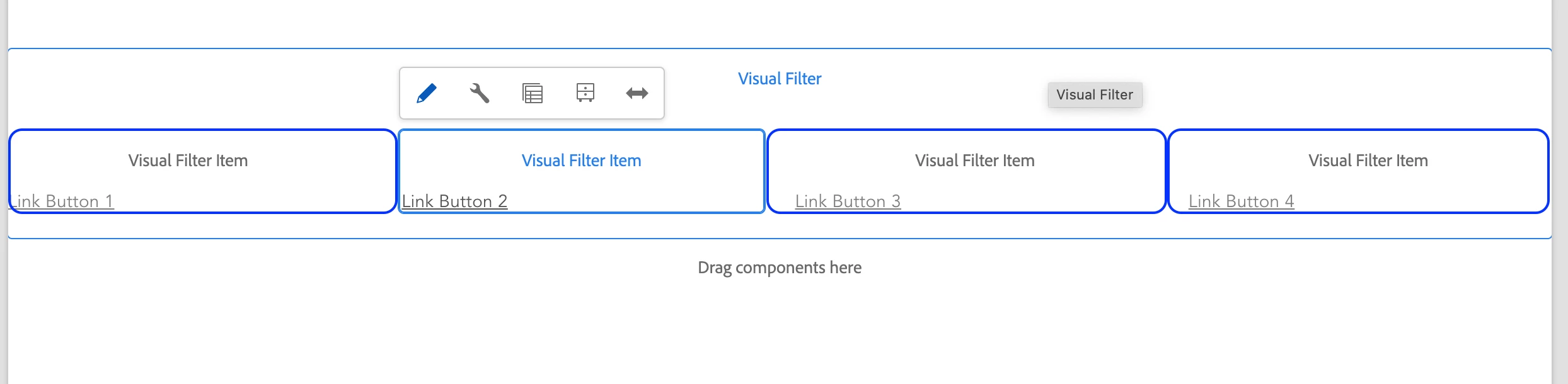
 

Fig -1 
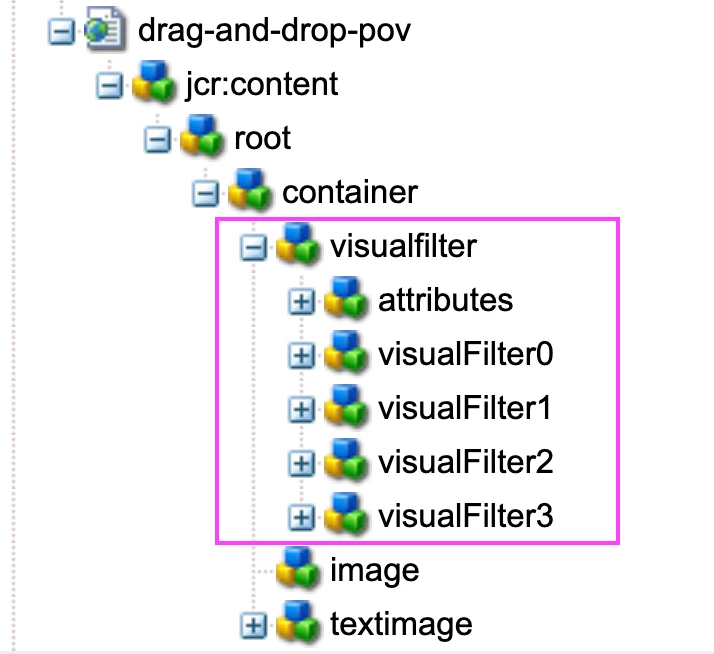
Fig - 2
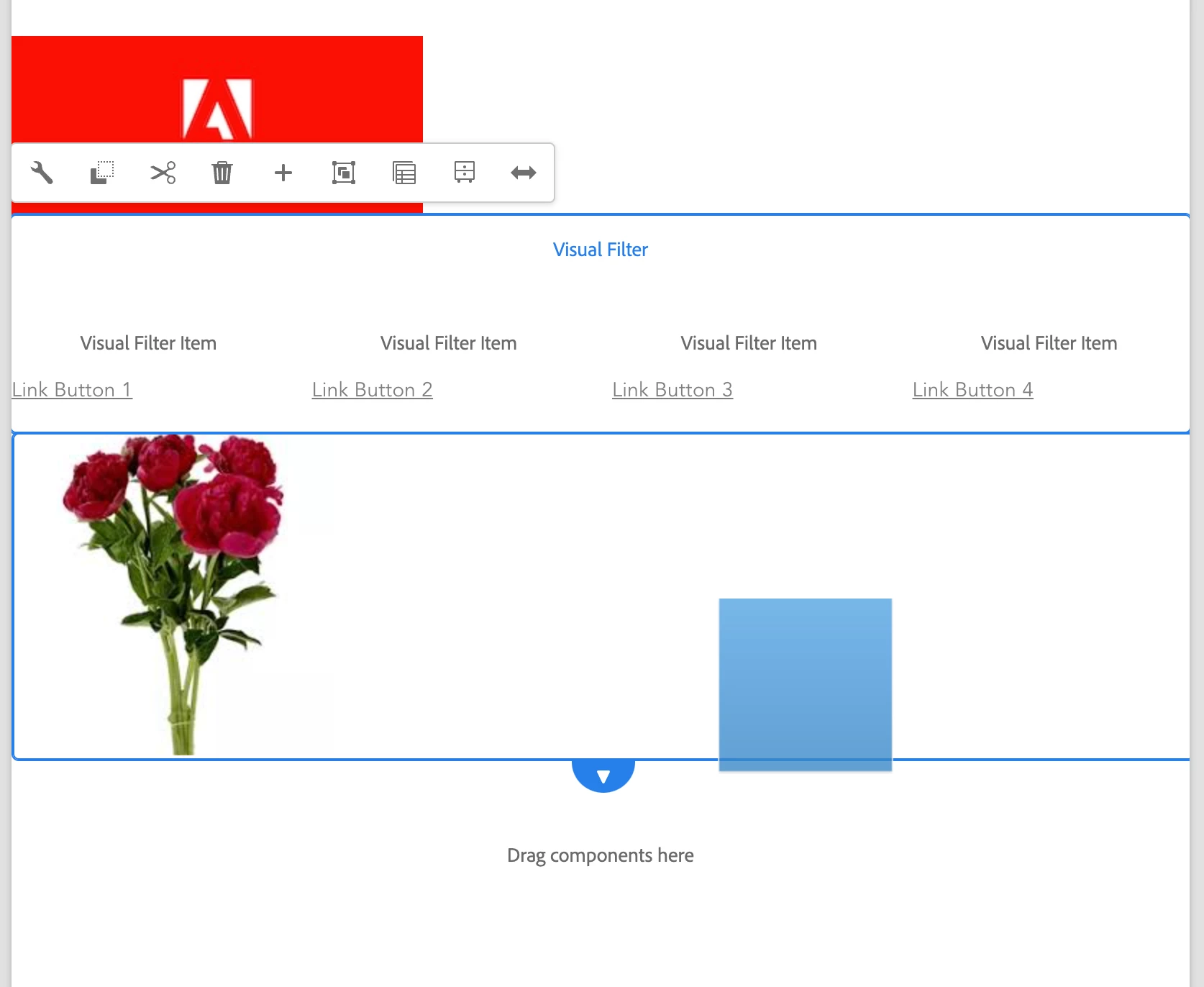
Fig- 3


Can anyone provide any reference or solution idea to implement it? Any help would be appreciated. 

Thanks


@kautuk_sahni @aanchalsikka 

This post is no longer active and is closed to new replies. Need help? Start a new post to ask your question.

1 reply

rk_pandian
Level 4
June 20, 2024

Hi @prithwi,


I think you need a component with a childreneditor dialog enabled. Basically it is a component with a dialog in which you can add other components and rearrange them on the go. You can also define which components you would like to allow as child components. Please see the below for reference - the stack icon will show you how many child components have been added and those can be rearranged as well.

Hope this helps!

prithwiAuthor
Level 2
June 21, 2024

Thanks @rk_pandian for your idea and quick response. I'll try to explore this. It will be really helpful if you could share sample code or steps to implement this. 

rk_pandian
Level 4
June 21, 2024