Querybuilder API with AEMaaCS | Community
Skip to main content
May 4, 2023
Solved

Querybuilder API with AEMaaCS

  • May 4, 2023
  • 5 replies
  • 2468 views

Hello-

I'm using the Querybuilder API to retrieve my AEM sites pages filtering with the path query parameter. I'm wondering if the Querybuilder API is also available for the cloud version, AEMaaCS. I am aware of the headless ability but I'm not able to follow the documentation on a simple endpoint like Querybuilder to get this same data for AEMaaCS.


This post is no longer active and is closed to new replies. Need help? Start a new post to ask your question.
Best answer by Jagadeesh_Prakash

@adwilliams  it is a normal way of creating a local user with in environment. 


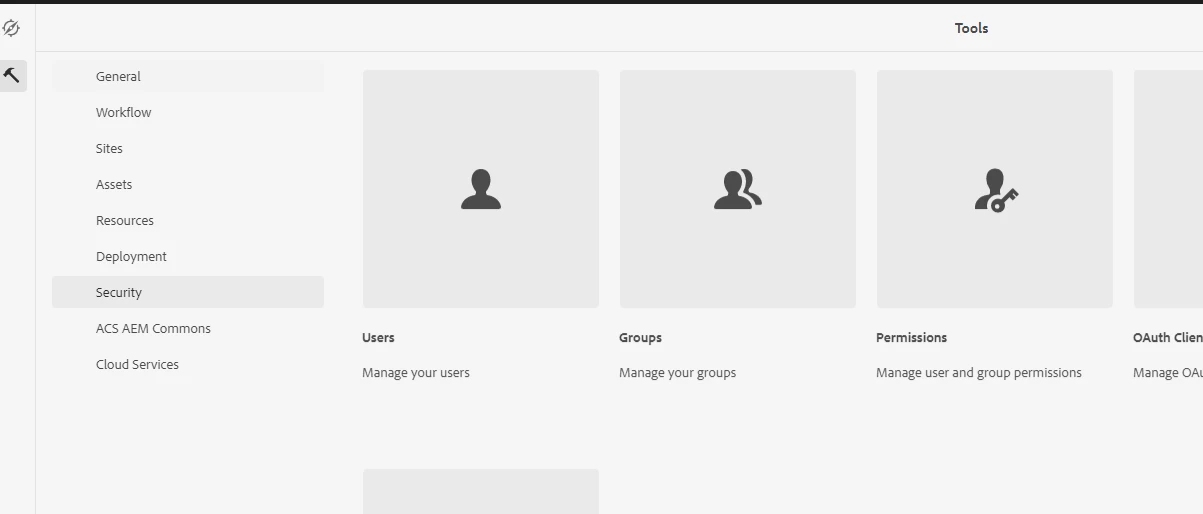
create local user from security--->users


And set permissions to that local user in permissions tab


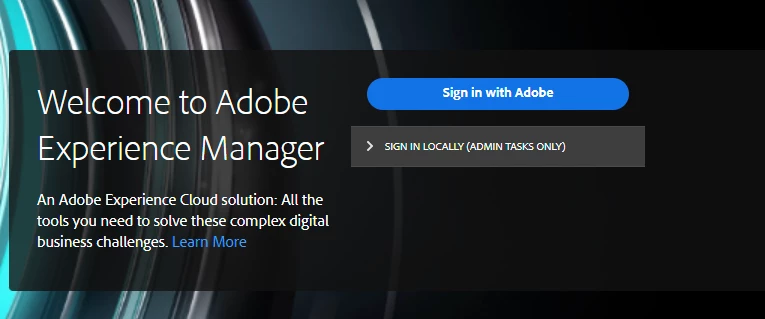
you can try login from SIGN IN LOCALLY


5 replies

Jagadeesh_Prakash
Community Advisor
Community Advisor
May 8, 2023

@adwilliams  May be i am unable to understand the question here but i am able to run the query builder in AEMaaCS. but it will return only the JSON structure you can change the query parameters and update the query. 


 http://<AEMCS-URL>/bin/querybuilder.json?type=cq:Page&path=/content&limits=-1 


May 8, 2023

Hi @jagadeesh_prakash ,

I'm asking specifically because the two documentation pages mentioned different authentication methods. 
For AEMaaCS it seems we need JWT today and will require OAuth in the future versus for Querybuilder for a Cloud SDK just uses basic authentication.

Jagadeesh_Prakash
Community Advisor
Community Advisor
May 8, 2023

@adwilliams Insted of generating JWT token. You can have a local user created in AEMaaCS environment and give him all necessary access and use that users for basic authentication. 

May 8, 2023

Thank you! do you have instructions on how to make a local user for AEMaaCS?

Jagadeesh_Prakash
Community Advisor
Jagadeesh_PrakashCommunity AdvisorAccepted solution
Community Advisor
May 9, 2023

@adwilliams  it is a normal way of creating a local user with in environment. 


create local user from security--->users


And set permissions to that local user in permissions tab


you can try login from SIGN IN LOCALLY