Problem exporting sites from AEMasCS to local instance | Community
Skip to main content
Level 4
November 15, 2022
Solved

Problem exporting sites from AEMasCS to local instance

  • November 15, 2022
  • 5 replies
  • 1968 views

Hi Community,


I have a site on Adobe Experience Manager as Cloud Service and I want to export it to my local development instance. I created a package 


This post is no longer active and is closed to new replies. Need help? Start a new post to ask your question.
Best answer by SantoshSai

Hi @olsalas711,

You need to setup your local instance having everything which is on AEMaaCS to make your local site functional. Kindly follow below steps.

  1. Bundles - Install/Deploy bundles required for your custom project.
  2. Content Packages - Get the updated content package from higher environment to your local. (Optional)
  3. Configurations - Setting up configurations if any.

I can see on your above page CSS/JS is not loading. Please make sure if clientlib has been available for the required project. (1st Step should solve that problem)

Hope that helps!

Regards,
Santosh

5 replies

Mohit_KBansal
Adobe Employee
Adobe Employee
November 15, 2022

@olsalas711 What is the exact problem you faced?

Level 4
November 15, 2022

On my local instance for the site I export my theme is not applied. 


This is how It looks On Cloud 


And this is how It looks on my local


Avinash_Gupta_
Community Advisor and Adobe Champion
November 15, 2022

@olsalas711 Along with the content package, you would also have to build the code package from your repo and deploy to your local instance as well. Have you deployed the code package as well?

Saravanan_Dharmaraj
Community Advisor
Community Advisor
November 15, 2022

Hi @olsalas711 ,

Could you please elaborate what is the problem you are seeing after creating the package?

Avinash_Gupta_
Community Advisor and Adobe Champion
November 15, 2022

@olsalas711 It's not clear from the screenshot what issue you are facing while building and downloading of the package. You can access Package Manager in three ways:


1. From the AEM main menu -> Tools -> Deployment -> Packages
2. From CRXDE Lite using the top switcher bar
3. Directly by accessing http://<host>:<port>/crx/packmgr/


You would have to provide the details about the package name and select the path of the content page. Once done it will build the package and would be ready for you to download and install it in your local instance.


Let me know if you are facing any challenges with doing any of the steps mentioned above.

Level 4
November 15, 2022

Hi,


I am facing troubles with the site theme. 


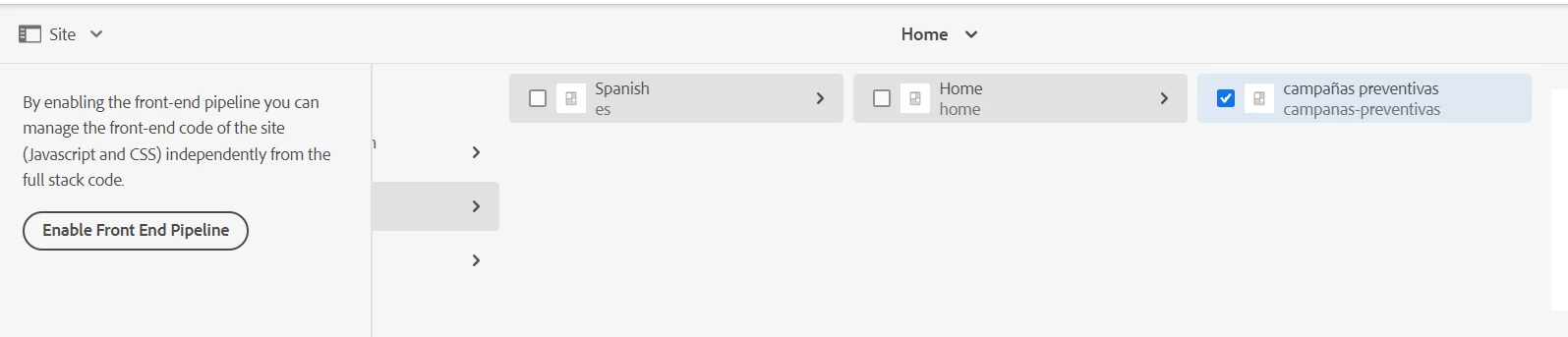
This is the package I'm building.


Avinash_Gupta_
Community Advisor and Adobe Champion
November 15, 2022

@olsalas711 Site theme would be part of your code package. Have you deployed the code package as well to your local instance?

SantoshSai
Community Advisor
SantoshSaiCommunity AdvisorAccepted solution
Community Advisor
November 15, 2022

Hi @olsalas711,

You need to setup your local instance having everything which is on AEMaaCS to make your local site functional. Kindly follow below steps.

  1. Bundles - Install/Deploy bundles required for your custom project.
  2. Content Packages - Get the updated content package from higher environment to your local. (Optional)
  3. Configurations - Setting up configurations if any.

I can see on your above page CSS/JS is not loading. Please make sure if clientlib has been available for the required project. (1st Step should solve that problem)

Hope that helps!

Regards,
Santosh

Santosh Sai
Level 4
November 15, 2022

Hi @olsalas711 ,


If you want package the properly the configurations or content, make sure all the code is deployed in local, verify the all the bundles are active and then try to install the project code into local, verify everything is looking good.

Then try to install the packages from higher environment to lower.

Also check the logs for any exceptions, verify the developer console when loading the local project and make sure no errors are logged.

Hope this is helpful
