playing youtube videos using the Video Overlay option in indesign | Community
Skip to main content
jzhang2016
Level 4
July 29, 2015
Solved

playing youtube videos using the Video Overlay option in indesign

  • July 29, 2015
  • 2 replies
  • 1820 views

Hi, (I'm starting a new thread on this video topic since its different from the audio playback issue)

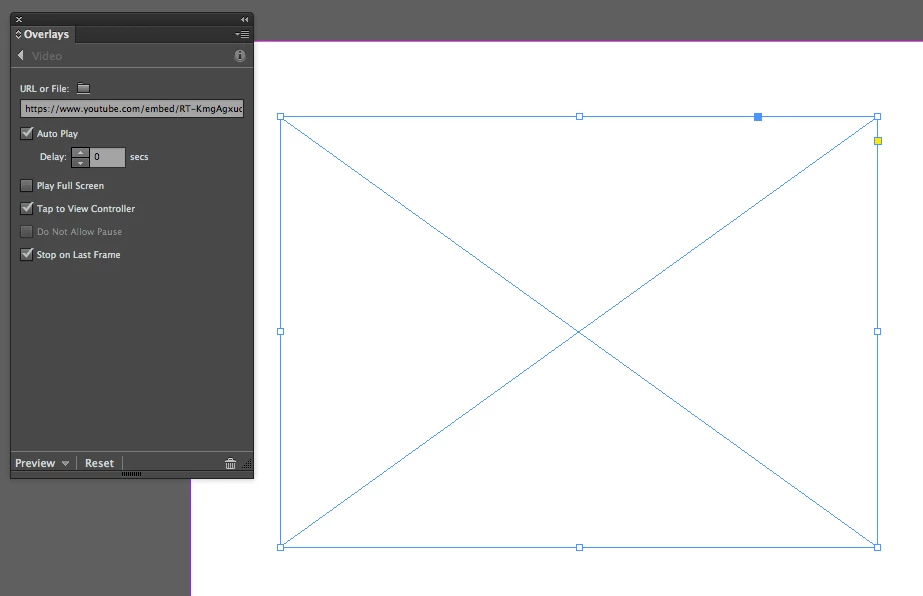
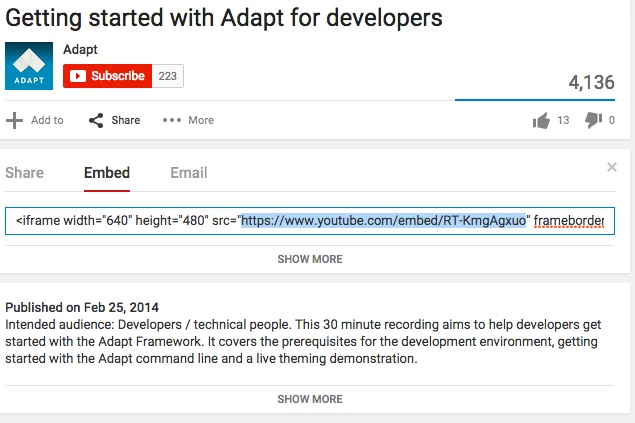
My original question was; do youtube video links work with the Video Overlay option in Indesign? I have tried a handful of ways and I only see a video player when I export the .article and view on the ipad. I have attached screenshots. The last one is of the ipad view.

Thanks!

Jeff
This post is no longer active and is closed to new replies. Need help? Start a new post to ask your question.
Best answer by bobbr3212

For streaming YouTube videos, the best approach is to create a Web overlay, not a Video overlay.

1. Choose Object > Insert HTML, and then paste the embed code you copied from YouTube. When you click OK, a web overlay frame is created in the right dimensions. It usually has an ugly black frame with a Flash warning. Ignore that for now.

2. Select the web object and choose Auto Play in the Overlays panel. This auto plays the web object, not the video itself.

3. Add a static poster image with a play button over the web overlay.

Let us know if you have questions.

2 replies

bobbr3212Adobe EmployeeAccepted solution
Adobe Employee
July 29, 2015

For streaming YouTube videos, the best approach is to create a Web overlay, not a Video overlay.

1. Choose Object > Insert HTML, and then paste the embed code you copied from YouTube. When you click OK, a web overlay frame is created in the right dimensions. It usually has an ugly black frame with a Flash warning. Ignore that for now.

2. Select the web object and choose Auto Play in the Overlays panel. This auto plays the web object, not the video itself.

3. Add a static poster image with a play button over the web overlay.

Let us know if you have questions.

BobLevine
Level 6
July 30, 2015

Just copy/paste the embed code into InDesign. You may need to edit it to include the http://