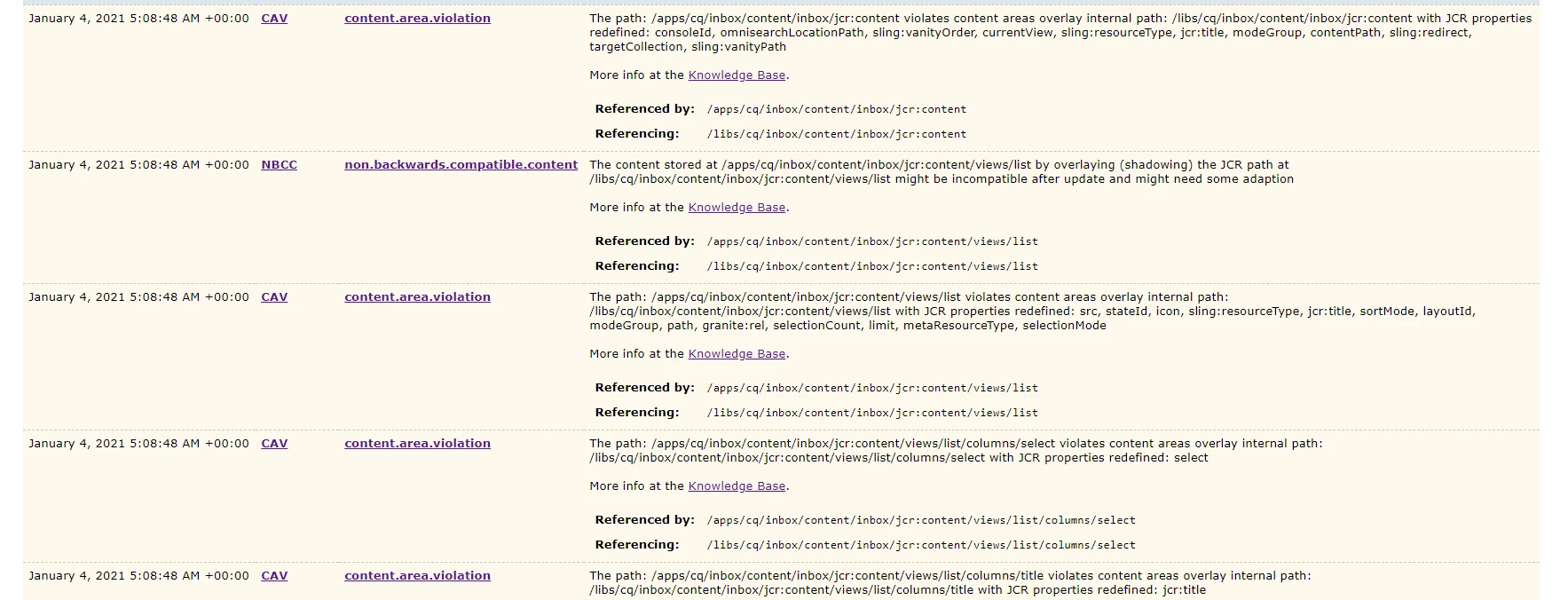
The reason why this happens:
* Some customers are provided with some hotfix for an issue, until the actual fix is released in any future updates/releases. Since the overlay exists(/apps), the actual fix(/libs) won't even show up as working, until that overlay is removed.
Moreover, the fixed file may have something more(e.g.: new feature/functionality or some optimization) than what exists in the overlay. Due to this, that new feature/functionality won't even work and thus, can result in other issues.
* Some customers overlay the OOTB functionalities to do customizations. Let's say, a new feature/functionality is released. The customers won't even be able to see that feature/functionality, until the overlay is removed. This could lead to several issues.
Once you remove/uninstall the overlays, do the upgrade and test OOTB functionalities first. Then, you can install your overlaid packages back. 🙂
Also, whenever you install some SP/CFP, always make sure that you uninstall the overlays and then do the installation, for similar reasons stated above. Then, you can install the overlaid package and/or modify your overlaid code on top of the OOTB feature/fix.
Hope it helps !!