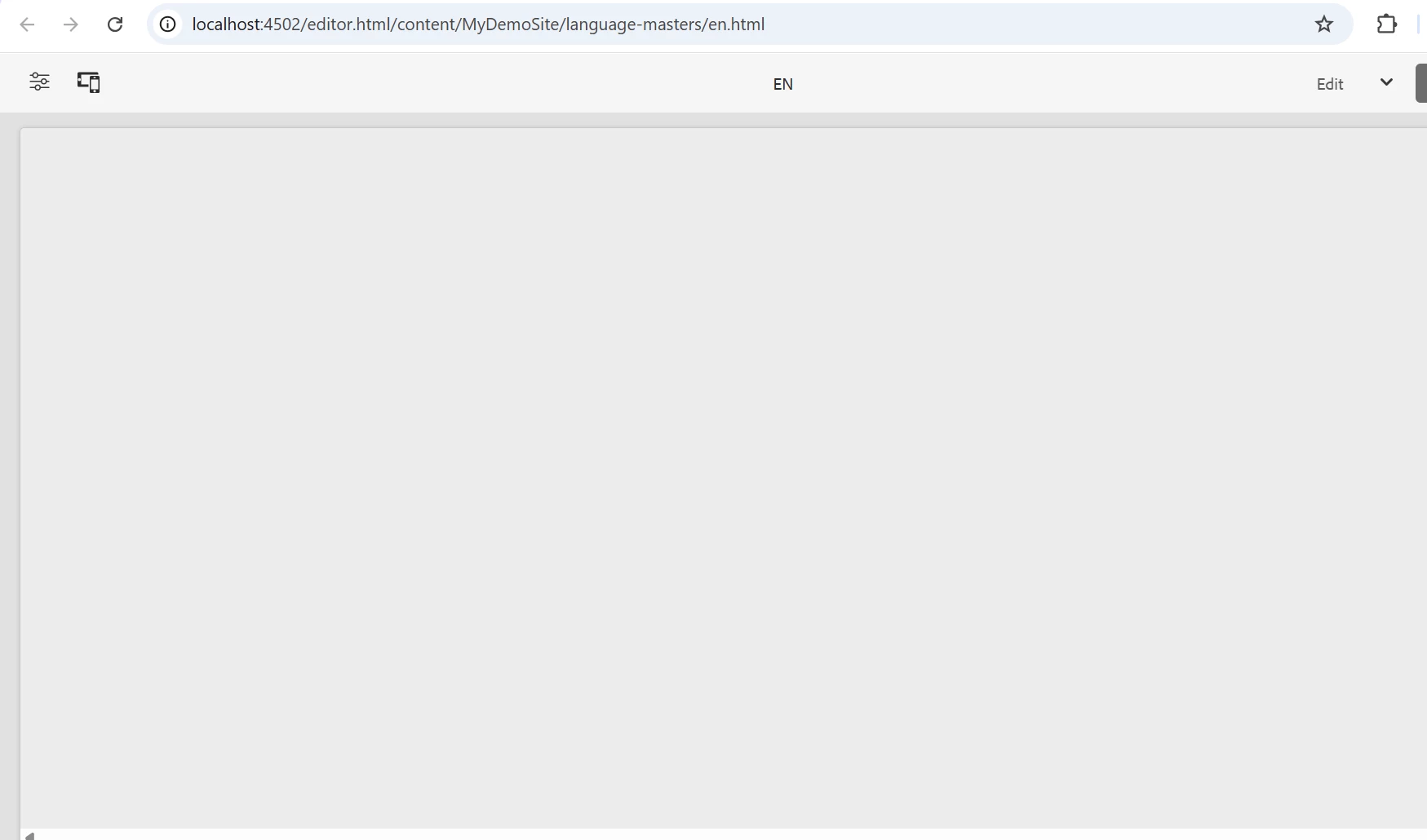
Pages coming blank in author after creating new project 51 archetype | Community
Skip to main content
This post is no longer active and is closed to new replies. Need help? Start a new post to ask your question.
Best answer by Asutosh_Jena_

Hi @nitishku5 

Kindly ensure that you are using the latest SDK version and that it is properly configured in your pom.xml, along with the corresponding Core Components dependency. I noticed that the project currently references an older SDK and Core Components version 2.28.0, while your environment is using version 2.27.0, which appears to be causing the issue.

Thanks,

Asutosh

4 replies

NitishKu5Author
May 2, 2025


Asutosh_Jena_
Community Advisor
Asutosh_Jena_Community AdvisorAccepted solution
Community Advisor
May 2, 2025

Hi @nitishku5 

Kindly ensure that you are using the latest SDK version and that it is properly configured in your pom.xml, along with the corresponding Core Components dependency. I noticed that the project currently references an older SDK and Core Components version 2.28.0, while your environment is using version 2.27.0, which appears to be causing the issue.

Thanks,

Asutosh

Level 2
May 3, 2025

Could you share the log files after following the below steps

1. Open error.log file present under ..\crx-quickstart\logs
2. Delete all the contents of error.log file and save it.

3. Open the page appearing blank.

4. Share the logs generated.


AmitVishwakarma
Community Advisor
Community Advisor
May 4, 2025

Hi @nitishku5 ,

Root Cause:

When pages appear blank in AEM after generating a new project (especially with Archetype 51), it typically means:

  - The template or page component is not correctly linked or missing.

  - The core components version may be mismatched or incorrectly configured.

  - No content is being rendered due to either a missing cq:template, cq:allowedTemplates, or missing body.html.


Try below steps:

1. Verify Template Association

  - Ensure that your page has a template assigned:

Go to CRXDE Lite: http://localhost:4502/crx/de

  - Navigate to:
/content/MyDemoSite/language-masters/en/jcr:content

  - Check property:

cq:template — should point to something like:
/conf/mydemosite/settings/wcm/templates/your-template

If it's missing your page has no rendering base.


2. Check Template's Structure

Go to the template path (from cq:template) and verify:

  - Under /conf/.../templates/your-template/structure/jcr:content, make sure:

    - sling:resourceType is set properly (e.g., mydemosite/components/page/homepage)

    - That component exists under /apps/mydemosite/components/page/homepage

    - body.html (or html.html) exists under that path


3. Ensure Component Has html.html

The component specified in the page’s sling:resourceType must contain:

/apps/mydemosite/components/page/homepage/html.html

Or:

/apps/mydemosite/components/page/homepage/body.html

Without this file, nothing will render.

4. Confirm Core Components Dependency

In your core/pom.xml, make sure you're using the right version of Core Components:

<dependency> <groupId>com.adobe.cq.core.components</groupId> <artifactId>core.wcm.components.core</artifactId> <version>2.27.0</version> <!-- Match your SDK version --> <scope>provided</scope> </dependency>

Match this with your SDK — don’t mix 2.28.0 and 2.27.0.

5. Rebuild and Deploy Again

After verifying above:

mvn clean install -PautoInstallSinglePackage

Then:

  - Refresh page in Author

  - Or, open /content/MyDemoSite/language-masters/en.html in "View as Published" mode

If it’s still blank:

Go to: /crx-quickstart/logs/error.log

Search for Could not find render, Missing resource, or 500

Regards,
Amit