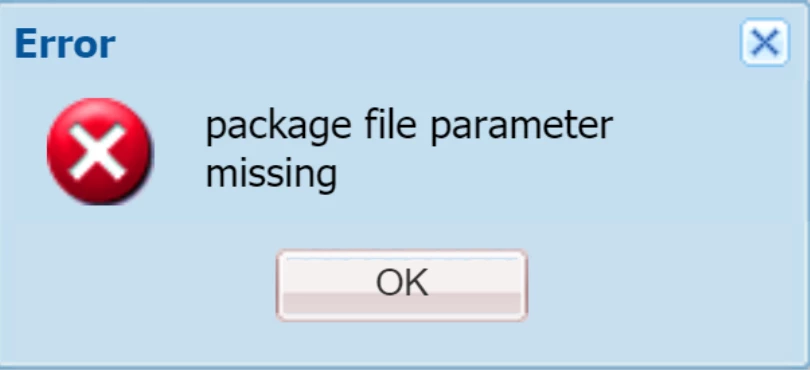
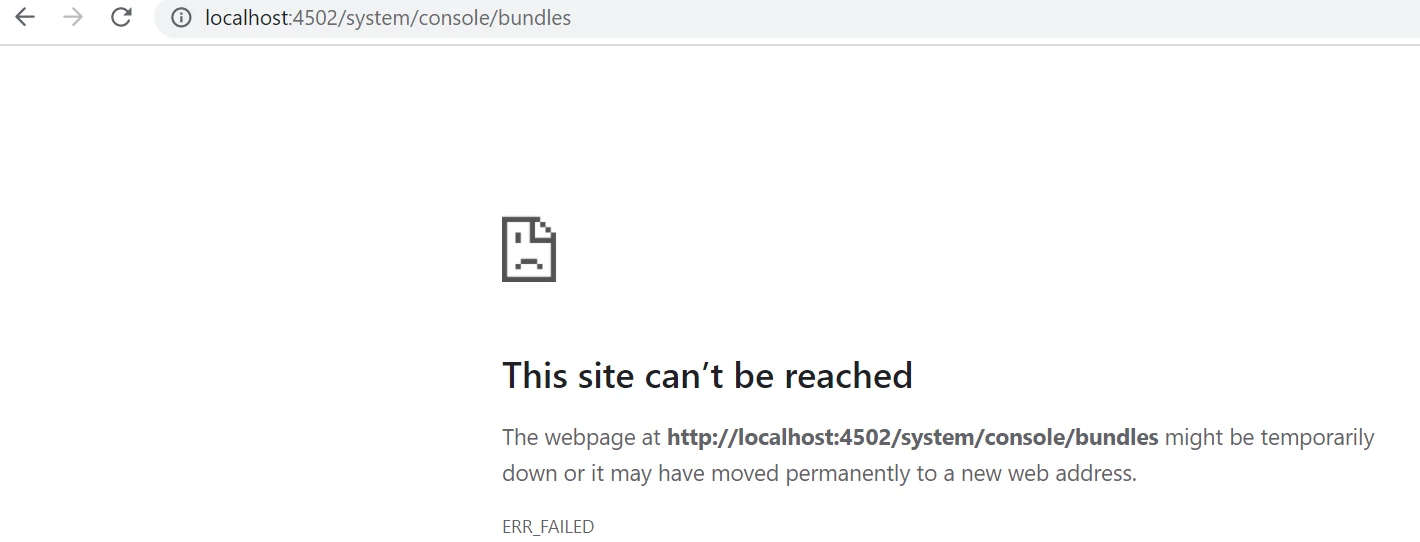
Hi @anoop
You can try below steps:
- Logout and Login into the AEM
- Clear the cache of the browser
- Try uploading in incognito mode
If above doesn't works, then further try below:
1. Make sure the package is not corrupted/properly created. Q: How did you create the package?
2. try the curl command to make sure it's not the issue with package.
command:
curl -u <user>:<password> -F cmd=upload -F force=true -F package=@test.zip http://localhost:4502/crx/packmgr/service/.json
Ref: https://experienceleague.adobe.com/docs/experience-manager-65/administering/operations/curl.html?lang=en
3. Are you using Mac OS? If so, sometimes it might be an issue with access as well, make sure you've proper access to the crx-folder.
Try to start the AEM using command:
java -jar <aem-author-p4502.jar>
Hope this helps.
Hope this helps!