Hi @aemuser29
There are plenty options you can consider for the same
- Create custom component and enable table plugin as is it for text component
- Create custom component, extend to text component and enable plugin.
- Can use Text component for the same.
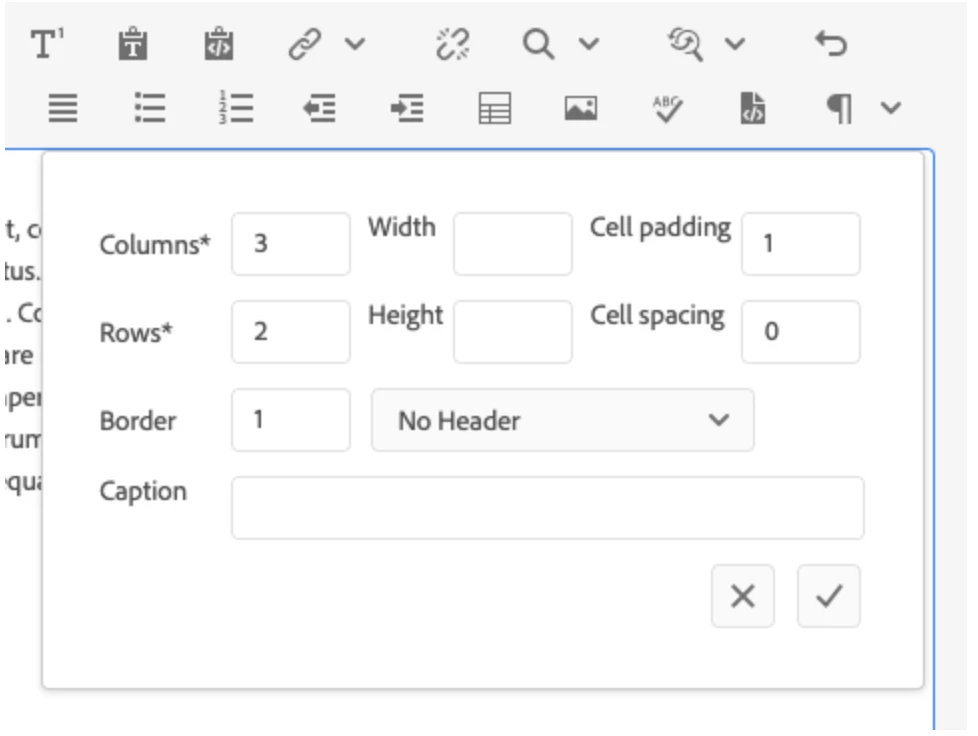
How to enable it?
The design appears in the side panel if the user is using static templates. For editable templates we can enable components feature by going to the template editor mode follow below steps
From page properties, click on "Edit Template" option
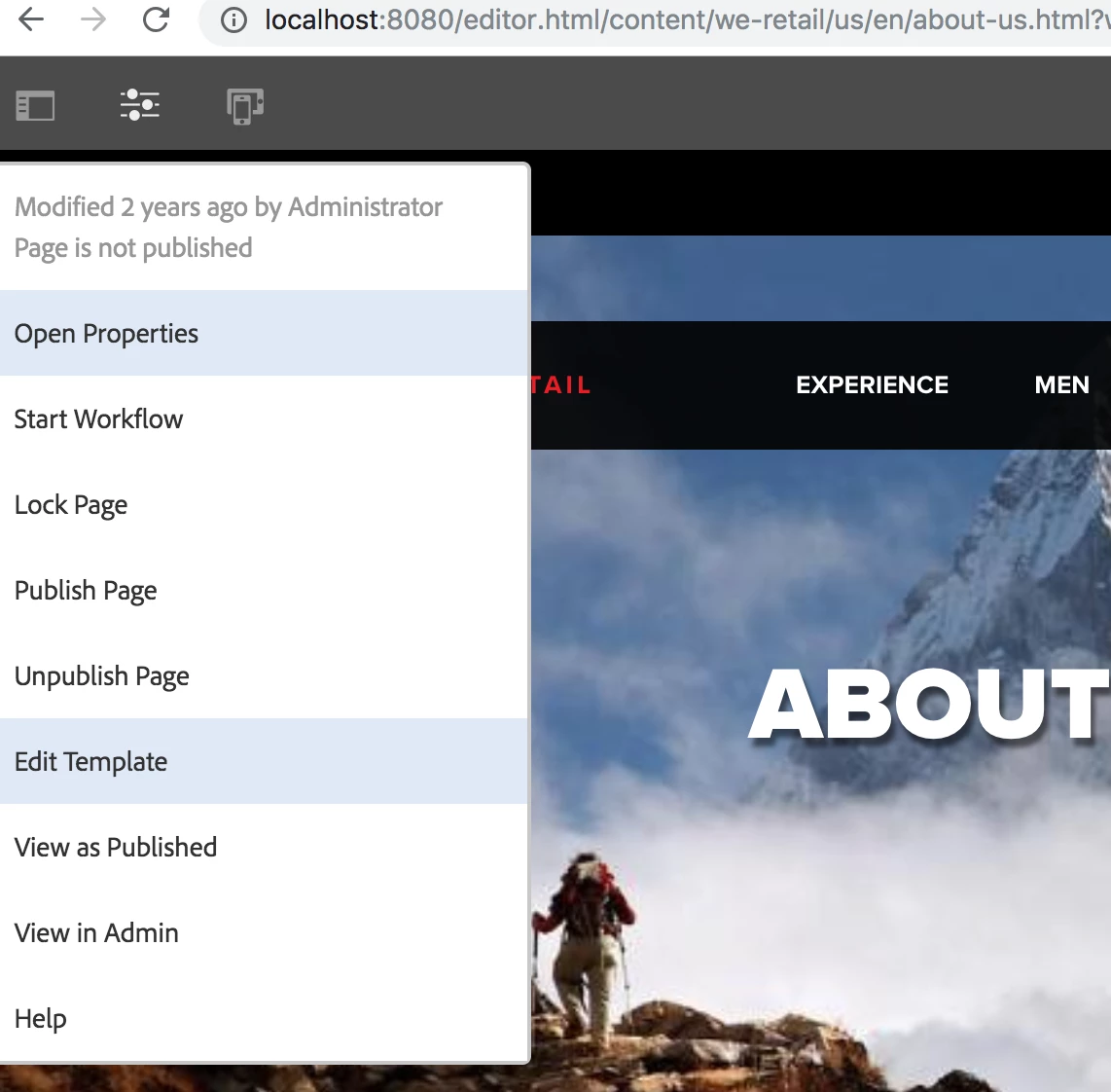
Which takes to below page and we can add the required components in layout container (Click on second option)
http://<host>:<port>/editor.html/conf/we-retail/settings/wcm/templates/hero-page/structure.html
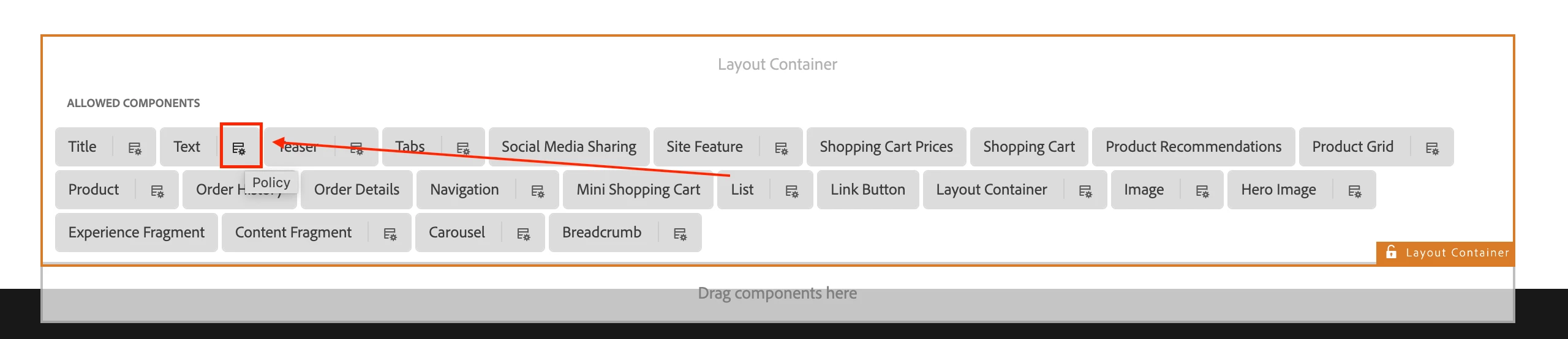
Note: The edit dialog features in-line editing with limited options with full functionality available in the full-screen edit dialog. Using the design dialog, text formatting options such as headings, special characters, and paragraph styles can be configured for the template for the content author.
Reference: https://experienceleague.adobe.com/docs/experience-manager-core-components/using/components/text.html#table
Hope that helps!
Regards,
Santosh