Not able to see content fragment under start screen | Community
Skip to main content
June 27, 2023
Solved

Not able to see content fragment under start screen

  • June 27, 2023
  • 3 replies
  • 1371 views

Hi,


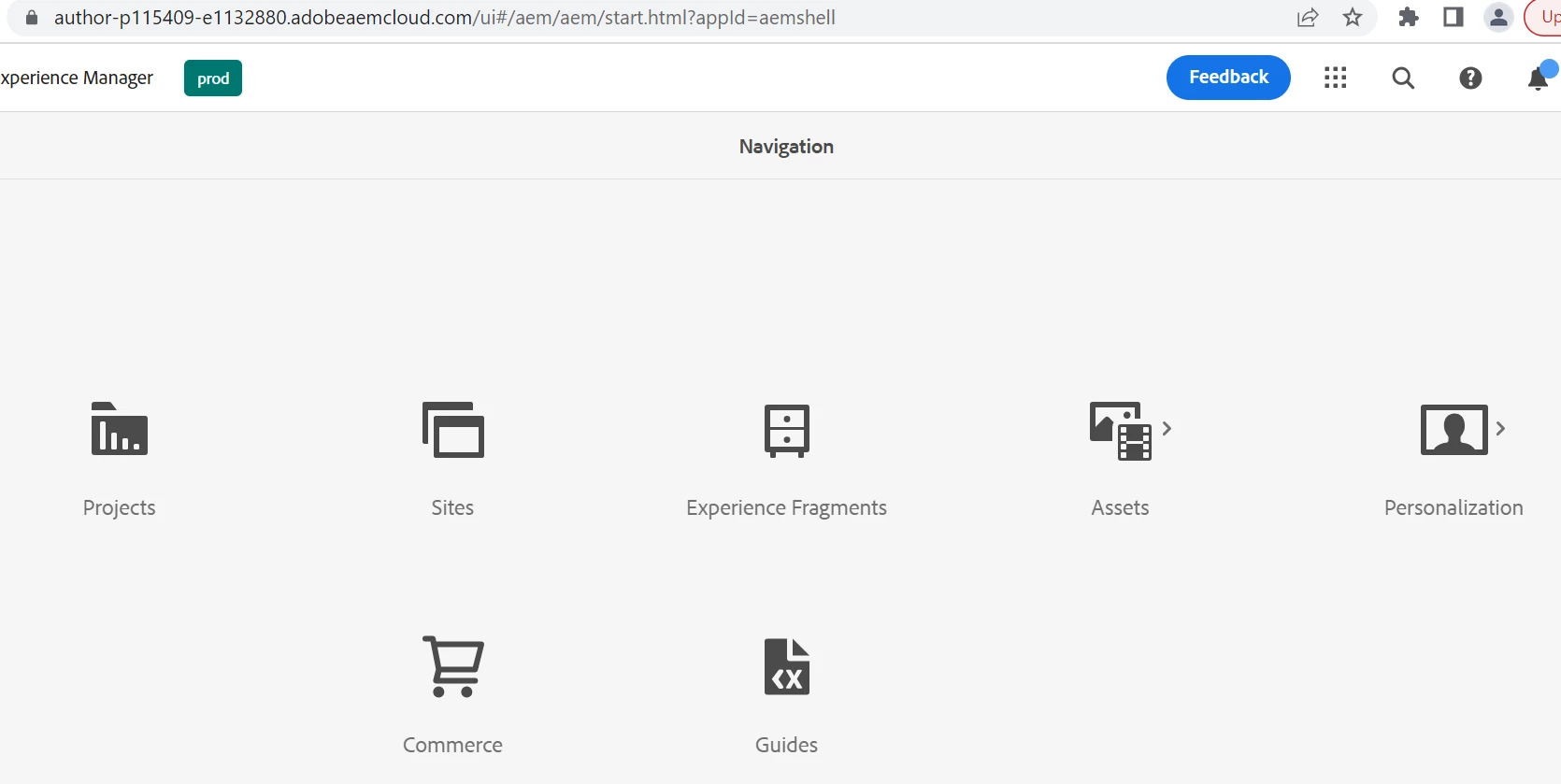
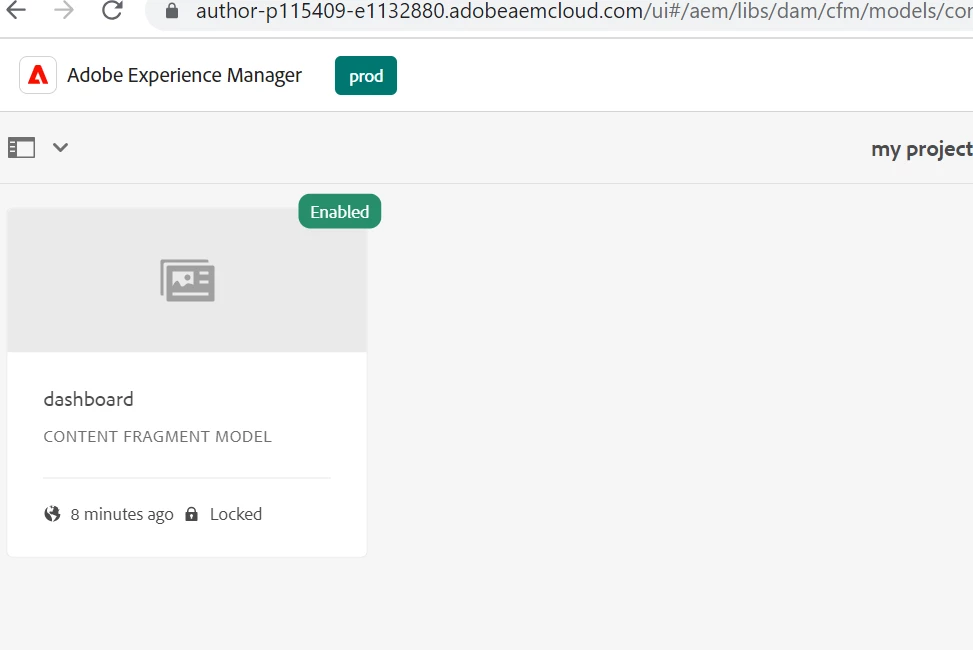
I am new to content fragment and facing a problem on AEM cloud trial version. I am trying to create a content fragment modal on cloud but when I am trying to author it I cannot see content fragment in start screen. Please find the screenshot below.


This post is no longer active and is closed to new replies. Need help? Start a new post to ask your question.
Best answer by aanchal-sikka

@ayushi4 


Content Fragments are not listed in Start Screen directly.

  1. You need to go to Assets > Files
  2. Now, Folders in DAM would be listed. 
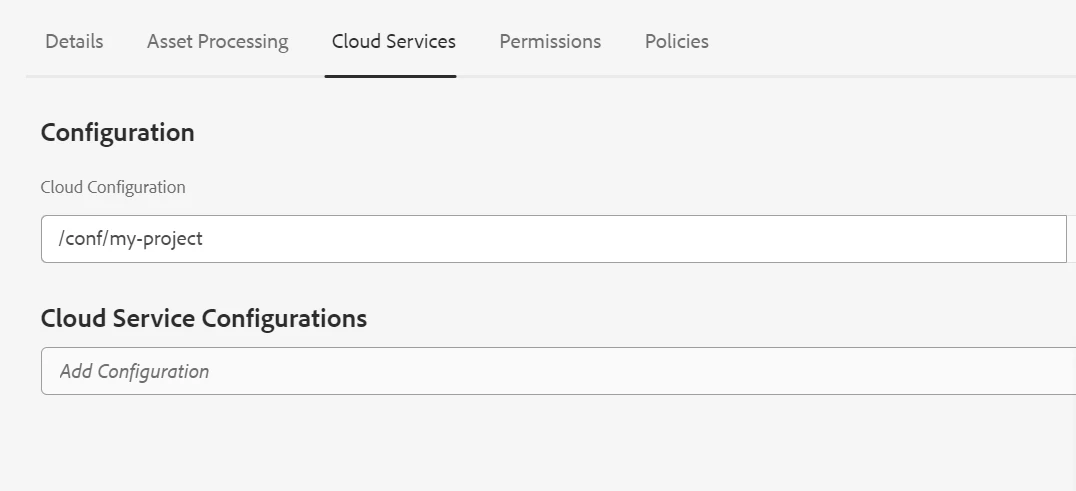
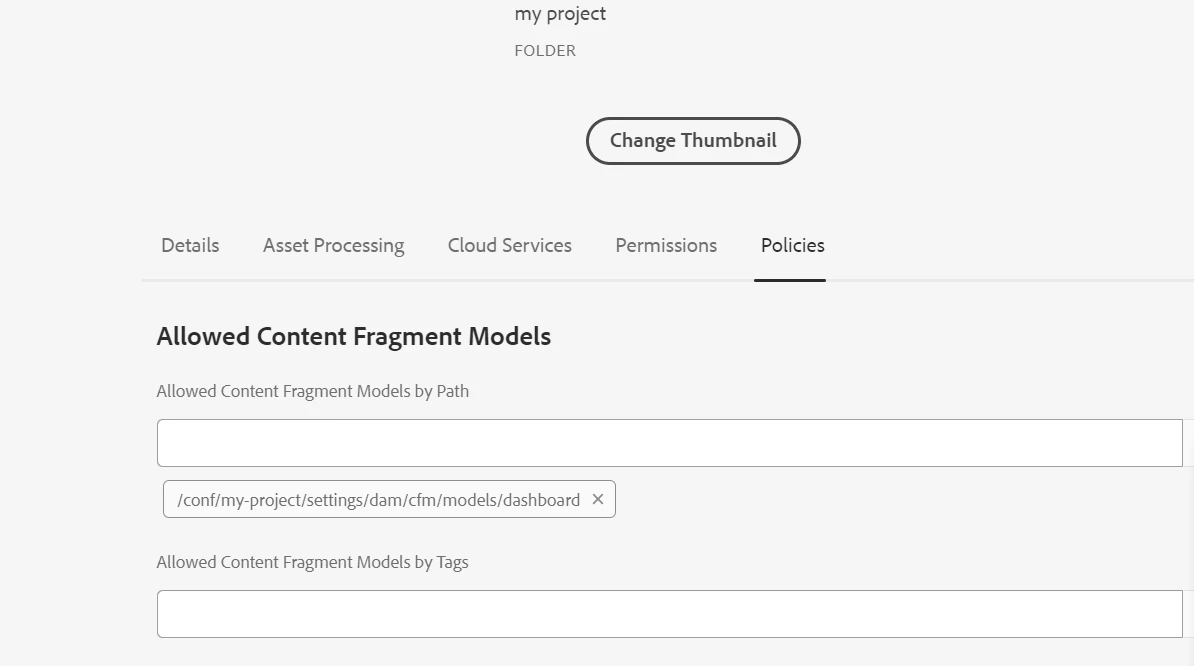
  3. Go to the folder, where you have configured the "Cloud Services"
  4. Click on the Blue Create button, select "Content Fragment". You should get the CF Model

3 replies

DPrakashRaj
Community Advisor
Community Advisor
June 27, 2023

Before creating a content fragment model in aem you need to first enable it.

check below documentation on how to enable the content fragment model in aem as cloud service

https://experienceleague.adobe.com/docs/experience-manager-cloud-service/content/assets/content-fragments/content-fragments-configuration-browser.html?lang=en

aanchal-sikka
Community Advisor
aanchal-sikkaCommunity AdvisorAccepted solution
Community Advisor
June 28, 2023

@ayushi4 


Content Fragments are not listed in Start Screen directly.

  1. You need to go to Assets > Files
  2. Now, Folders in DAM would be listed. 
  3. Go to the folder, where you have configured the "Cloud Services"
  4. Click on the Blue Create button, select "Content Fragment". You should get the CF Model
Aanchal Sikka
Nirmal_Jose
Adobe Employee
Adobe Employee
June 28, 2023

The show/hide is associated to an additional administrator access right group synced from admin console. There might be some syncing issues/conflicting cookie sessions preventing you from seeing the console link.


Also, can you let me know if you are able to see it in the non-shell version - <cloud instance url>/aem/start.html