No "Drag Components here" in template edit | Community
Skip to main content
April 10, 2018
Solved

No "Drag Components here" in template edit

  • April 10, 2018
  • 4 replies
  • 2326 views

Hi,

I have the quickstart jar for AEM 6.3 and I'm going through the WKND tutorial. I'm at part 2 and under the heading "Create our first page". When I create a template from the empty page template there are no "Drag components here", so I can't continue with the tutorial? It says to mark the root layout container (which I do not have) and edit its policies.

Have anyone else encountered this problem?
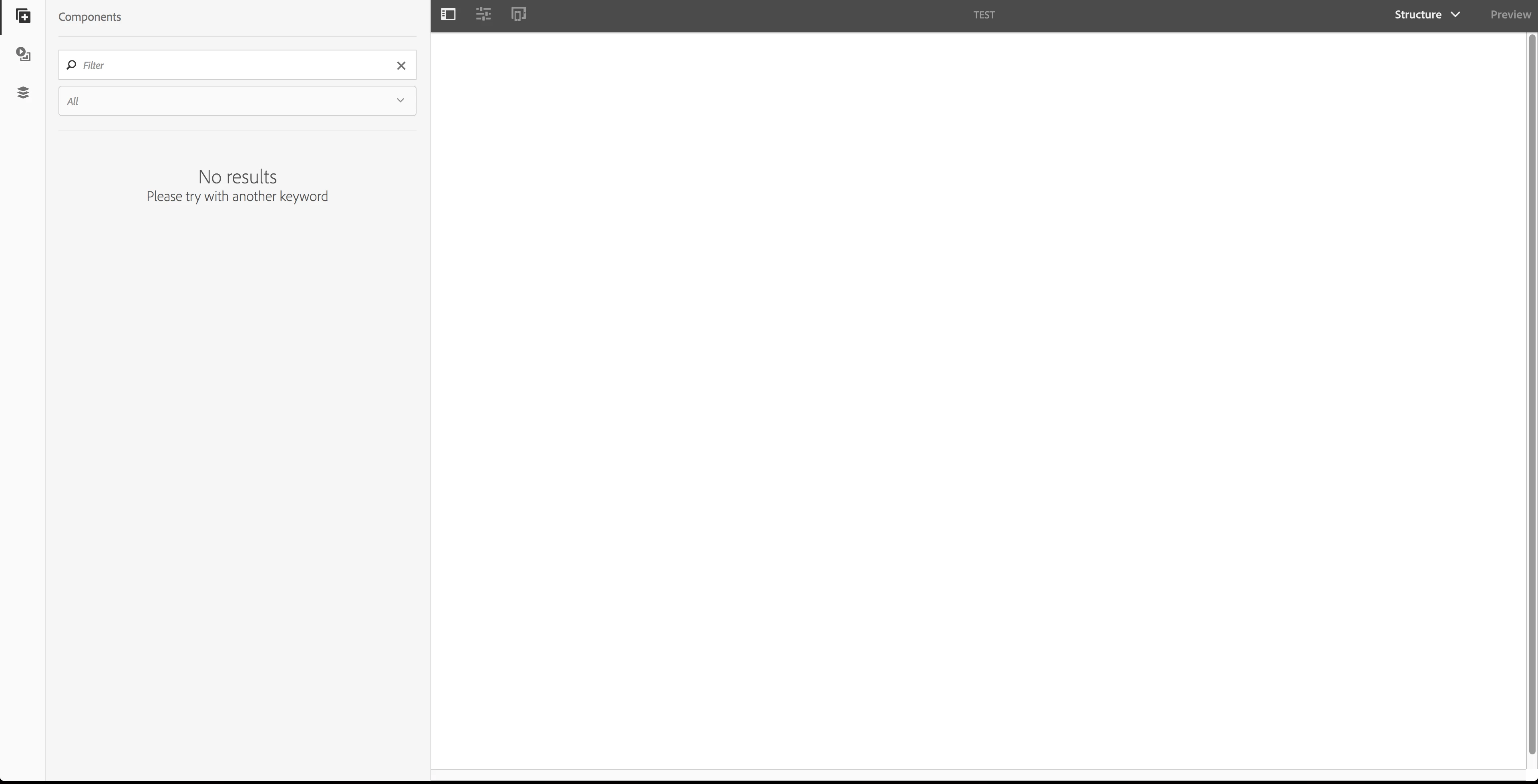
Regards,

/Robert

This post is no longer active and is closed to new replies. Need help? Start a new post to ask your question.
Best answer by roberts80774429

This was due to missing the patches to AEM 6.3. Installing SP2 fixed it.

4 replies

Ratna_Kumar
Level 10
April 10, 2018

Hi Robert,

Have you followed the exact steps that described in the article.

I have done this before but I didn't faced this issue.

I will again look into it and get back to you with my findings!!

Thanks,

Ratna.

April 10, 2018

Hi Ratna,

Yes I have done all the steps in the tutorial. I have also cloned the finished repository from github:

Releases · Adobe-Marketing-Cloud/aem-guides-wknd · GitHub

And I have the same problem with that.

Regards,

/Robert

roberts80774429AuthorAccepted solution
April 11, 2018

This was due to missing the patches to AEM 6.3. Installing SP2 fixed it.

July 17, 2021

@roberts80774429 I am facing same issue in 6.4 have got solution for this at that time?