New page in Master site | Community
Skip to main content
Level 5
August 9, 2021
Solved

New page in Master site

  • August 9, 2021
  • 2 replies
  • 718 views

Hi All,


Hope you are fine.

AEM Version: 6.5.6.0

Question 1:


A) We have created a new site  using Blueprint from Master site .

B) Now we add a new Page A in Master site.

C)How we can sync Page A from Master site to new Site as When we try to open page properties of A, it does not show up "Blueprint " Tab ?


Question 2:

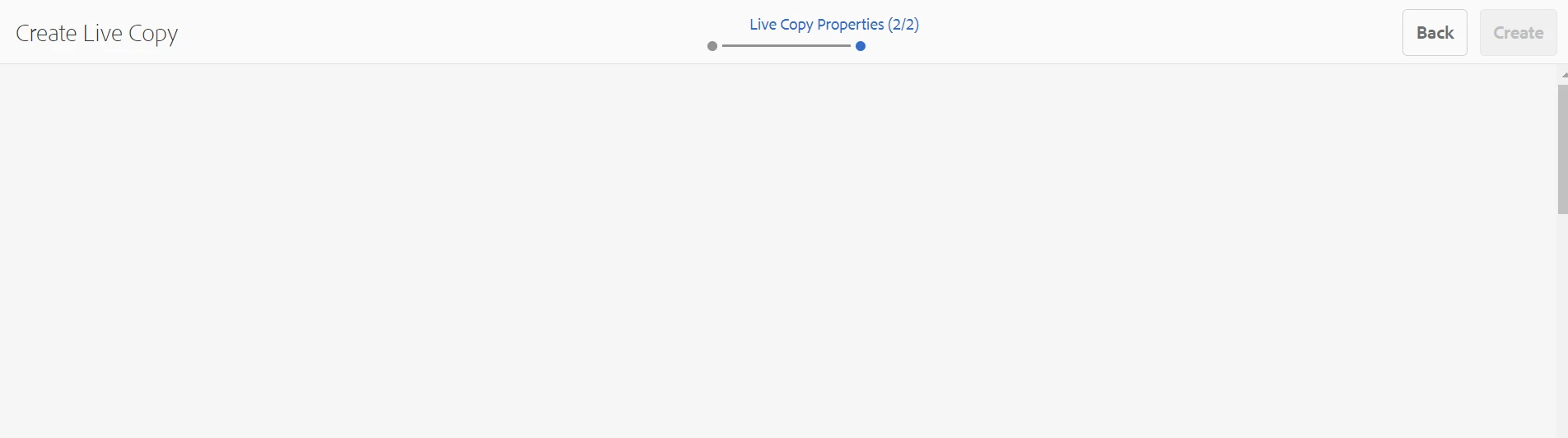
While creating live copy of Page A, We get blank screen in Step 2 as below:
 

Regards,

AP



This post is no longer active and is closed to new replies. Need help? Start a new post to ask your question.
Best answer by aanchal-sikka

Please assure you have configured the Blueprint and then created the live copy properly. Sharing a reference document

https://experienceleague.adobe.com/en/docs/experience-manager-65/content/sites/administering/introduction/msm-livecopy 


If configured properly, you should get the options in Livecopy tab.


2 replies

Adobe Employee
August 9, 2021

Hi @arvind-1 ,


As you told that you have created the site first and then added a page named A to Master.

Now you need to individually create a live copy of Page A in your site.


Hope this helps!!


Thanks

aanchal-sikka
Community Advisor
aanchal-sikkaCommunity AdvisorAccepted solution
Community Advisor
July 5, 2024

Please assure you have configured the Blueprint and then created the live copy properly. Sharing a reference document

https://experienceleague.adobe.com/en/docs/experience-manager-65/content/sites/administering/introduction/msm-livecopy 


If configured properly, you should get the options in Livecopy tab.


Aanchal Sikka