Solved
Need Help with testing My app on iOS
 Requirements for Signing Apps
iOS
- The unsigned .ipa file downloaded from Apps.
- A .p12 development certificate (for building a test app) or a .p12 distribution certificate (for submitting to Apple). You must also specify the certificate password.
- A development mobileprovision file that includes device IDs for testing or a distribution mobileprovision file for submitting to Apple.
- A Mac OS computer.
The above paragraph taken from the DPS help document. I Have A developer account but didn't enroll (99$) yet. I want o test My app.
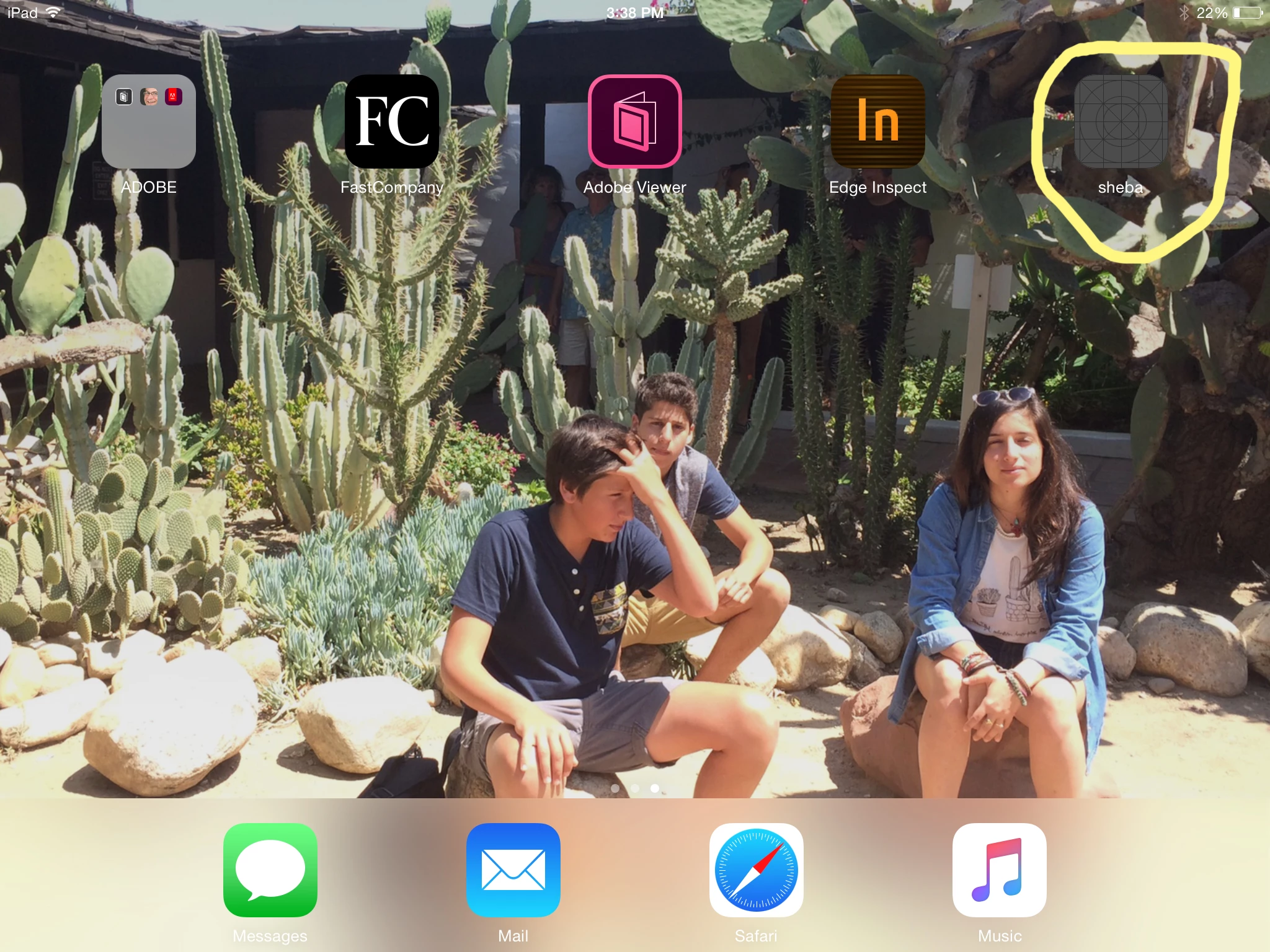
Tried to download the ipa (unsigned) file and install it to the Tablet, I only come u with a generic icon (I did load custom icon for this app) that when I press on it nothing happen and the caption bellow the icon change to "installing".