Multifield customization | Community
Skip to main content
djohn98390536
Level 4
August 7, 2023
Solved

Multifield customization

  • August 7, 2023
  • 3 replies
  • 1029 views

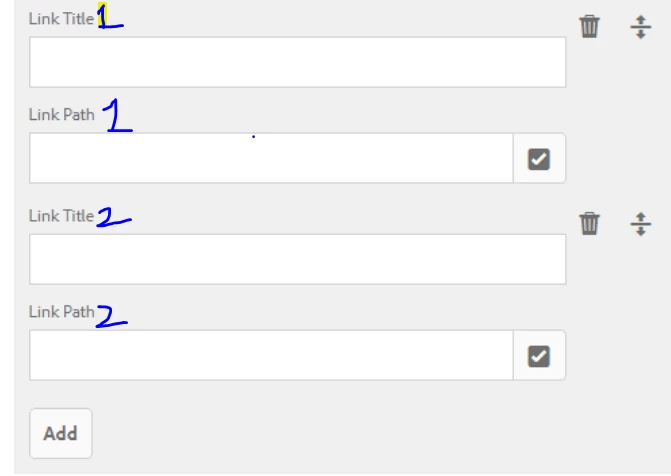
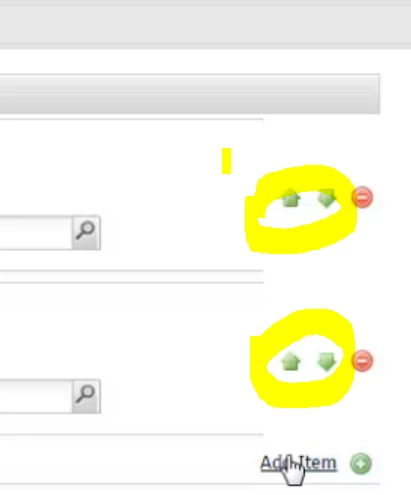
Can it be possible to create the below structure for multifield in AEM 6.5. How to achieve the property we had in classic ui multifield dialog to interchange the multifield dialog property.


Thanks.

This post is no longer active and is closed to new replies. Need help? Start a new post to ask your question.
Best answer by arunpatidar

You can try this https://aemlab.blogspot.com/2022/07/aem-authoring-multifield-counter.html 


This will help to add counters and segregation of items


3 replies

iamnjain
Community Advisor
Community Advisor
August 7, 2023

Hello @djohn98390536 


You mean, dynamically add numbers as we add item in multifields. Like if you add one more in above dialog, then It should say, Link Title 3 and Link Path 3


Did I get it right?

djohn98390536
Level 4
August 7, 2023

yes

Sudheer_Sundalam
Community Advisor
Community Advisor
August 7, 2023

@djohn98390536 ,


I don't think we have "Up" and "Down" arrow icons in the Touch UI. The users are expected to use the UP/Down icon next "Delete" icon to re-arrange the multifiled items. Grabbing and re-arranging up/down is much simpler than clicking on the up/down arrow icons imo.

arunpatidar
Community Advisor
arunpatidarCommunity AdvisorAccepted solution
Community Advisor
August 8, 2023

You can try this https://aemlab.blogspot.com/2022/07/aem-authoring-multifield-counter.html 


This will help to add counters and segregation of items


Arun Patidar
