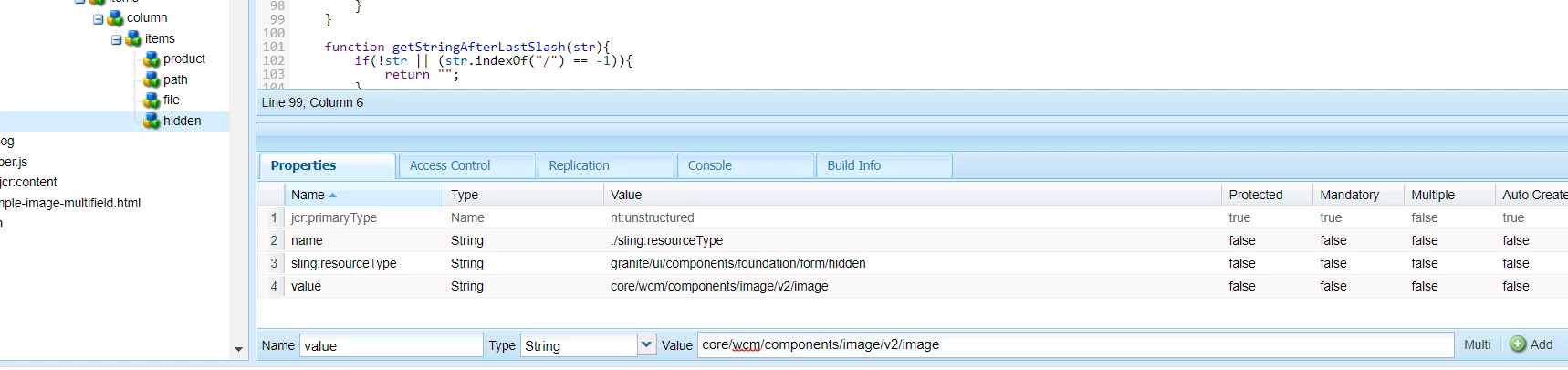
Multi image dialog - store items/images with image resource type
hello all,
I'm building multi image dialog, everything works fine except that when the dialog item (with image and some text) is stored I would like the item/s to be stored as sling:resourceType of core image so that in the HTL I can use something like,
data-sly-resource="${ item @ resourceType = 'core/wcm/components/image/v2/image' } so that I can leverage responsive features of image component.
Currently I'm rendering image as, for which I'm not sure is a proper way and is this going to work on publishing server ?
<img src="${item.fileReference}"/>
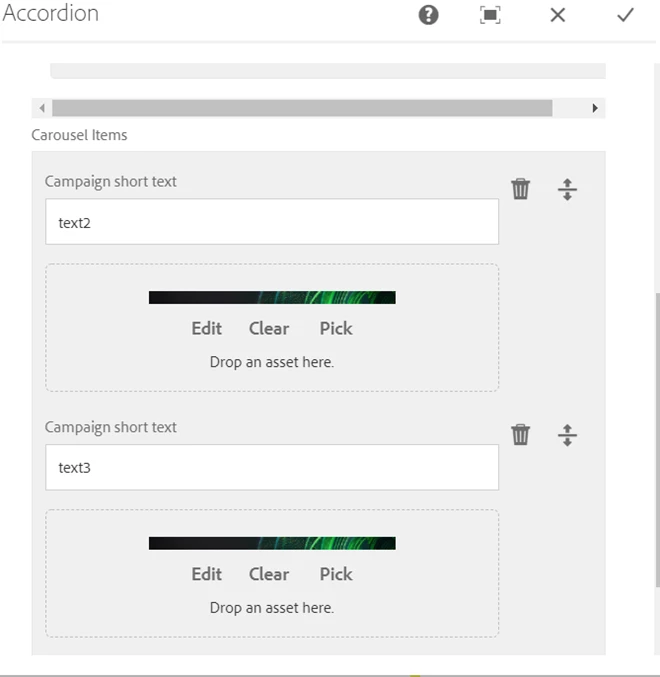
Component dialog
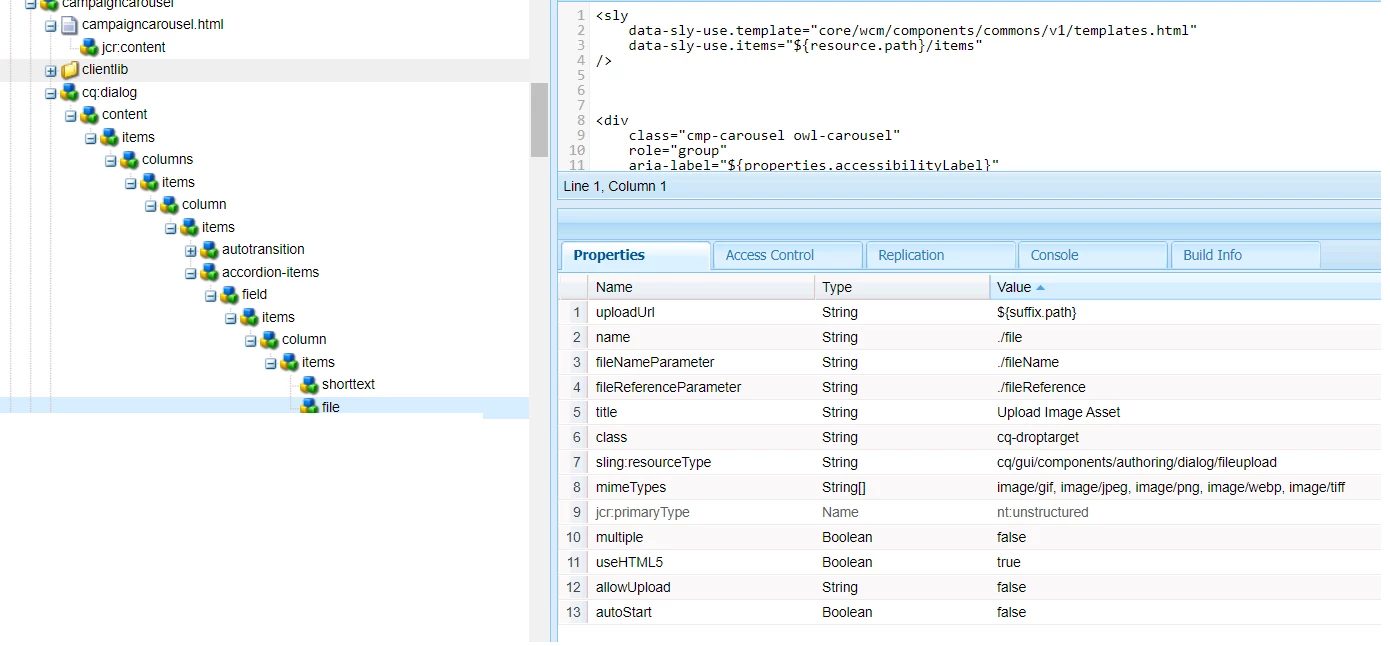
dialog structure in crx
Content item upon Author uploads image to dialog.
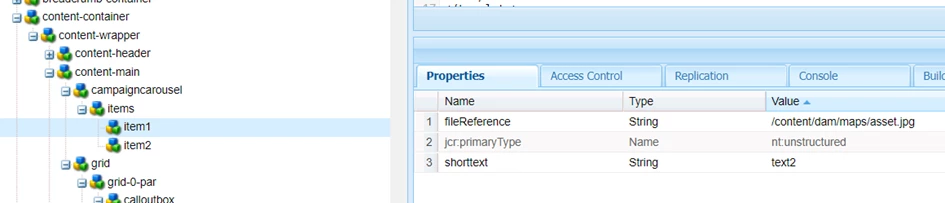
This is where (item1, item2, etc...) I would like to have one more property, sling:resourceType of core image .
Thank you