Limited amount of images showing on the side Panel
Hi all,
I am not able to load more images on the left side panel in the Author Edit mode. I posted a similar issue (https://experienceleaguecommunities.adobe.com/t5/adobe-experience-manager/limited-amount-of-images-showing-on-the-right-panel/m-p/668390#M167219) a few days ago, and closed it without more detailed testing. I will list a few situations below:
1. Macbook Pro 14
Works well under all browsers and conditions, as far as I know.
2. iMac Pro 27"
- Works well for Safari and Firefox
- Doesn't work on Chrome with regular window (Only shows 20 assets). This is proven when uploading a new asset, the bottom one will be gone. It doesn't react to mouse scroll.
- Works on Chrome if opening up a "Developer Tools" panel located at the bottom.
The followings are the screenshots from We.Retail:
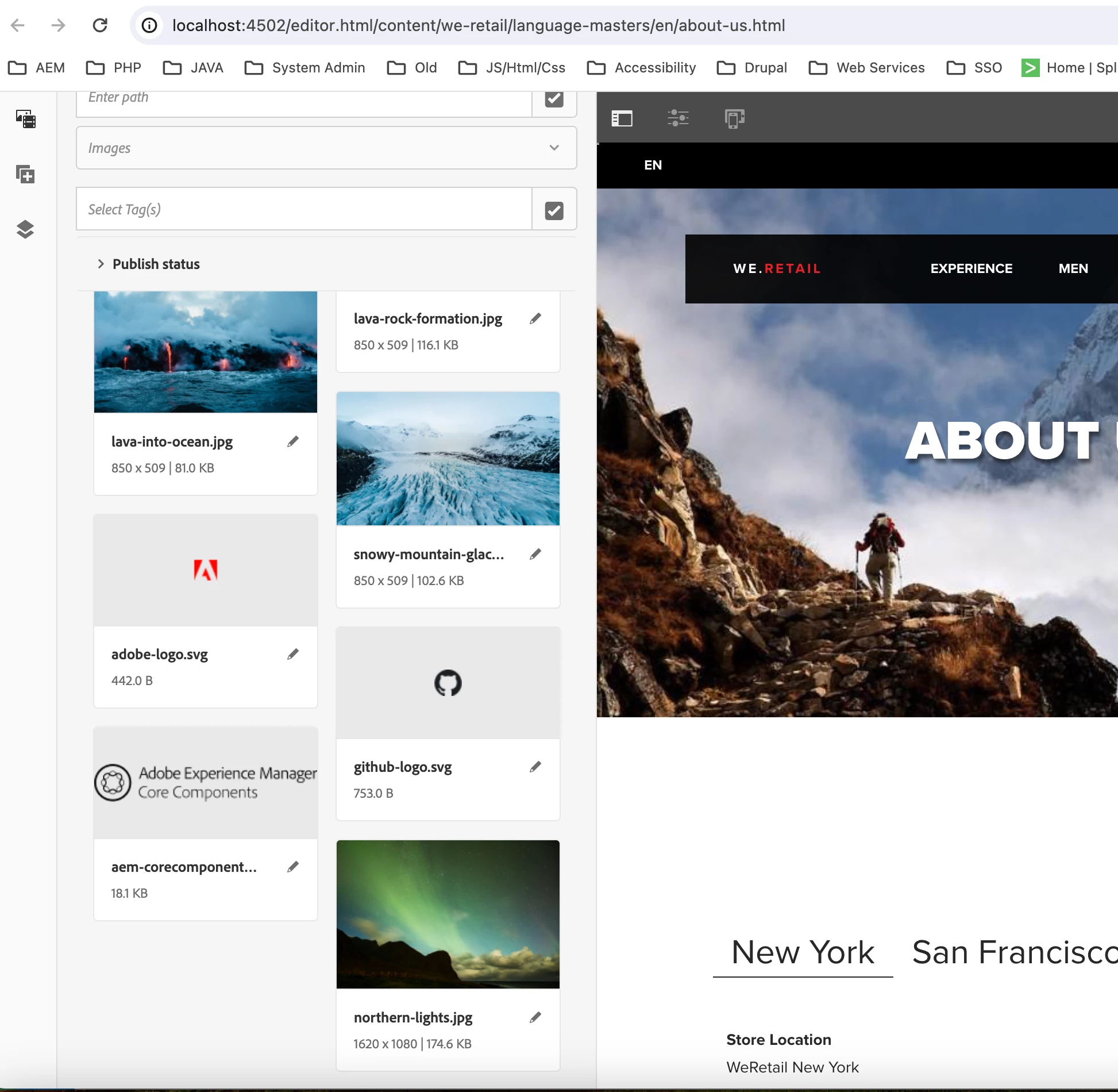
Figure1: Without Developer Tools, only shows 20 pictures
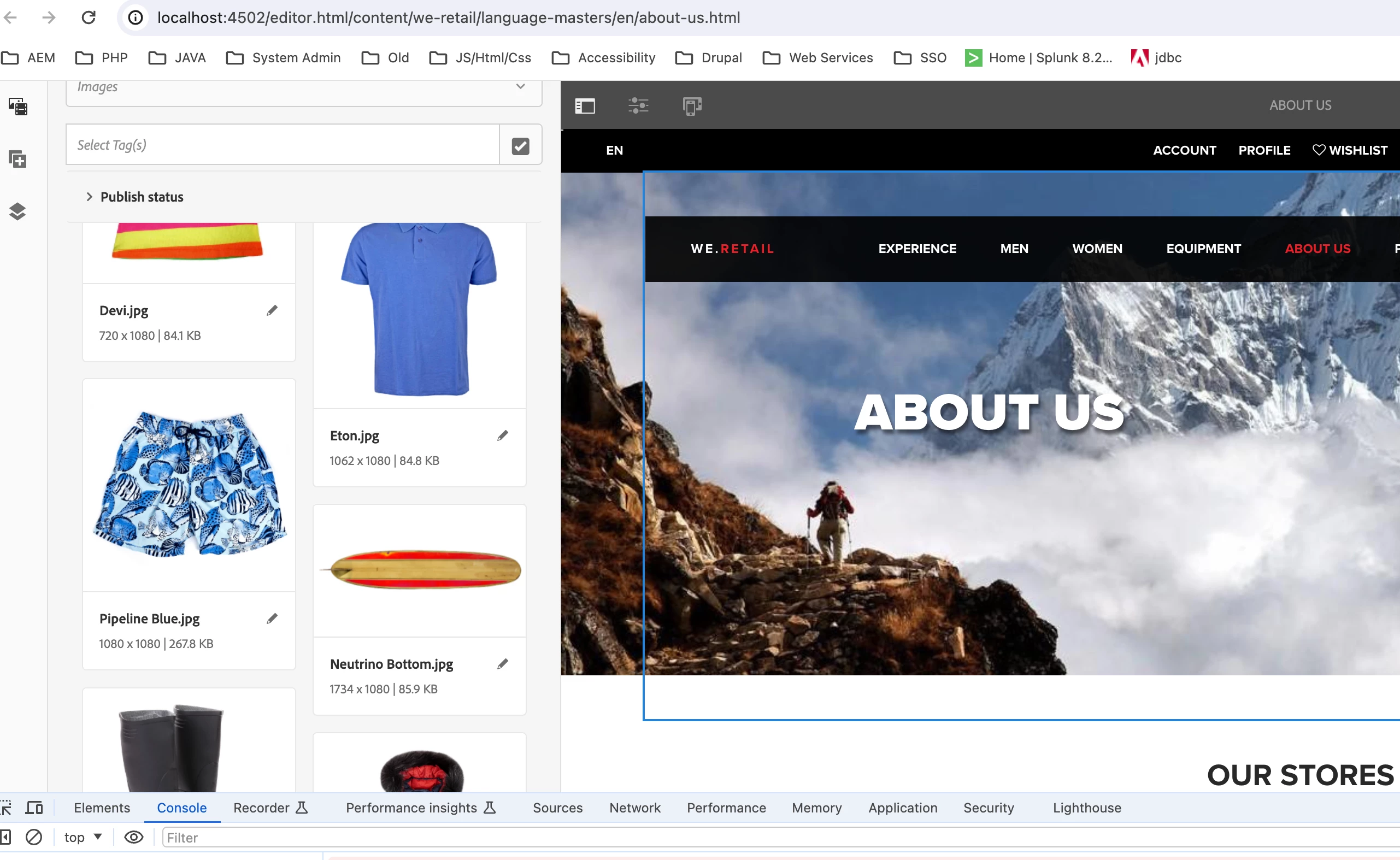
Figure2: With Developer Tools, able to keep loading more assets
I wonder if the js detecting the screen sizes.
Thanks!
-kt