Level 2
August 17, 2023
Solved

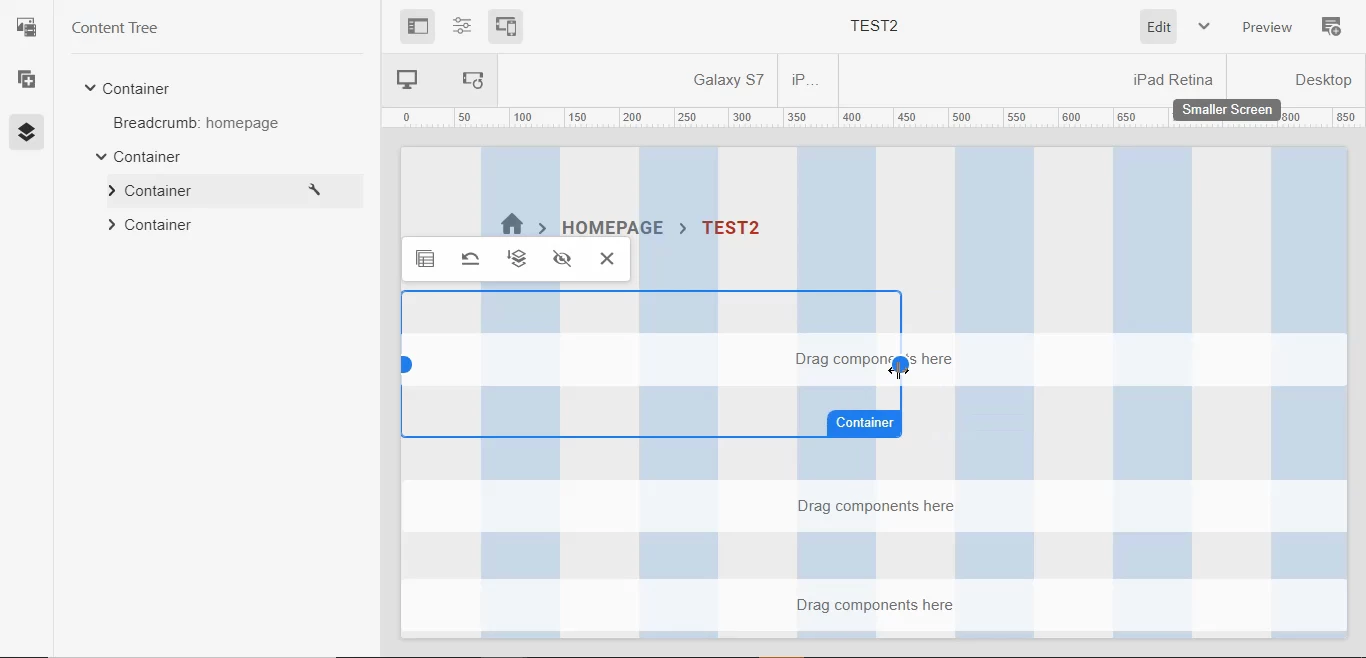
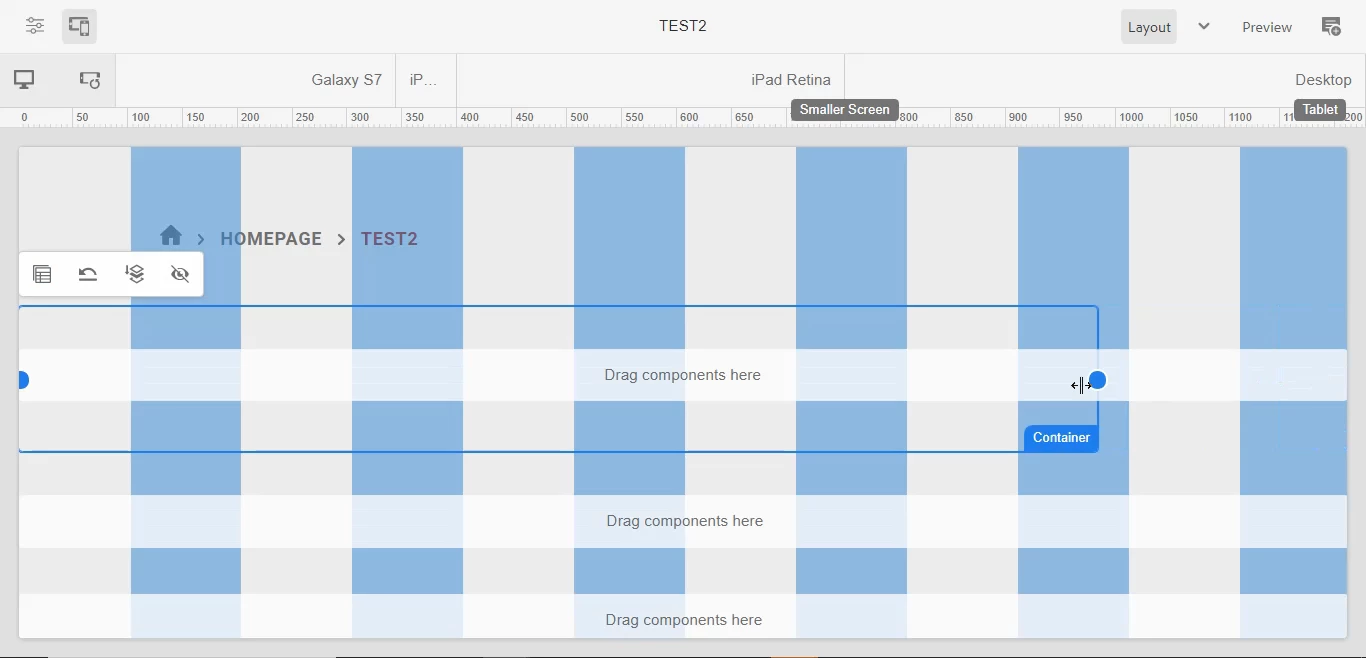
Layout resizing is not happening in AEM

I'm trying to do resizing of two containers which are responsive but they are not resizing.

I'm using cloud instance ( 2023.6.12255.20230608T053118Z-230400).


This post is no longer active and is closed to new replies. Need help? Start a new post to ask your question.
Harwinder-singh
Harwinder-singhAccepted solution
Community Advisor
August 17, 2023

@naveent1  Is this happening on a vanilla instance or with your custom code installed ?

If it is custom, you may want to check if any custom CSS class that is causing this.


Also, since this is a nested container, you might want to check this article as well : 

https://www.albinsblog.com/2023/02/responsive-layouts-not-working-for-nested-containers-aem.html


3 replies

Mahedi_Sabuj
Community Advisor
Community Advisor
August 17, 2023

Hi @naveent1,

It seems that Responsive CSS hasn't been integrated into the template.

You can refer to Step 5 outlined in this resource for guidance

https://www.linkedin.com/pulse/putting-aem-responsive-grid-pieces-together-vimal-kumar/ 

Same problem also discussed here: https://experienceleaguecommunities.adobe.com/t5/adobe-experience-manager/not-able-to-resize-the-layout-container/td-p/576905 


Translate
Mahedi Sabuj
EstebanBustamante
Adobe Champion and Community Advisor
August 17, 2023

This is mainly for 2 reasons:
1) The CSS is not set as mentioned before, you can check here about how to add the less file with your corresponding breakpoints https://experienceleague.adobe.com/docs/experience-manager-65/administering/operations/configuring-responsive-layout.html?lang=en#include-the-responsive-css

2) The breakpoints are not set in your template https://experienceleague.adobe.com/docs/experience-manager-65/administering/operations/configuring-responsive-layout.html?lang=en#configure-the-breakpoints 


Translate
Esteban Bustamante
Harwinder-singh
Community Advisor
Harwinder-singhCommunity AdvisorAccepted solution
Community Advisor
August 17, 2023

@naveent1  Is this happening on a vanilla instance or with your custom code installed ?

If it is custom, you may want to check if any custom CSS class that is causing this.


Also, since this is a nested container, you might want to check this article as well : 

https://www.albinsblog.com/2023/02/responsive-layouts-not-working-for-nested-containers-aem.html


Translate