Level 2
Aug 22, 2016 2:48 PM UTC
Solved

Java issue with AEM Mobile Sign In Tool

I recently upgrade my MBP with a new one.

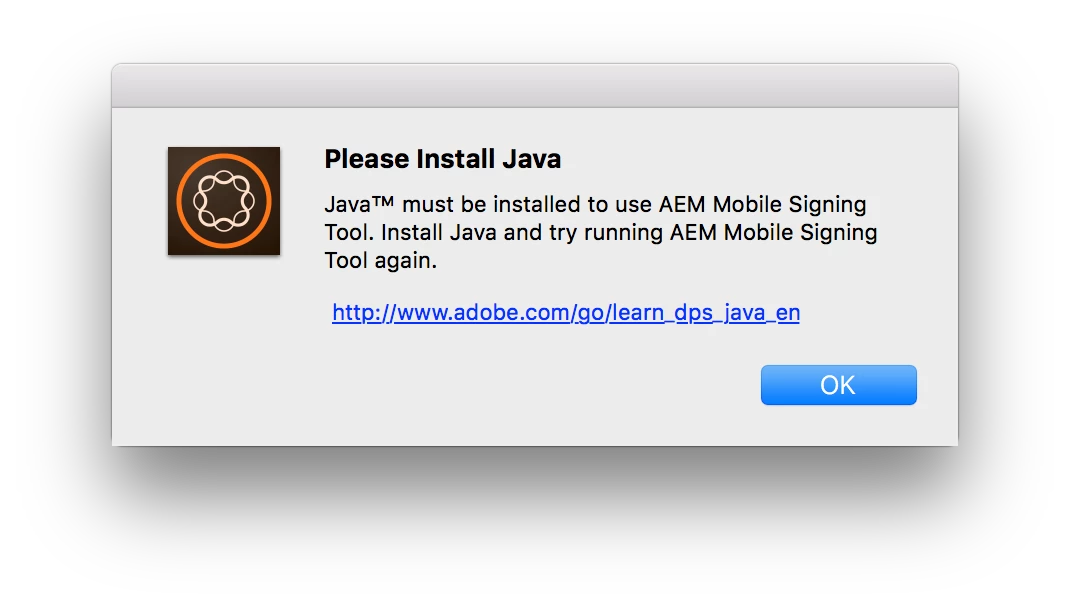
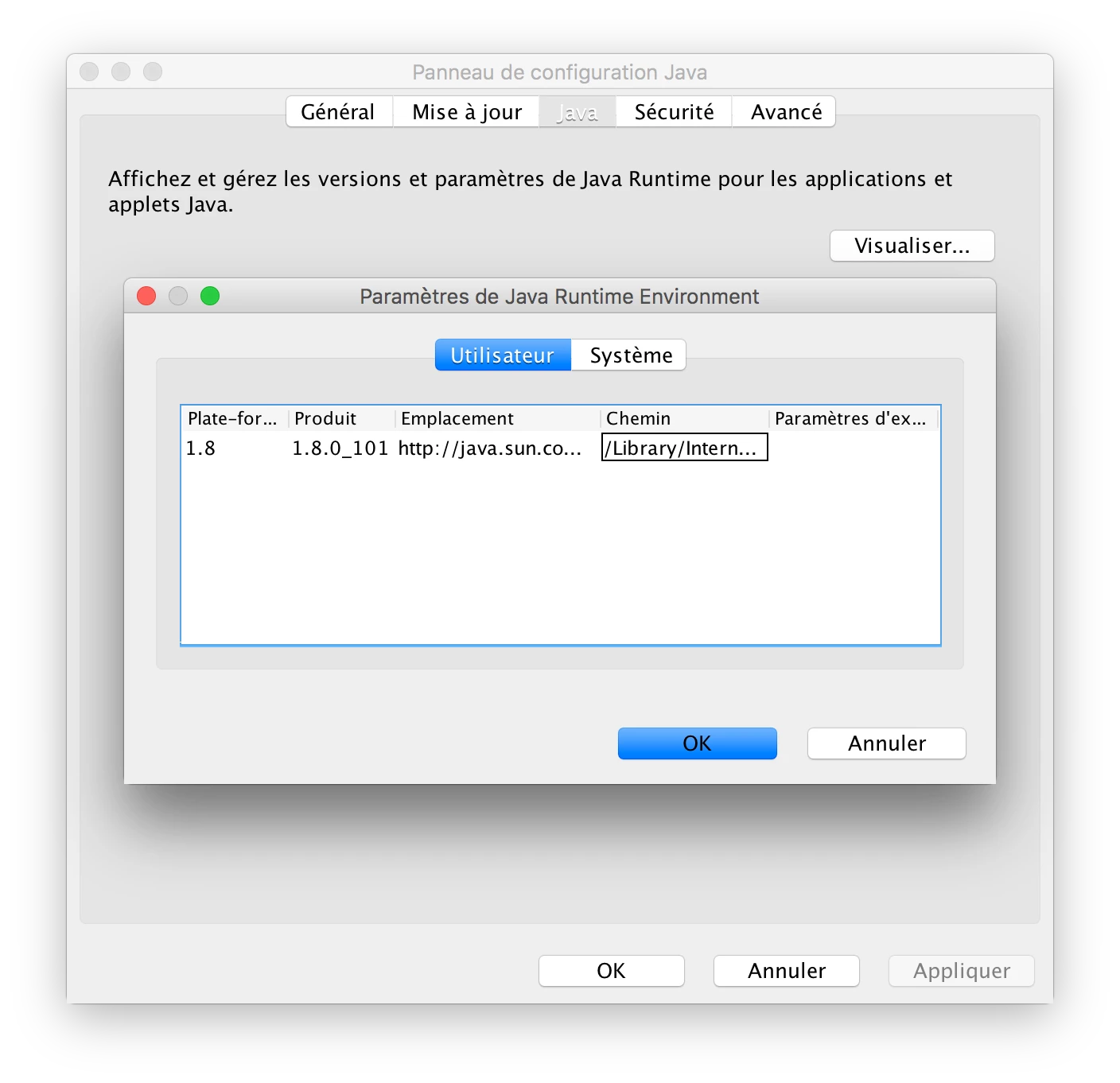
After re installing AEM Mobile Sign In Tool I can't launch it as the system ask for java update. But I already have Java 8 101 version, and it's still don't want to launch.

Did anyone have a idea to trouble shoot that ?

Here is the screen shot with the involved error, that does not drive me to any proper solution.
And here is my java version.
Thank you for any ideas!

Benoit

This post is no longer active and is closed to new replies. Need help? Start a new post to ask your question.
nathanm206Accepted solution
Adobe Employee
Aug 22, 2016 4:27 PM UTC

The last time I set up a workstation I installed this: Download Java for OS X 2015-001

https://support.apple.com/kb/dl1572?locale=en_USThe java version on my system is 1.8.0_91.

2 replies

nathanm206Adobe EmployeeAccepted solution
Adobe Employee
Aug 22, 2016 4:27 PM UTC

The last time I set up a workstation I installed this: Download Java for OS X 2015-001

https://support.apple.com/kb/dl1572?locale=en_USThe java version on my system is 1.8.0_91.

Translate
Level 2
Aug 24, 2016 8:08 AM UTC

Thank you Nathan!

By installing this legacy version, sign in tool is now working properly!

Translate