Is there something like a rootPath behaviour for cq/gui/components/authoring/dialog/fileupload? | Community
Skip to main content
Level 2
March 24, 2022
Solved

Is there something like a rootPath behaviour for cq/gui/components/authoring/dialog/fileupload?

  • March 24, 2022
  • 1 reply
  • 1488 views

Hello,


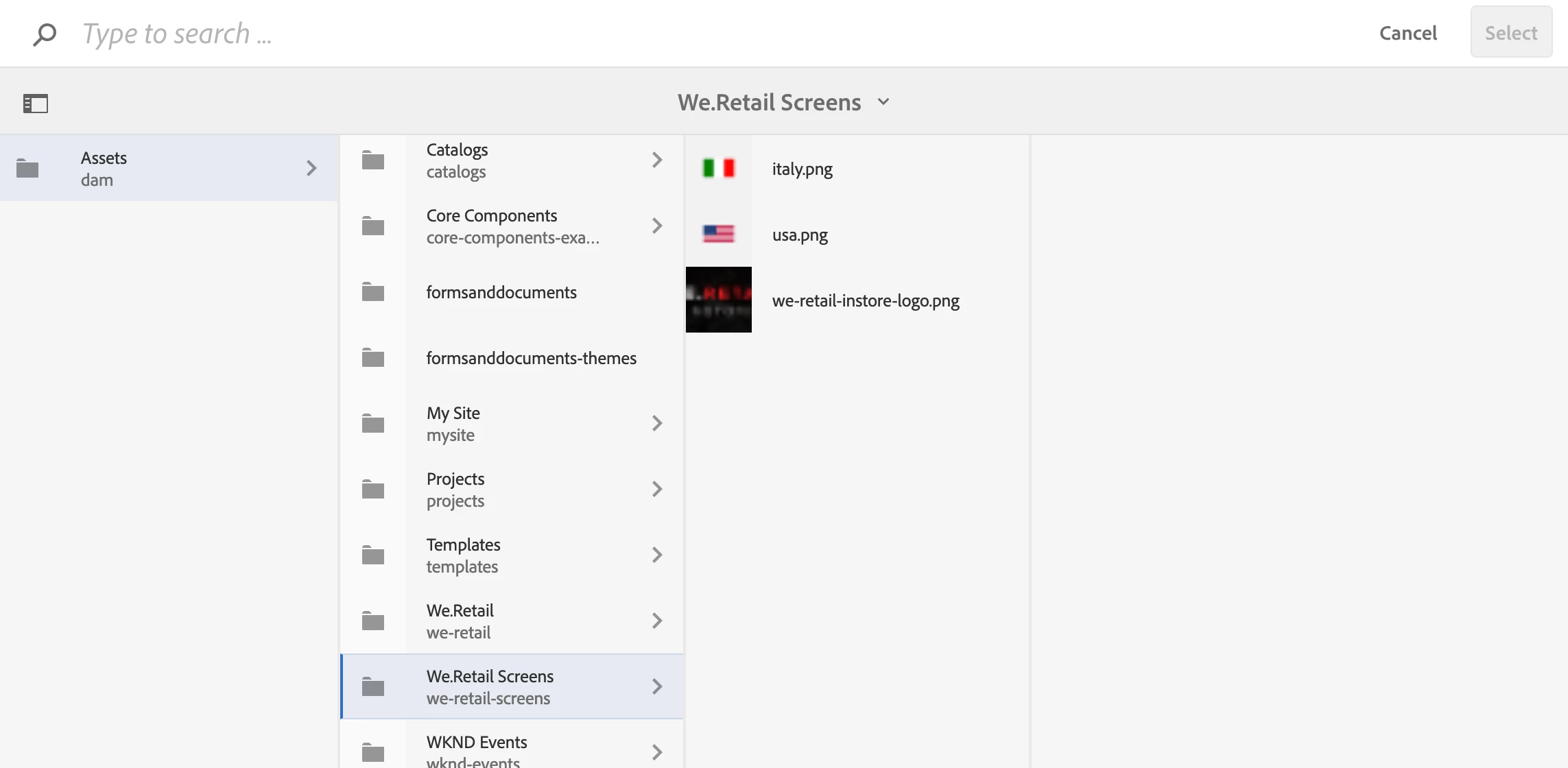
I have a fileupload field in my dialog which will, when clicked on browse, display selection path that i predifined(wanted behaviour).

The default behaviour is to display everyhting in dam path but i would like to make author only browse from my path like /content/dam/project. I know this is possible with rootPath on some other components. I could use granite/ui/components/coral/foundation/form/pathbrowser for this(with rootPath), but the problem is that pathbrowser doesnt have image preview(thumbnails) next to asset name. Is there any way to achieve this? 


Thanks,

Luka
This post is no longer active and is closed to new replies. Need help? Start a new post to ask your question.
Best answer by lukasz-m

Hi @lukavi1, you can use granite/ui/components/coral/foundation/form/pathfield. It should meet all your needs:

  • it shows asset thumbnail
  • it supports rootPath configuration

Here is example of pathfield usage with rootPath set to /content/dam

Please also be aware that pathbrowser is deprecated and pathfield should be use instead.

1 reply

lukasz-m
Community Advisor
lukasz-mCommunity AdvisorAccepted solution
Community Advisor
March 24, 2022

Hi @lukavi1, you can use granite/ui/components/coral/foundation/form/pathfield. It should meet all your needs:

  • it shows asset thumbnail
  • it supports rootPath configuration

Here is example of pathfield usage with rootPath set to /content/dam

Please also be aware that pathbrowser is deprecated and pathfield should be use instead.

LukaVi1Author
Level 2
March 24, 2022

Hello @lukasz-m 

Thank you for your answer.

The problem with pathfield is that we lose drag and drop functionality as well as search and filter for dam assets.