
Integrate remote AEM Assets with AEM Sites
Hi All,
I am trying to connect my AEM Sites cloud instance to my AEM Assets cloud instance using the documentation at Integrate remote AEM Assets with AEM Sites
As per the per-requisites I have done the below -
- Set environment variables for ASSET_DELIVERY_REPOSITORY_ID, ASSET_DELIVERY_IMS_CLIENT
I have also configured .cfg.json for NextGenDynamicMediaConfigImpl and deployed it to my DEV Sites instance.
-
Configure the Image v3 component in the AEM Sites instance.
There is also an additional point stating -
-
IMS access to sign into remote DAM AEM as a Cloud Service instance. It refers to the Sites author that has IMS access to the remote DAM environment.
How do we do that? I couldn’t find the documentation notes on the above point.
If I simply do #1 and #2 steps, I see the usual v3 Image Component -
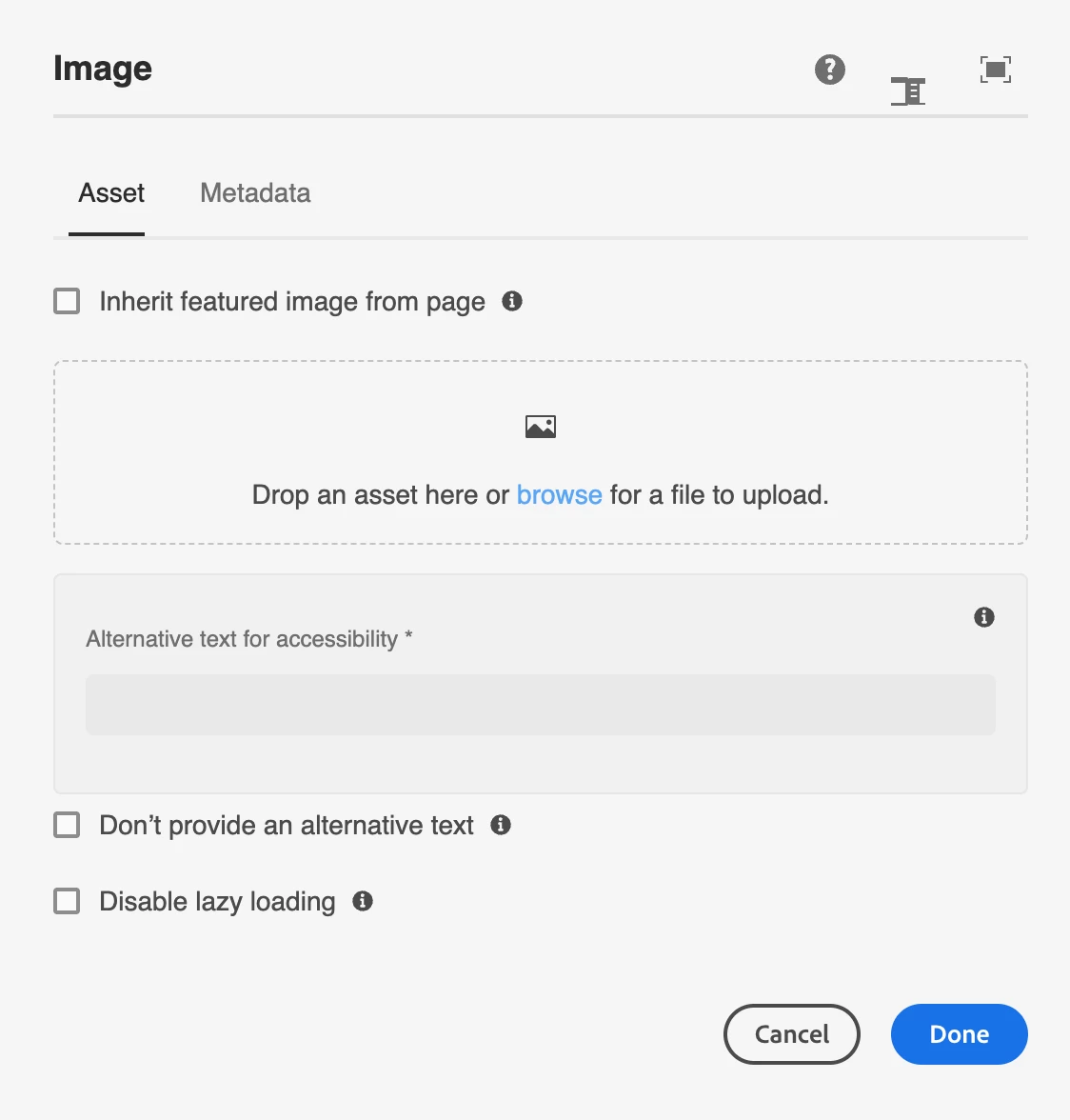
However, as per the documentation I should see the option of Pick drop-down with options Local and Remote.
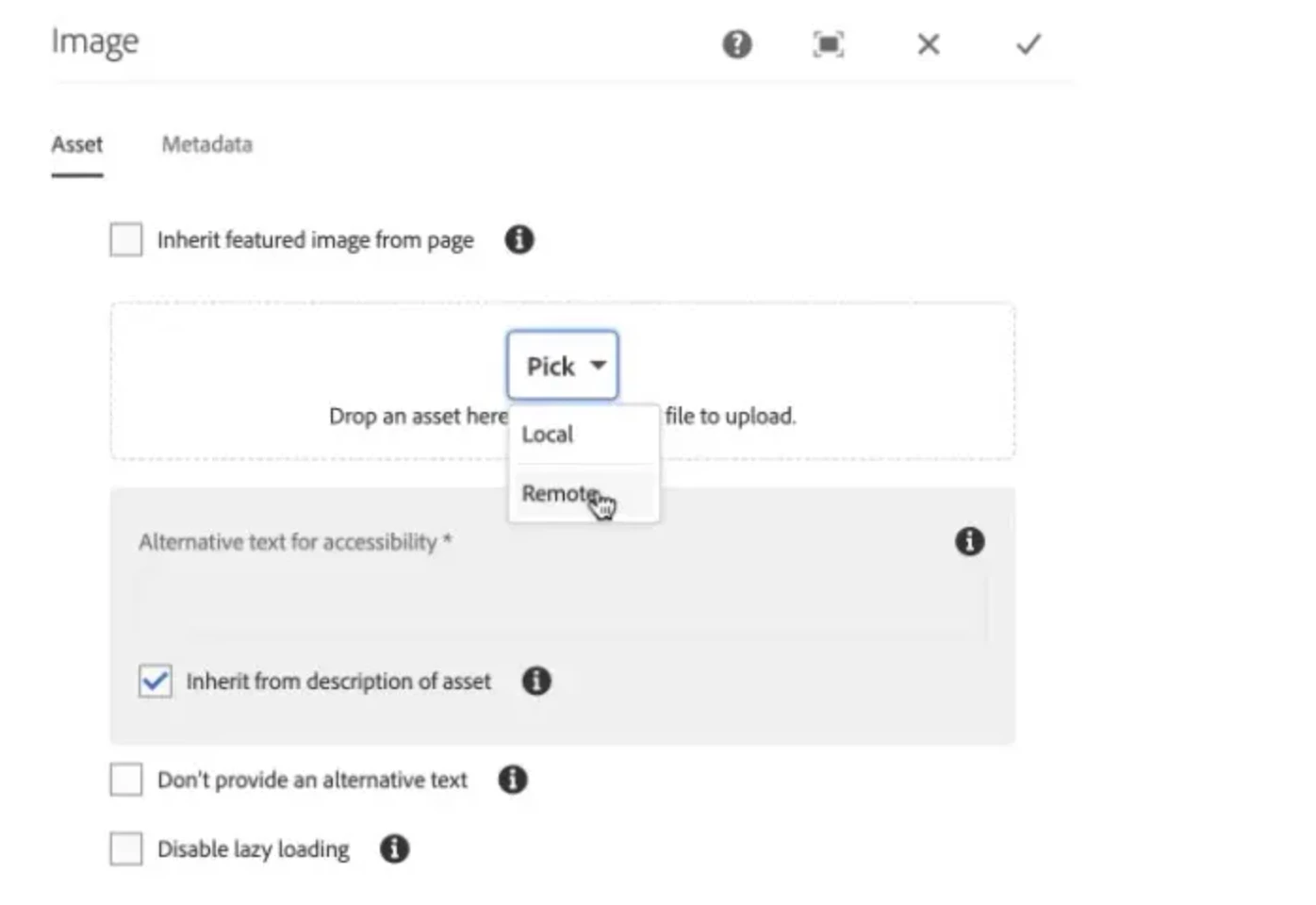
How can I configure the sites cloud instance to pick assets from assets cloud instance?
Thanks,
Nagesh