
Image Selection Thumbnails Too Blurry to Discern Assets Visually | Community
Skip to main content
Ravi_Joshi
Level 4
October 28, 2022
Solved

Image Selection Thumbnails Too Blurry to Discern Assets Visually

  • October 28, 2022
  • 1 reply
  • 617 views

Hi There,


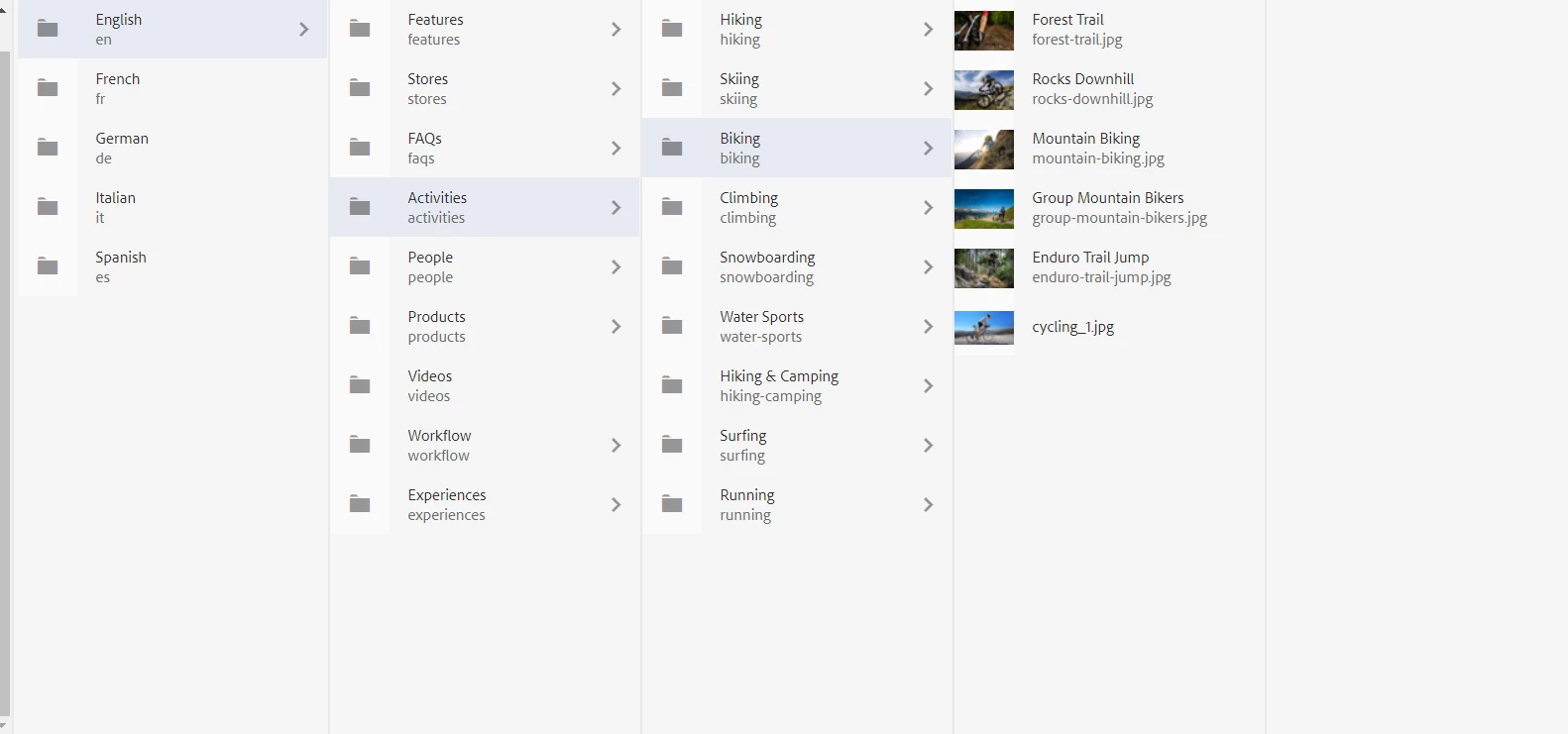
When browsing Assets regularly via the Assets menu(column view), thumbnails for all visual assets display in decent resolution:


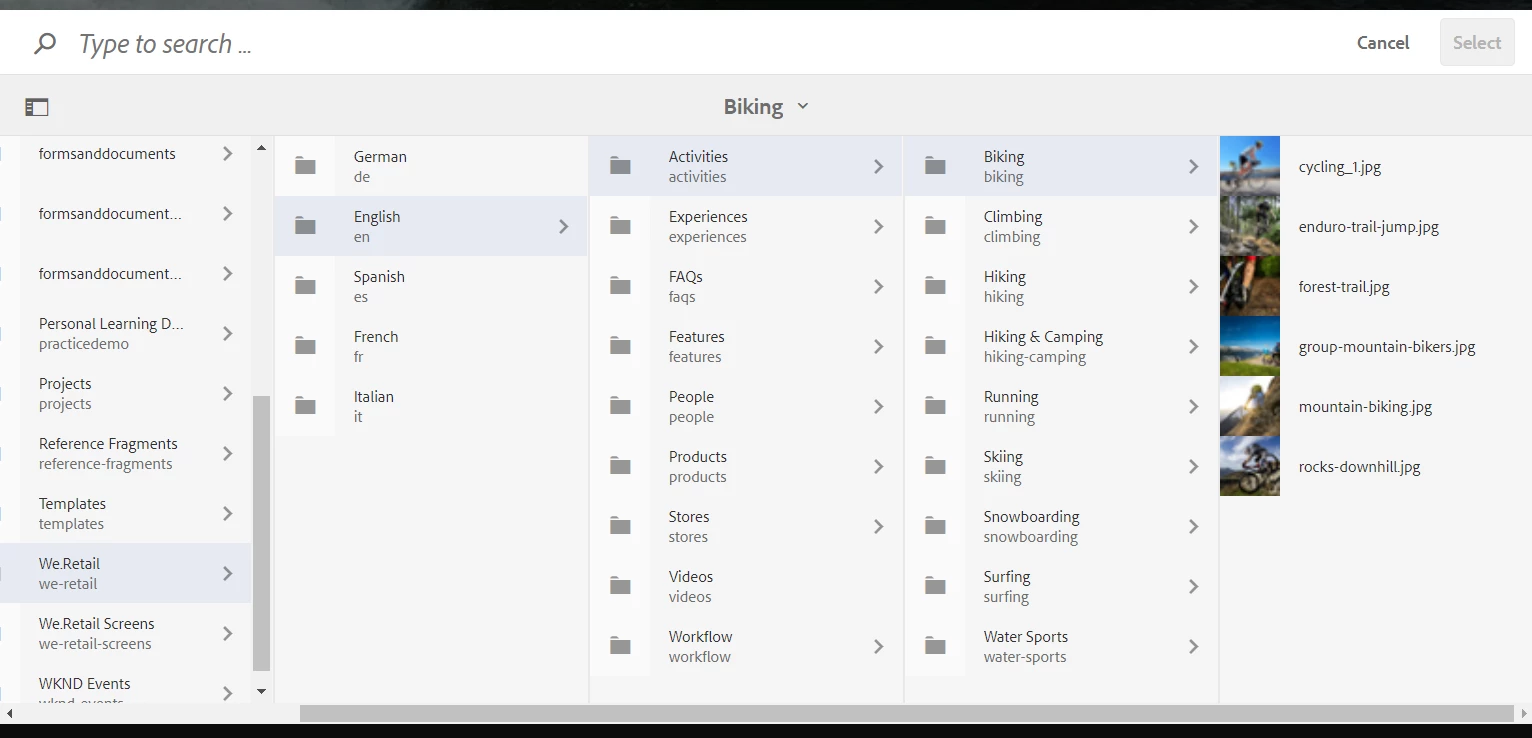
But when selecting an image for a component (e.g. image component), the asset browser displays very low-fidelity thumbnails that make it impossible to discern what an asset is visual:


Thanks,

Ravi Joshi

This post is no longer active and is closed to new replies. Need help? Start a new post to ask your question.
Best answer by lukasz-m

Hi @ravi_joshi,

This is AEM issue. I was able to reproduce this on multiple different clear AEM versions. It seems that different css styles are applied on assets view and in asset browser. You can try to override css style, but I think better idea will be to raise Adobe support ticket - and ask Adobe to fix this directly in AEM.

1 reply

lukasz-m
Community Advisor
lukasz-mCommunity AdvisorAccepted solution
Community Advisor
November 9, 2022

Hi @ravi_joshi,

This is AEM issue. I was able to reproduce this on multiple different clear AEM versions. It seems that different css styles are applied on assets view and in asset browser. You can try to override css style, but I think better idea will be to raise Adobe support ticket - and ask Adobe to fix this directly in AEM.