Image Full Width Component Not Loading Image | Community
Skip to main content
November 12, 2019
Solved

Image Full Width Component Not Loading Image

  • November 12, 2019
  • 3 replies
  • 1492 views

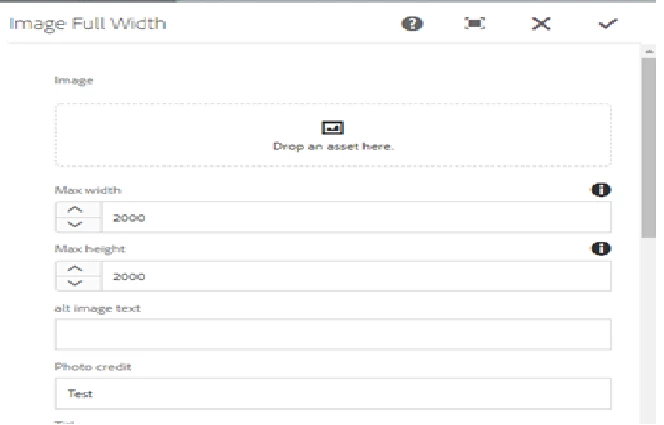
Once i drag the image to 'Drop an Asset Here', section and apply. The image does not load.

Is there any additional steps i need to take to enable this feature? Or is there anything i am missing?

Thanks
This post is no longer active and is closed to new replies. Need help? Start a new post to ask your question.
Best answer by aemmarc2

The dialog will try and use the 319x319 thumbnail rendition within the Dialog.

If you're not seeing it, then I'm assuming you don't have that thumbnail.

Check the DAM Update Asset workflow model and ensure that you're creating thumbnails for that asset type


Cheers.

3 replies

aemmarc2Adobe EmployeeAccepted solution
Adobe Employee
November 12, 2019

The dialog will try and use the 319x319 thumbnail rendition within the Dialog.

If you're not seeing it, then I'm assuming you don't have that thumbnail.

Check the DAM Update Asset workflow model and ensure that you're creating thumbnails for that asset type


Cheers.

priomiAuthor
November 13, 2019

can you clarify, the image is for the article not the thumnail.

Thanks

arunpatidar
Community Advisor
Community Advisor
November 14, 2019

Hi,

Check the Mime type of image against the mime property of the image component.

Arun Patidar