HTML Article Packager | Community
Skip to main content
Level 2
June 25, 2015
Solved

HTML Article Packager

  • June 25, 2015
  • 6 replies
  • 2643 views

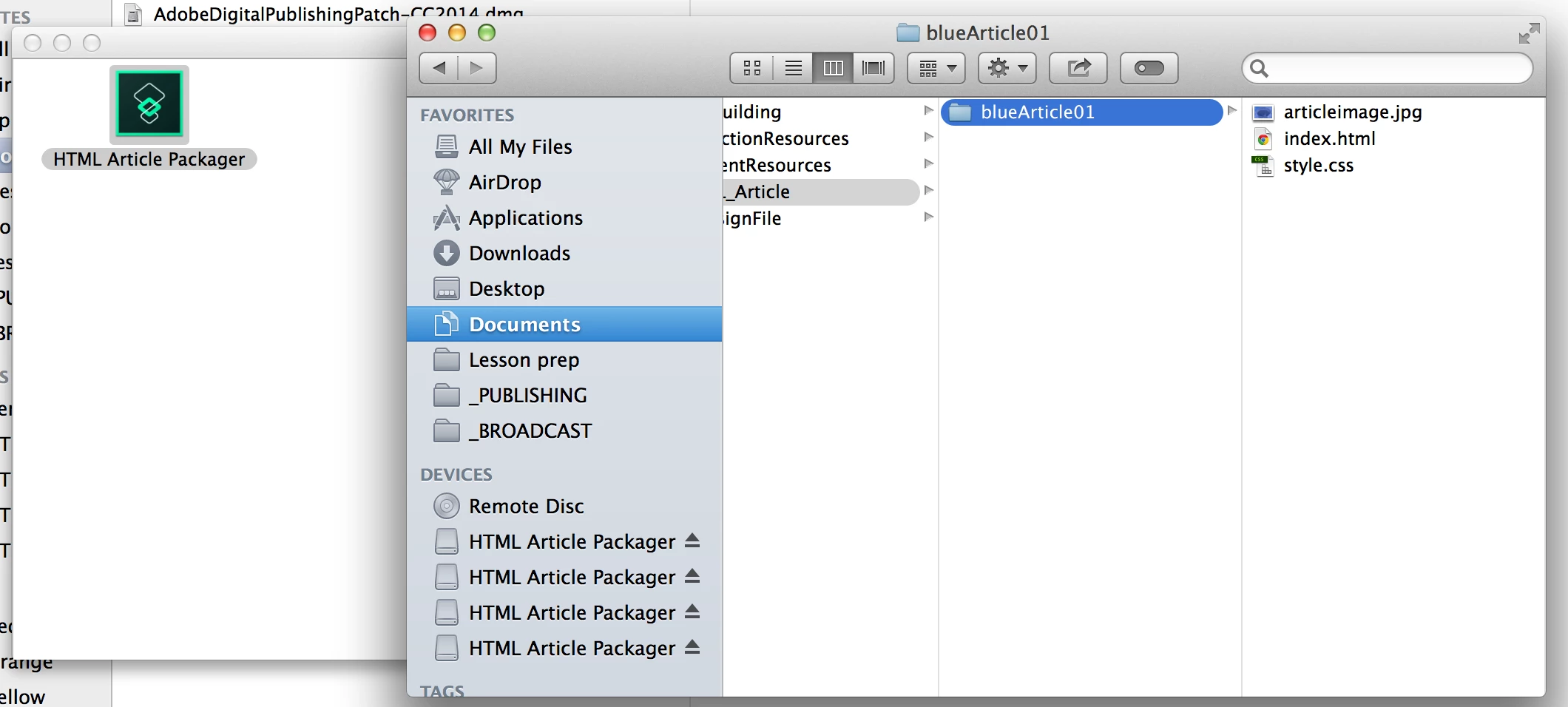
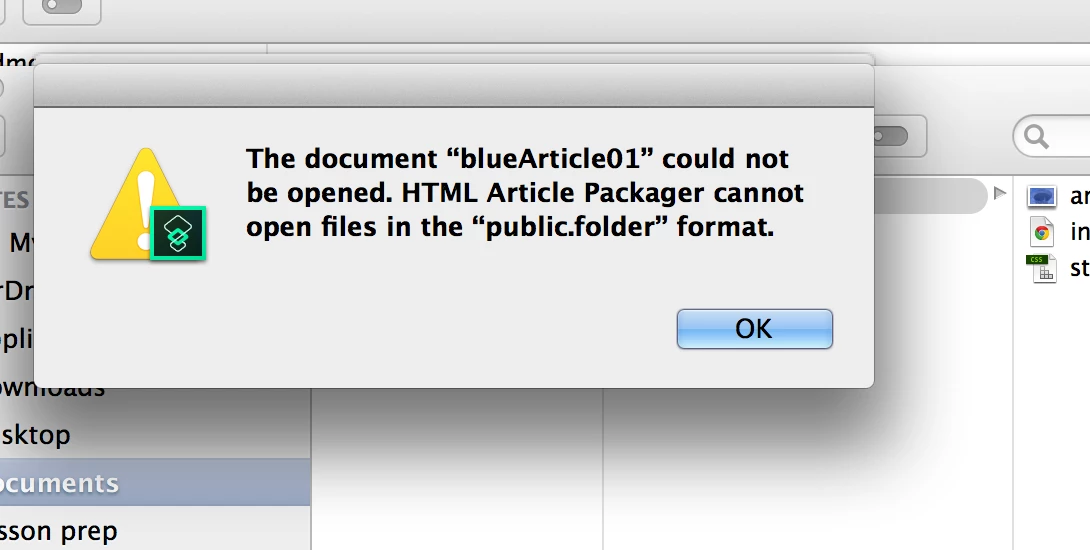
Hi, I am having problems getting the article packager to create an article. I am only at the demo stage at the moment but when I drag the bluearticle01 folder over the app icon, nothing happens. If I move it over the app icon in the dock, I get a message saying it is not a supported file. Any advice on what I am doing wrong? I know I can use the articles already created in the demo folder but do want to know it works. Screenshots below. Thanks.
This post is no longer active and is closed to new replies. Need help? Start a new post to ask your question.
Best answer by nathanm206

This issue is being looked into. It is related to running the tool on OS X 10.9.x.

6 replies

BobLevine
Level 6
June 25, 2015

Moved to Digital Publishing Solution forum.

Adobe Employee
June 25, 2015

‌Which Mac OS version are you running? I have heard reports that the article packager doesn't work properly on earlier Mac OS versions.

matg1Author
Level 2
June 25, 2015

I am on 10.9.4 at the moment. I will update to Yosemite tonight and report back to say if it solves the problem. Thanks for the advice.

Adobe Employee
June 25, 2015

Try renaming the folder that you are working in. I would remove the "." in the folder name.

June 26, 2015

hi works fine on Yosemite 10.10.3 on my mac mini! Maybe delete HTML package then reinstall after you have upgraded to Yosemite (latest ver).

nathanm206Adobe EmployeeAccepted solution
Adobe Employee
June 26, 2015

This issue is being looked into. It is related to running the tool on OS X 10.9.x.