
How To Reverse Footer Section in Mobile Arabic Pages ?
I have implemented footer using core components and imposed that experience fragment in template to visualize the footer section with respect to the language pages.
Currently using service pack 20.
1. Created experience fragment footer:
looks like this for en: myApp/language-Masters/en/site/footer/master.html
looks like this for ar: myApp/language-Masters/ar/site/footer/master.html
2. Used this en-XF in template while creating page for english the english footer will be dispalyed.
3. For Arabic pages arabic will be displaying.
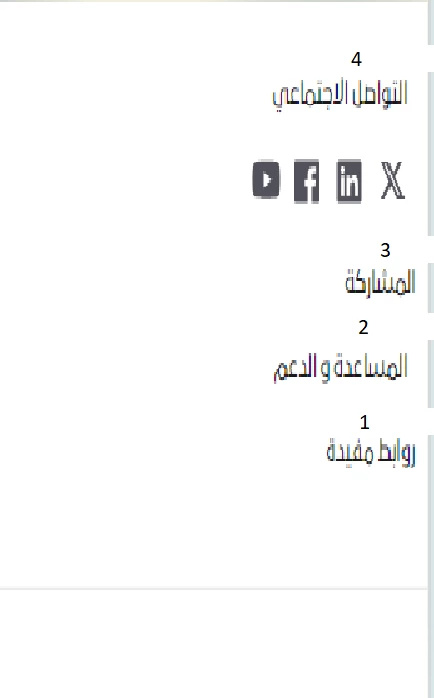
Issue: English footer is displaying correct order in english pages and in arabic footer is arabic footer displaying but in mobile view the footer is displaying in reverse. Attached screenshots PFA.
Desktop: 4 3 2 1

Mobile:
the social icons should go bottom
Client is not agreed for reversing with hack code CSS.
can we achieve this by using default AEM features, any pointers or suggestions.?