How to Make the site multilingual(English and french) using multi site manager | Adobe Higher Education
Skip to main content
shivangim985778
Level 5
January 3, 2019
Respondido

How to Make the site multilingual(English and french) using multi site manager

  • January 3, 2019
  • 15 respostas
  • 10944 Visualizações

How to Make the site multilingual(English and french) using multi site manager?

Este tópico foi fechado para respostas.
Melhor resposta por arunpatidar

Hi,

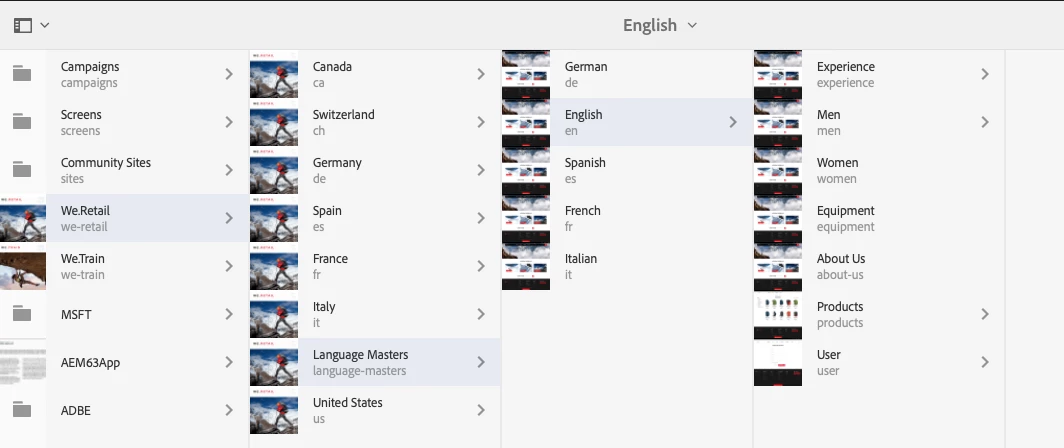
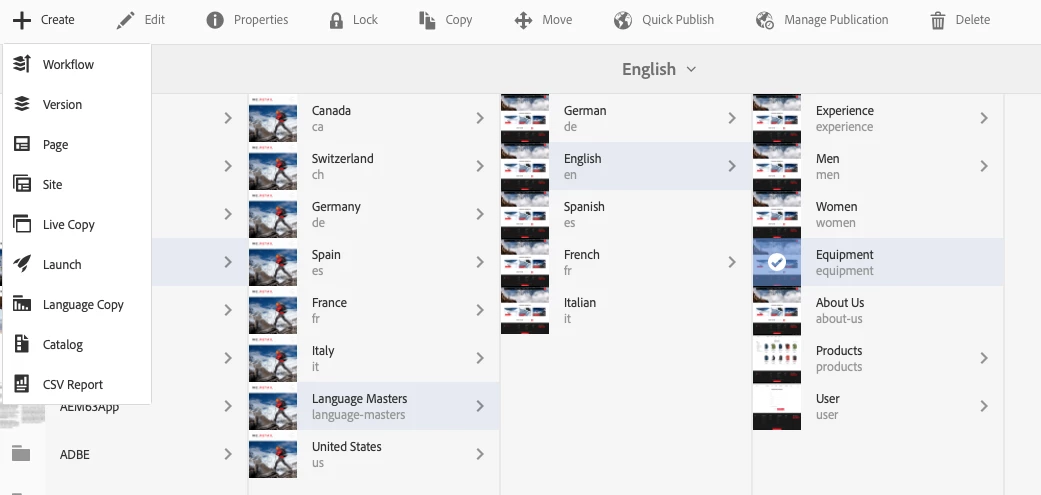
you can take example of we retail site .

where master site is creating in English language and other are language copy and content is getting served through live copy.
15 Respostas

shivangim985778
Level 5
January 10, 2019

i have followed these steps i did for urdu but language of the page is not changing.

shivangim985778
Level 5
January 10, 2019

i need to create an account and i will have to add my credit card details right?

arunpatidar
Community Advisor
Community Advisor
January 10, 2019

Hi,

Not needed for trial version.

You need to configure properties which should be translate. By default only below properties are added for translation.

http://localhost:4502/libs/cq/translation/translationrules/contexts.html

Setup Translation Rules in AEM

https://helpx.adobe.com/experience-manager/6-3/sites/administering/using/tc-rules.html

Arun Patidar
shivangim985778
Level 5
January 10, 2019

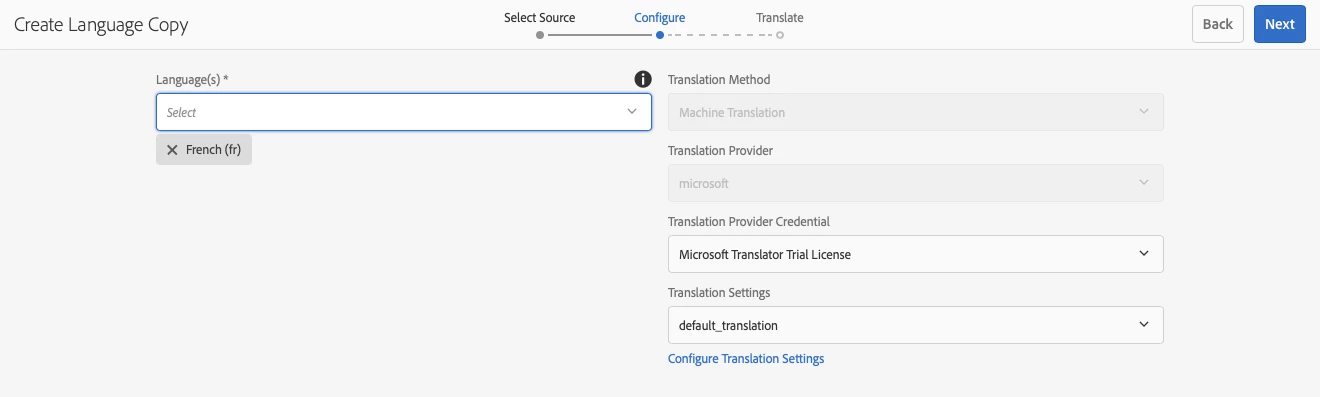
when i create language copy i am getting below options what should i fill in these options?

arunpatidar
Community Advisor
Community Advisor
January 10, 2019

Configure default translator at http://localhost:4502/etc/cloudservices/translation/default_translation.html

Once tractor is configured you will see the below screen while translating

Arun Patidar