How to keep child pages in source page order not in sorted order after translation in aem 6.5 | Community
Skip to main content
Level 3
December 15, 2023

How to keep child pages in source page order not in sorted order after translation in aem 6.5

  • December 15, 2023
  • 2 replies
  • 851 views

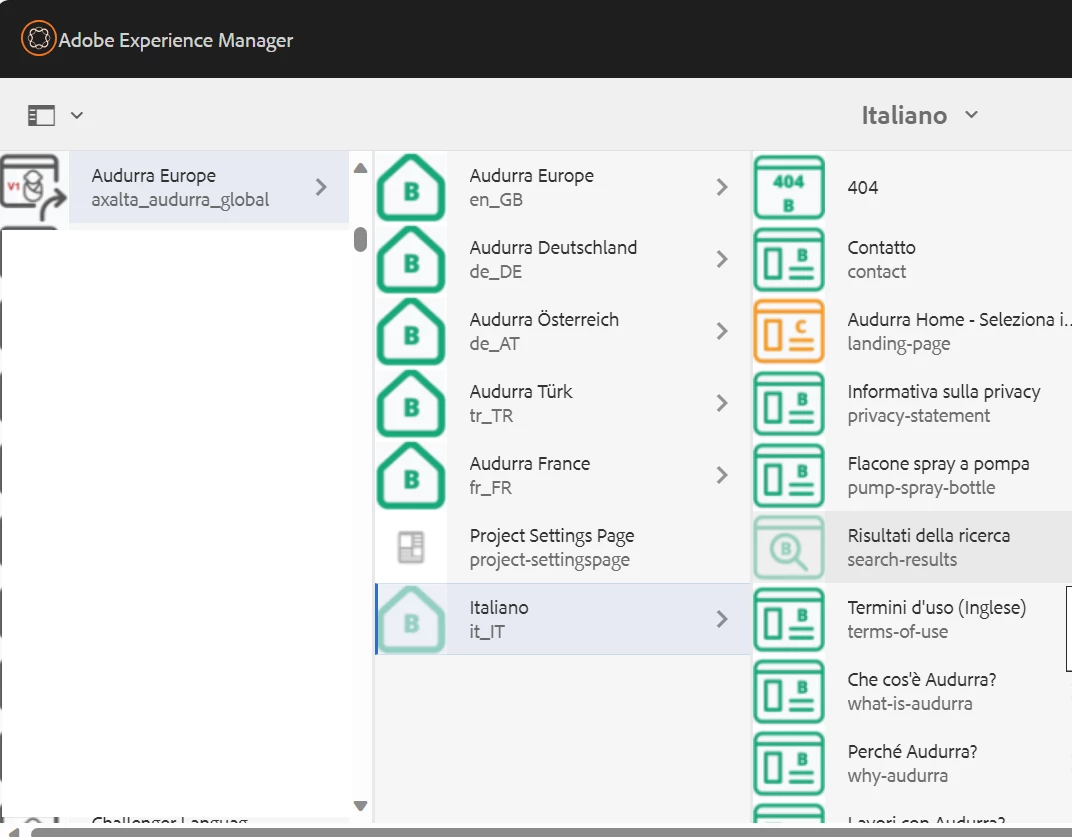
Hi, I am using lion-bridge connector to translate my content in AEM. I have en language site from there I wanted to create a some other language site. I am able to create it from source site (en) but the problem is after successfully creating other language site (it) through this translation mechanism, the child pages are not in source site order. The child pages are automatically sorted. How we can get rid off this any help thanks in advance.  
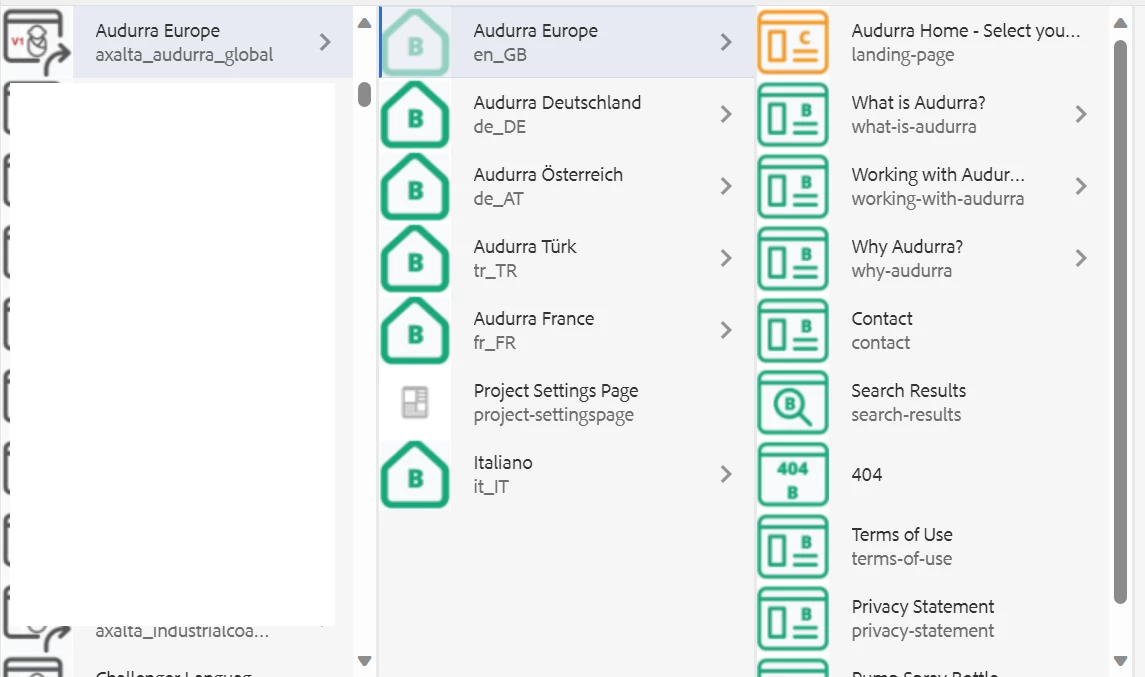
 

After translating child pages order got changed
 

This post is no longer active and is closed to new replies. Need help? Start a new post to ask your question.

2 replies

arunpatidar
Community Advisor
Community Advisor
December 15, 2023

Hi @vedhasri 
If translator is creating a pages asynchronously then you can see this issue, because the in AEM Site, column view shows pages on node creation order.


can you check if your have same order in repo from crxde?

Arun Patidar
VedhaSriAuthor
Level 3
December 15, 2023

Hi @arunpatidar , it is stored like this


arunpatidar
Community Advisor
Community Advisor
December 15, 2023

Hi @vedhasri 
This is the reason that you have different order.

Could you please check with vendor if you can run this tool in synchronously order so that you have the same order.

Arun Patidar
aanchal-sikka
Community Advisor
Community Advisor
December 15, 2023

@vedhasri 


If the import is via connector provided by translation Vendor, then please check with them, if there is any setting that help achieve the required behaviour

Aanchal Sikka