Level 2
July 26, 2022
解決済み

How to include Static HTML in an AEM component.

  • July 26, 2022
  • 6 の返信
  • 7017 ビュー

How do to include static HTML page in a component. The page can be within AEM site context or as an asset .html file


Thanks

Ani


このトピックへの返信は締め切られました。
ベストアンサー Nikhil_Verma

If the author needs to upload JS & CSS, I highly suggest to reconsider the requirement as the author shouldn't be dealing with code, doesn't sound like a good practice.


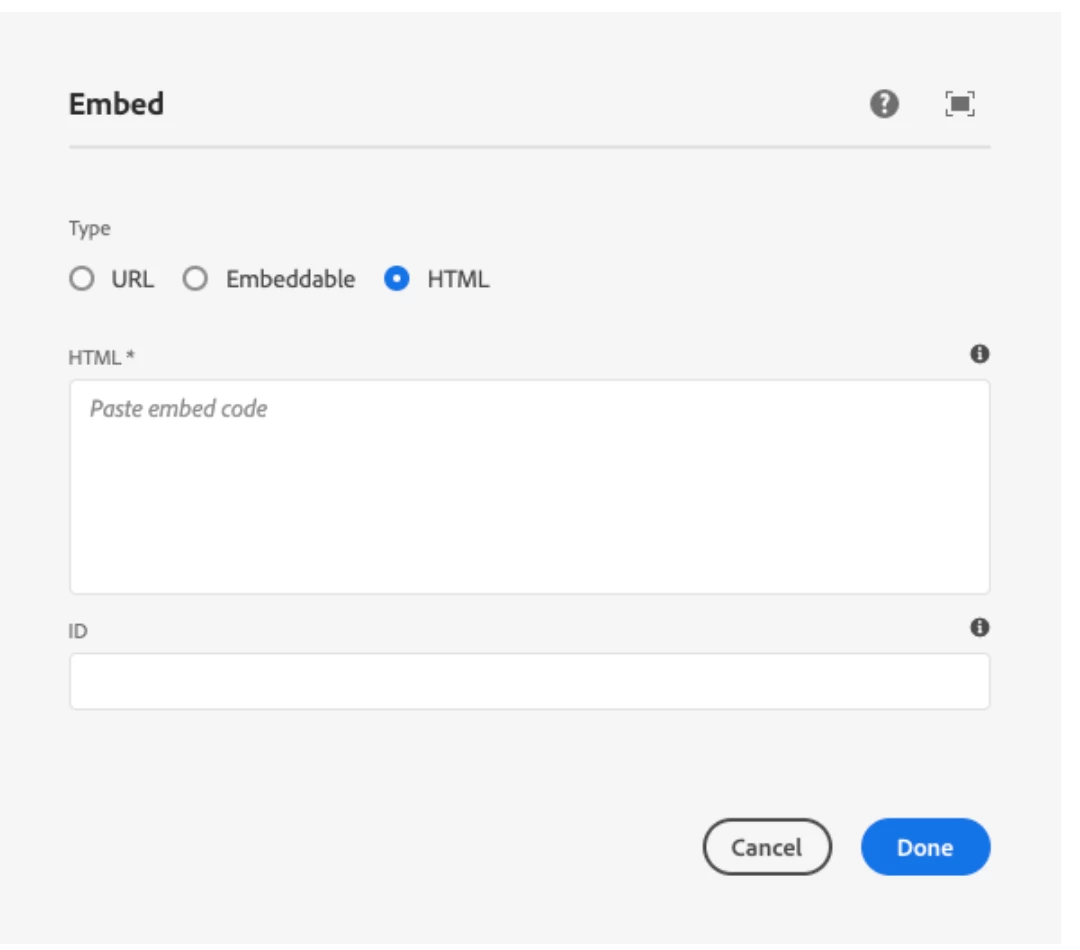
However, technically you can do this using the embed core component, as @arunpatidar mentioned, which allows the author to put in HTML and even JS/CSS by adding them in HTML markup itself:

https://experienceleague.adobe.com/docs/experience-manager-core-components/using/components/embed.html#html


6 の返信

Community Advisor
July 26, 2022

hi @ajoshi84 

you can create a raw html component / free form html component  to display the static html in it. Component's dialog will have a text area to place the html, along with hardcoded styles and js.

SantoshSai
Community Advisor
Community Advisor
July 27, 2022

Hi @ajoshi84 ,

I would use data-sly-include

data-sly-include replaces the content of the host element with the markup generated by the indicated HTML template file (HTL, JSP, ESP etc.) when it is processed by its corresponding template engine. The rendering context of the included file will not include the current HTL context (that of the including file); Consequently, for inclusion of HTL files, the current data-sly-use would have to be repeated in the included file (In such a case it is usually better to use data-sly-template and data-sly-call)

A simple include:

<section data-sly-include="path/to/template.html"></section>

JSPs can be included the same way:

<section data-sly-include="path/to/template.jsp"></section>

Options let you manipulate the path of the file:

<section data-sly-include="${ @ file='path/to/template.html'}"></section>
<section data-sly-include="${'template.html' @ prependPath='my/path'}"></section>
<section data-sly-include="${'my/path' @ appendPath='template.html'}"></section>

You can also change the WCM mode:

<section data-sly-include="${'template.html' @ wcmmode='disabled'}"></section>

Hope that helps!

Regards,

Santosh

Santosh Sai
Nikhil_Verma
Level 4
July 27, 2022

- To include an HTML file in a component, use data-sly-include:


- To include a cq:page in a component, use data-sly-resource:

Adobe Employee
July 27, 2022

In this scenario, what if author want to upload a complete HTML structure with its related js/css in AEM? 


Thanks

Anika

Nikhil_Verma
Level 4
July 28, 2022

If the author needs to upload JS & CSS, I highly suggest to reconsider the requirement as the author shouldn't be dealing with code, doesn't sound like a good practice.


However, technically you can do this using the embed core component, as @arunpatidar mentioned, which allows the author to put in HTML and even JS/CSS by adding them in HTML markup itself:

https://experienceleague.adobe.com/docs/experience-manager-core-components/using/components/embed.html#html


arunpatidar
Community Advisor
Community Advisor
July 27, 2022

Hi,

You can use embed component for core component to include HTML in your page 

https://www.aemcomponents.dev/content/core-components-examples/library/core-content/embed.html


You must not upload include css or js directly. CSS and JS should be part of clientlibs.

Arun Patidar