How to import an AEM zipped package (/conf) to local IDE? | Community
Skip to main content
Level 2
December 8, 2021
Solved

How to import an AEM zipped package (/conf) to local IDE?

  • December 8, 2021
  • 1 reply
  • 1276 views

Hi AEM Community,
according to Tyler Maynard the Pluralsight AEM courses author, the editable templates are store as follows:
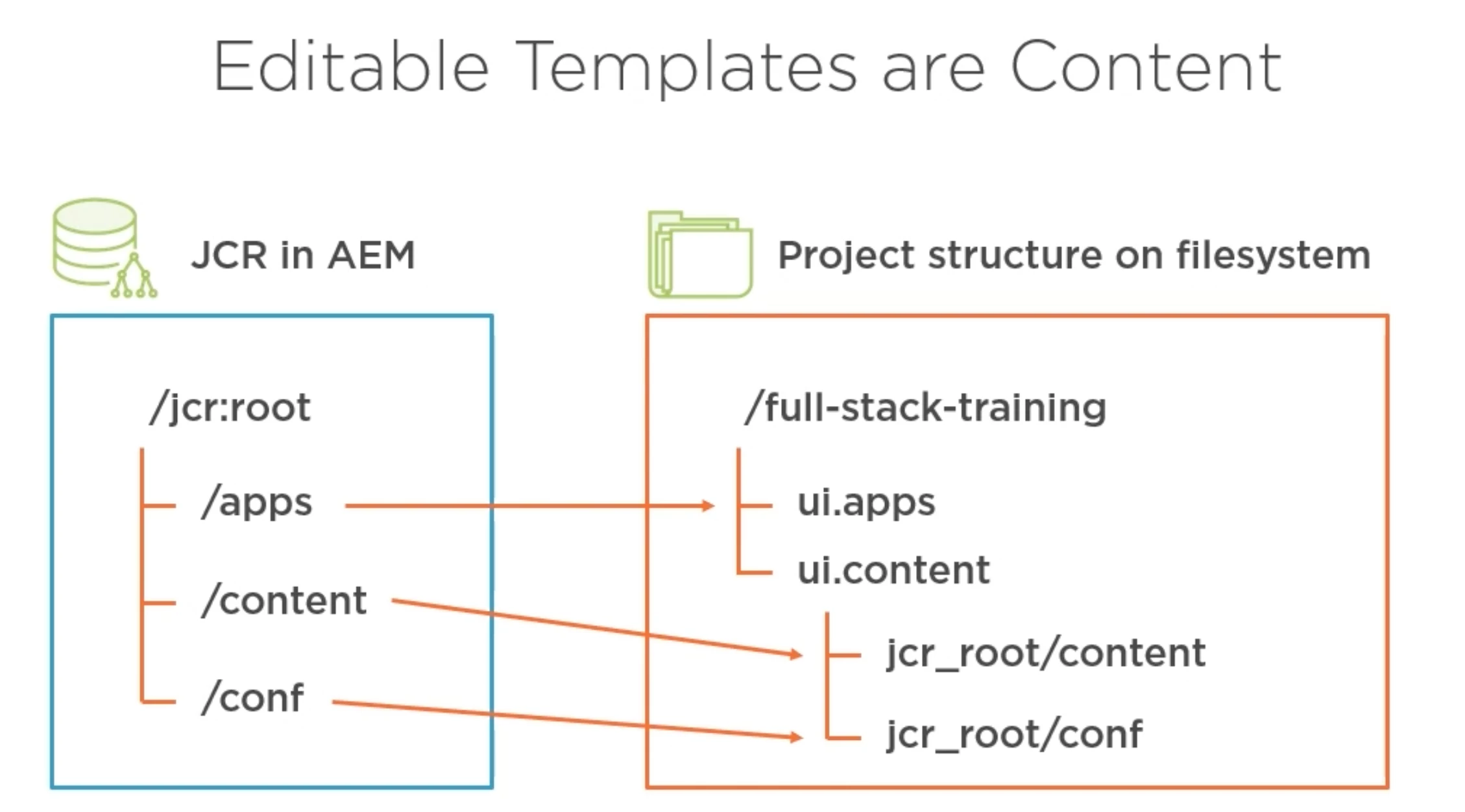
I'm in a situation where I'm missing the entire jcr_root/conf folder in the Project Structure/IDE/on the file system (Mac OS). I tried to sync with VSCode AEM Sync which didn't achieve the goal. 
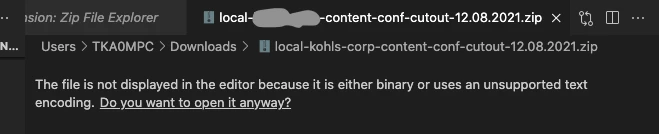
Also in the Tyler Maynard's Pluralsight course "AEM Building Full Stack Components" he mentioned that when the developer needs to have the project structure on the right-handed side but doesn't, they can either utilize the CRXDE Package Manager to download that /conf folder and bring it into the IDE, or use some plugin (he didn't mention the name of the plugin, though). I tried the CRXDE Package Manager way but my IDE or Mac OS doesn't know how to handle that .zip file which contains all the jcr nodes within the /conf directory.
Does anybody know what would be the effective way of doing this?

Thanks in advance.

This post is no longer active and is closed to new replies. Need help? Start a new post to ask your question.
Best answer by milind_bachani

Hi @infiniteshi,

I understand that you already have downloaded the ZIP package from CRX/DE and you have successfully unzipped it (If not, use "archive utility" or use terimal cmd : "unzip <package_name.zip>").

Now if you open the files and get till the conf folder, you might see .content.xml file (If not, use CMD+Shift+'.' or you can see via terminal cmd: "ls -a" to display files starting with ".", which are hidden by default in finder).

Now to commit the same you can create folders having those .content.xml.

For instance if I want : /conf/myProj/v1 in your codebase, the do:

  • Create folder conf, child folder myProj , sub child v1 and paste the .content.xml of v1 from unzipped package.

Please feel free to reach out for further concerns. Thanks.

1 reply

milind_bachani
Adobe Employee
milind_bachaniAdobe EmployeeAccepted solution
Adobe Employee
December 9, 2021

Hi @infiniteshi,

I understand that you already have downloaded the ZIP package from CRX/DE and you have successfully unzipped it (If not, use "archive utility" or use terimal cmd : "unzip <package_name.zip>").

Now if you open the files and get till the conf folder, you might see .content.xml file (If not, use CMD+Shift+'.' or you can see via terminal cmd: "ls -a" to display files starting with ".", which are hidden by default in finder).

Now to commit the same you can create folders having those .content.xml.

For instance if I want : /conf/myProj/v1 in your codebase, the do:

  • Create folder conf, child folder myProj , sub child v1 and paste the .content.xml of v1 from unzipped package.

Please feel free to reach out for further concerns. Thanks.