Solved
How to expand by default for collapsible multifield when click Add new multifield?
My component in AEM 6.5 is using collapsible in multifield
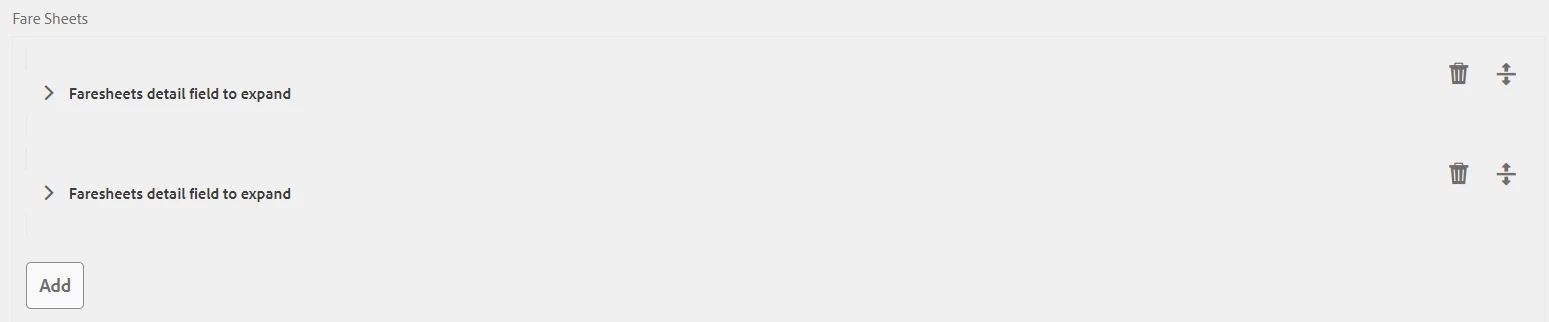
But when I click the Add button, the newly added multifield is collapsed by default, but I want it to be expand by default like below:
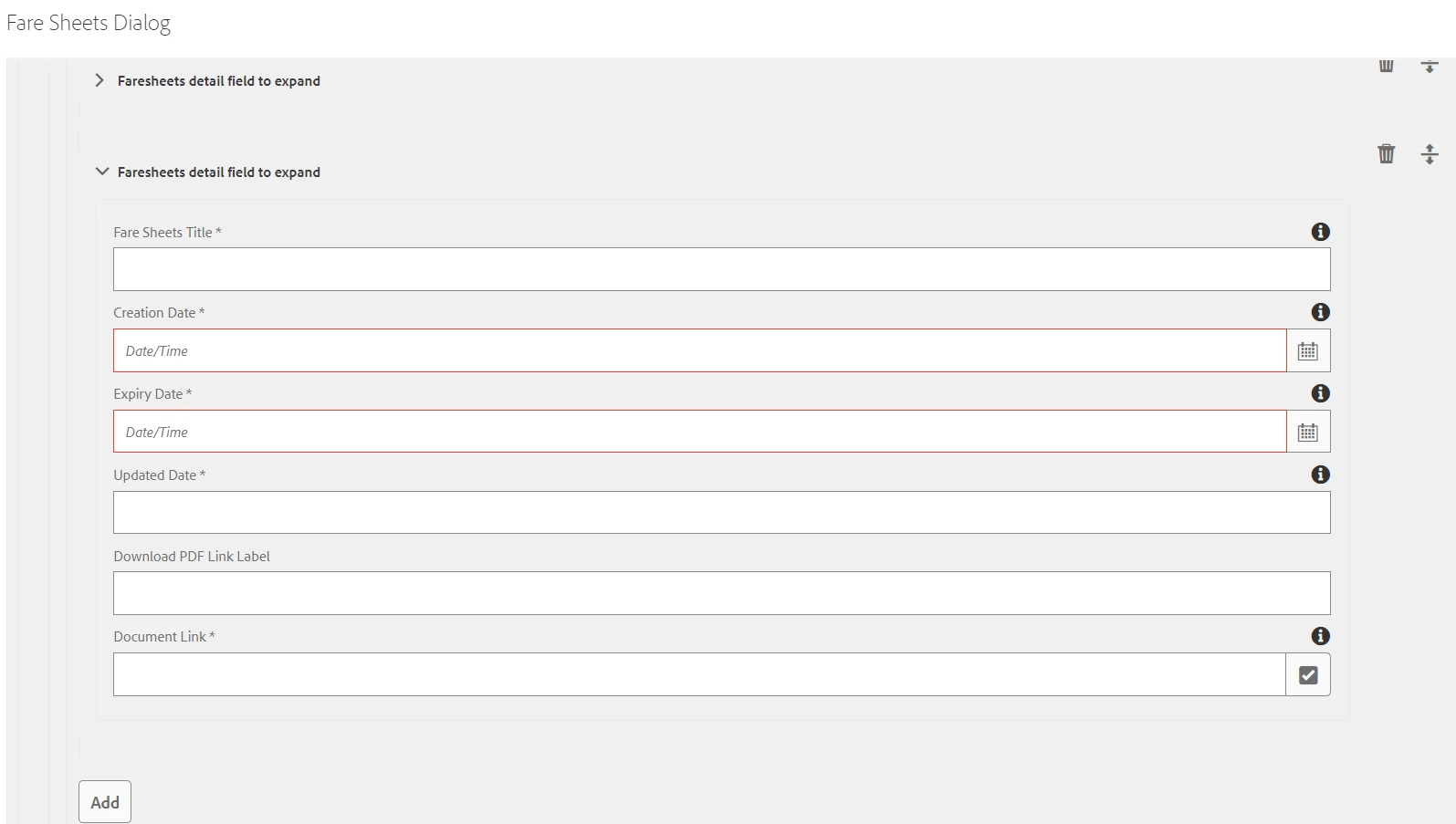
This is my code, I have added the code <collapsed="{Boolean}false"> in collapsible, but is not working. Anyone can help?
<faresheetmultifield
    jcr:primaryType="nt:unstructured"
    sling:resourceType="granite/ui/components/coral/foundation/form/multifield"
    composite="{Boolean}true"
    fieldLabel="Fare Sheets">
    <field
        jcr:primaryType="nt:unstructured"
        sling:resourceType="granite/ui/components/coral/foundation/container"
        name="./resourcesMultifield">
        <items jcr:primaryType="nt:unstructured">
            <layout
                jcr:primaryType="nt:unstructured"
                jcr:title="Faresheets detail field to expand"
                sling:resourceType="granite/ui/components/foundation/layouts/collapsible"
                collapsed="{Boolean}false">
                <items jcr:primaryType="nt:unstructured">
                    <well
                        jcr:primaryType="nt:unstructured"
                        sling:resourceType="granite/ui/components/foundation/container">
                        <layout
                            jcr:primaryType="nt:unstructured"
                            sling:resourceType="granite/ui/components/foundation/layouts/well"/>
                        <items jcr:primaryType="nt:unstructured">
                            <documenttitle
                                jcr:primaryType="nt:unstructured"
                                sling:resourceType="granite/ui/components/coral/foundation/form/textfield"
                                fieldDescription="Entering Heading Description"
                                fieldLabel="Fare Sheets Title"
                                name="./documentTitle"
                                required="true"/>
                            <creationdate
                                jcr:primaryType="nt:unstructured"
                                sling:resourceType="/libs/granite/ui/components/coral/foundation/form/datepicker"
                                displayedFormat="DD-MM-YYYY"
                                emptyText="Date/Time"
                                fieldDescription="Enter the creation date of the document in format DD-MM-YYYY (Recommended Maximum Length : 10 characters)"
                                fieldLabel="Creation Date"
                                name="./creationDate"
                                required="true"
                                type="date"/>
                            <documentpath
                                jcr:primaryType="nt:unstructured"
                                sling:resourceType="granite/ui/components/coral/foundation/form/pathfield"
                                fieldDescription="Browse document"
                                fieldLabel="Document Link"
                                name="./documentPath"
                                required="true"
                                rootPath="/content/dam/agent360"/>
                        </items>
                    </well>
                </items>
            </layout>
        </items>
    </field>
</faresheetmultifield>
