How to create custom renditions in AEM Cloud | Community
Skip to main content
August 30, 2024
Solved

How to create custom renditions in AEM Cloud

  • August 30, 2024
  • 3 replies
  • 1344 views

Hello everyone,


I created custom renditions using Processing profiles in AEM Cloud. Below is the URL that I followed. 

https://experienceleague.adobe.com/en/docs/experience-manager-learn/assets/configuring/processing-profiles


But it didn't worked after uploading the assets in the DAM, assets are coming broken and seems in processing state(Attaching a screenshot below). After sometime process completes but the asset still comes broken and no renditions are coming. As well the default renditions that we get in AEM those are also not coming after creating the processing profile.

Broken asset Screenshot:
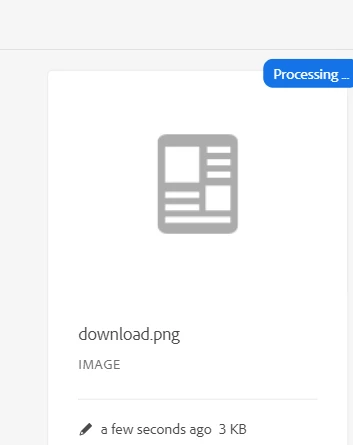
 

Can someone help on this how we can get custom renditions using processing profiles or is there any different approach to create custom renditions of the assets in AEM Cloud.

My Cloud SDK version: 2024.6.16799.20240614T073455Z-240600

Thank you

This post is no longer active and is closed to new replies. Need help? Start a new post to ask your question.
Best answer by EstebanBustamante

Hi


Please check this article: https://wttech.blog/blog/2020/handling-aem-as-a-cloud-service-renditions-in-local-development/ 


Hope this helps

3 replies

h_kataria
Community Advisor
Community Advisor
August 30, 2024

You might be getting some errors in your error.log. Please check those and share if possible. 
You can also try to create a completely new dam folder outside your project, apply your newly created processing profile on it and try uploading an asset there to see if it works there. 

EstebanBustamante
Community Advisor and Adobe Champion
EstebanBustamanteCommunity Advisor and Adobe ChampionAccepted solution
Community Advisor and Adobe Champion
August 30, 2024
Esteban Bustamante
ManviSharma
Adobe Employee
Adobe Employee
September 2, 2024

Hi,

Kindly ensure that the processing profile is correctly configured. Double-check the rendition definitions, including dimensions, formats, and quality settings.

- Refer to the official documentation on configuring processing profiles: Integrate Asset Compute workers with AEM Processing Profiles.