This post is no longer active and is closed to new replies. Need help? Start a new post to ask your question.
arunpatidar
arunpatidarAccepted solution
Community Advisor
February 26, 2024

Hi @abhishekch11 
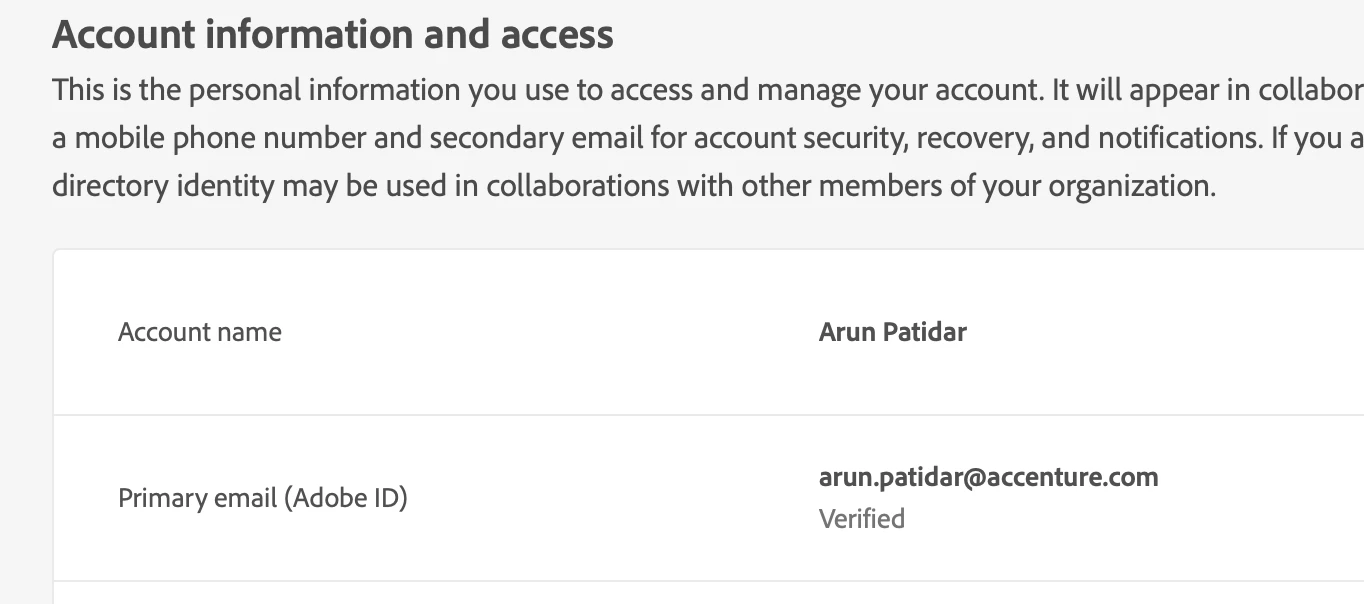
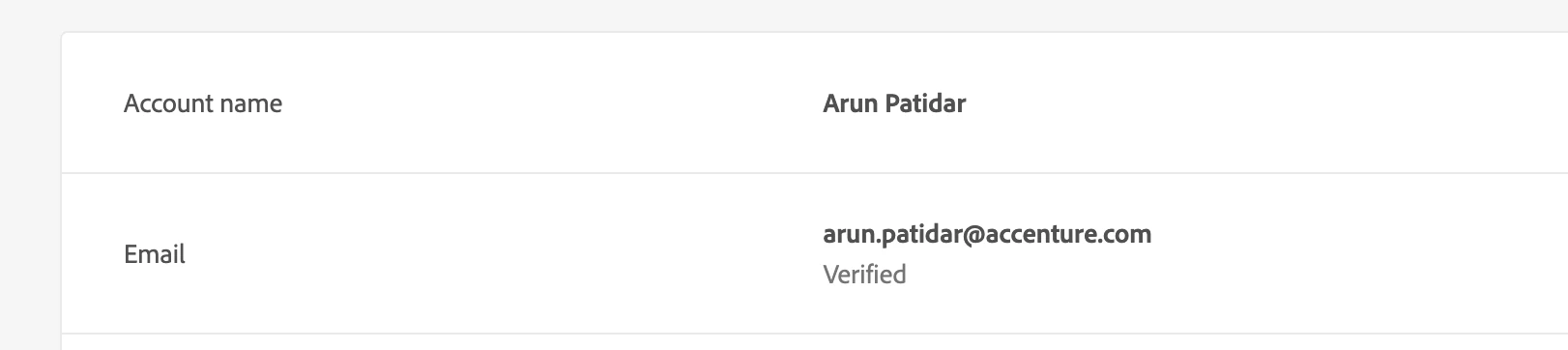
You can have both Personal (AdobeID) and Federated accounts using your work email.
You can check here : https://account.adobe.com/profile

Personal Account: 


Federated(Company) Account: 


In order to get access to the Adobe product, you need to add either(both also possible) of the account in the product_profile/groups and need to login with same type of accounts.

Arun Patidar

2 replies

Imran Khan
Community Advisor
Community Advisor
February 26, 2024

This means you have created your account either it is personal or company. Your account needs to be added by administrator to have proper access.

Follow below link for more information

https://helpx.adobe.com/in/enterprise/kb/enterprise-id-faq.html 


To log in to the Experience Cloud, your users must:

  • Have an Adobe ID (or Enterprise ID for your company).
  • Sign in at experience.adobe.com.
  • Belong to an application group that is mapped to an enterprise group.
  • If necessary, link their application accounts to their Adobe ID (described below).

Reference: https://experienceleague.adobe.com/docs/core-services/interface/services/core-services.html?lang=en#section_2423F0BD3DF642658103310EE5EA6154

Translate
arunpatidar
Community Advisor
arunpatidarCommunity AdvisorAccepted solution
Community Advisor
February 26, 2024

Hi @abhishekch11 
You can have both Personal (AdobeID) and Federated accounts using your work email.
You can check here : https://account.adobe.com/profile

Personal Account: 


Federated(Company) Account: 


In order to get access to the Adobe product, you need to add either(both also possible) of the account in the product_profile/groups and need to login with same type of accounts.

Translate
Arun Patidar