How to add new fields to user editor form?
Hi,
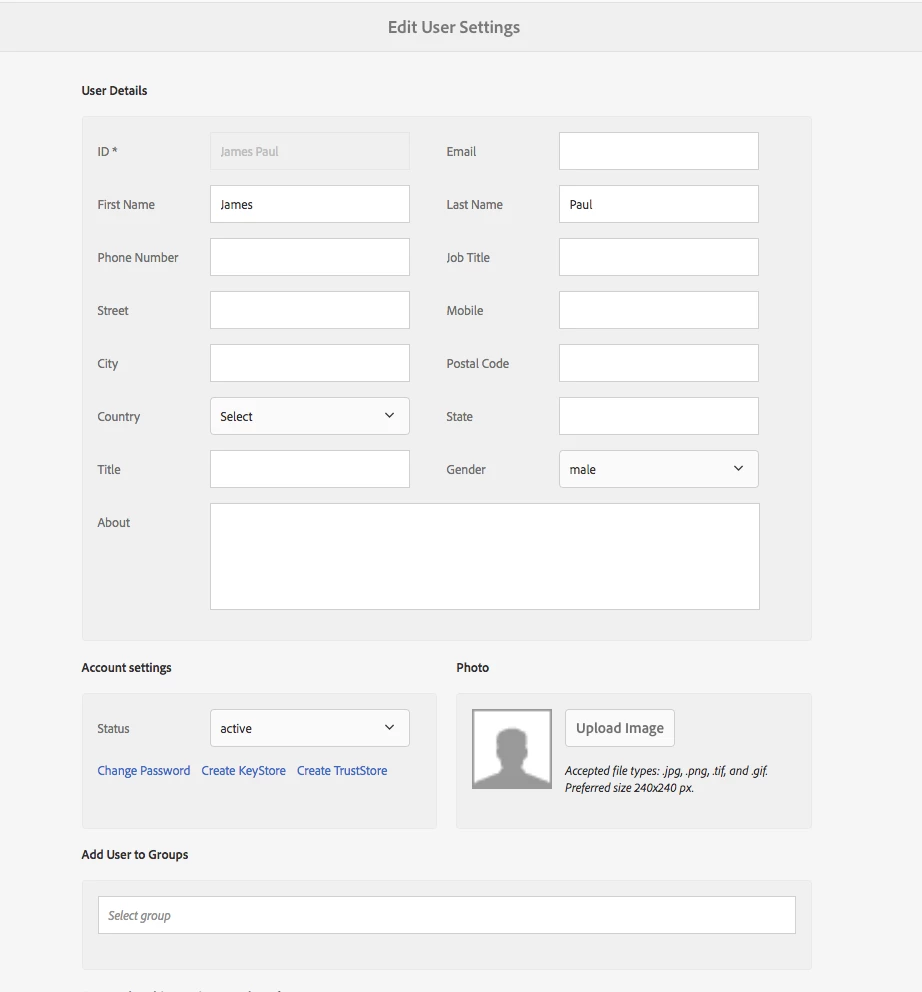
How can I add a new field to users editor page to be saved for the user. I want this new field to be saved to user profile node. For example, I want to add a field called 'Zone' to be part of a users profiles. I am using AEM 6.3, this can be accessed at http://localhost:4502/libs/granite/security/content/userEditor.html.
I attached a screenshot of the form I am mentioning that I want the new field to appear and be saved for a user.