


How to add a custom thumbnail to AEM packages? | AEM Community Blog Seeding
How to add a custom thumbnail to AEM packages? by Albinsblog
Abstract
This post explains the steps to add a custom thumbnail to AEM(Adobe Experience Manager) content packages.

Create an image named thumbnail.png -the recommended dimensions are 64 x 64 pixels.

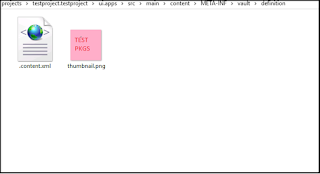
Create a new folder named definition under: /src/main/content/META-INF/vault/definition

Add the thumbnail to the definition folder.

Inside the definition folder, add a file named .content.xml. Populate it with the following:
Read Full Blog
How to add a custom thumbnail to AEM packages?
Q&A
Please use this thread to ask the related questions.