How can I create a groovy script to add pages under a node using same template?
Using one of my editable template, is there any way where I can create n-number of pages using any groovy script or any other script?
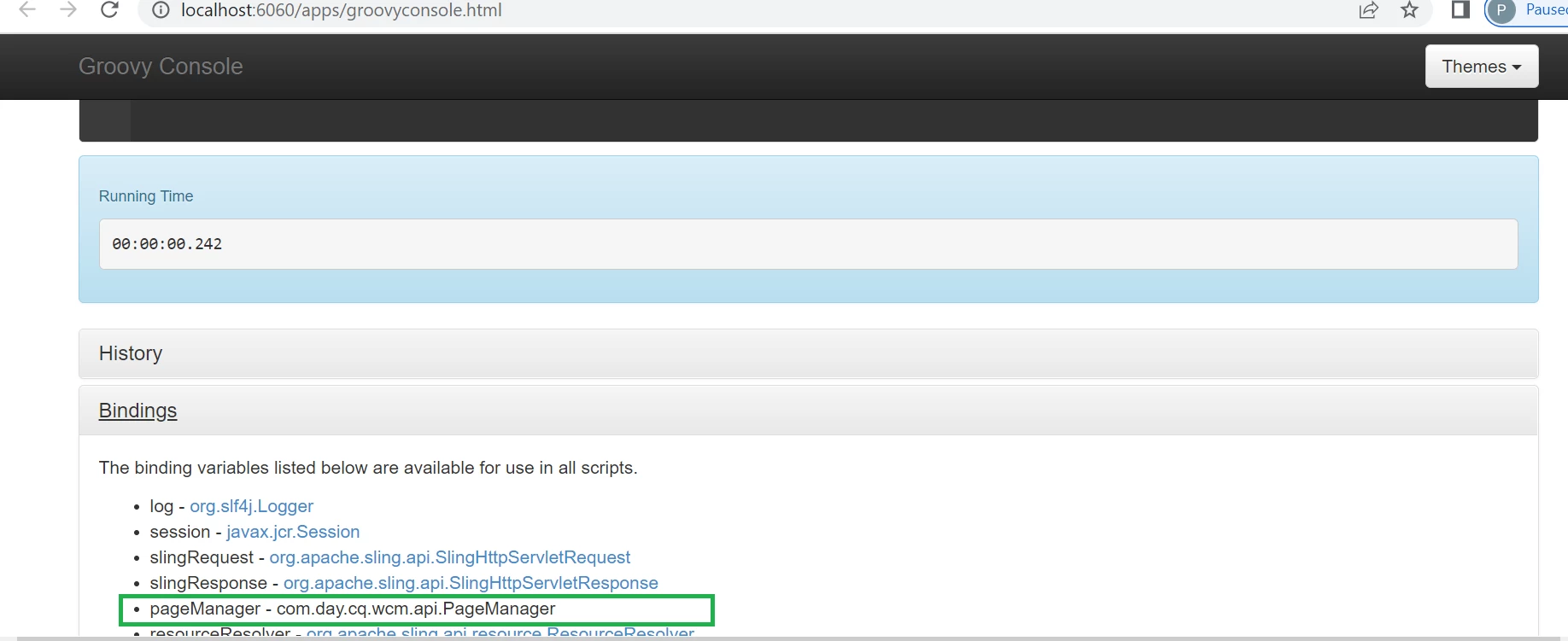
Once you click on Bindings tab in Groovy console then you will be seeing list of binding variables as shown below -

These are implicit objects , we don't need to create these objects explicitly to use in any script and these are ready to use.
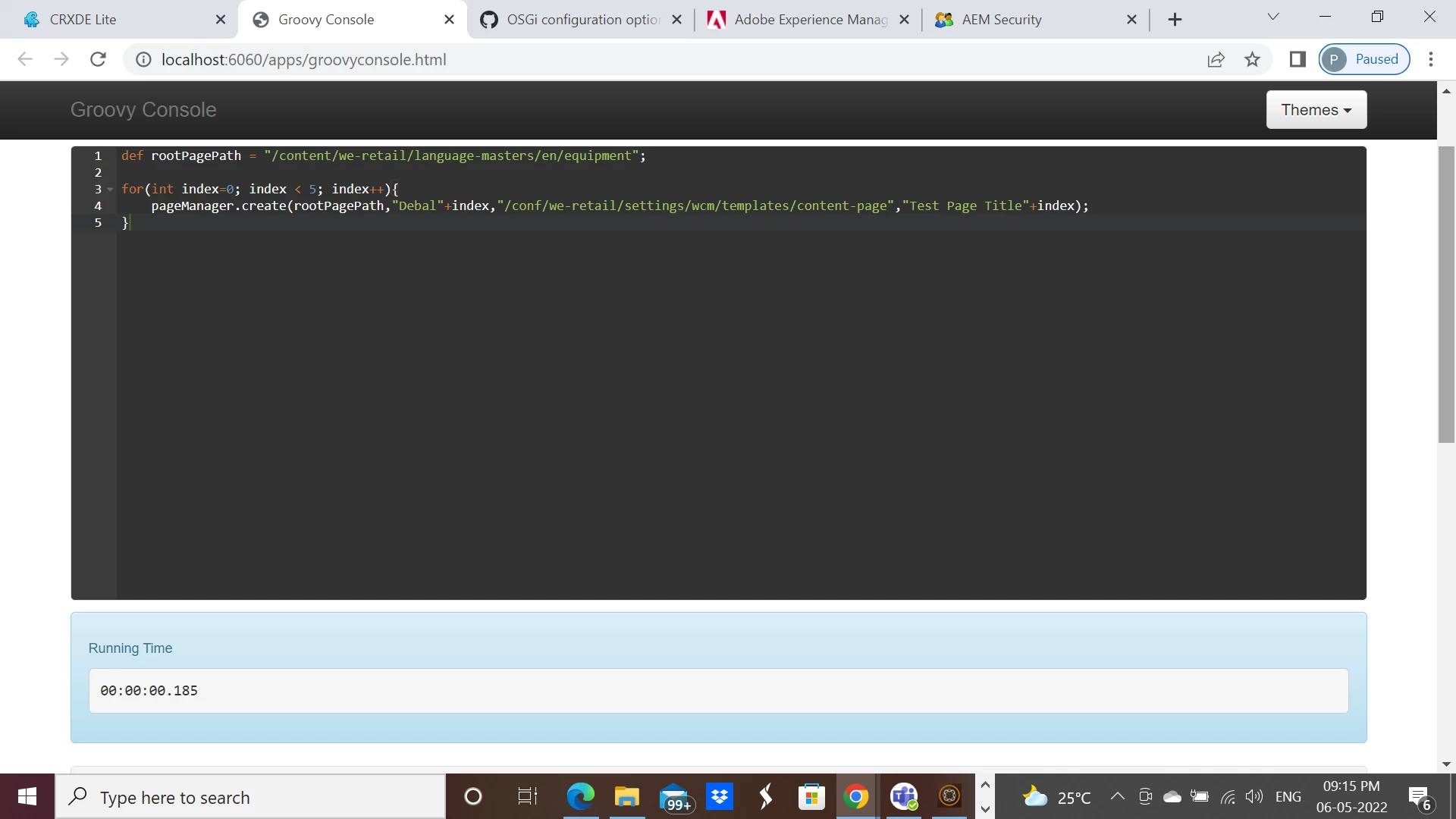
I am using the similar script as given by @manjunath_k
def rootPagePath = "/content/we-retail/language-masters/en/equipment";
for(int index=0; index < 5; index++){
pageManager.create(rootPagePath,"Debal"+index,"/conf/we-retail/settings/wcm/templates/content-page","Test Page Title"+index);
}After successful execution -

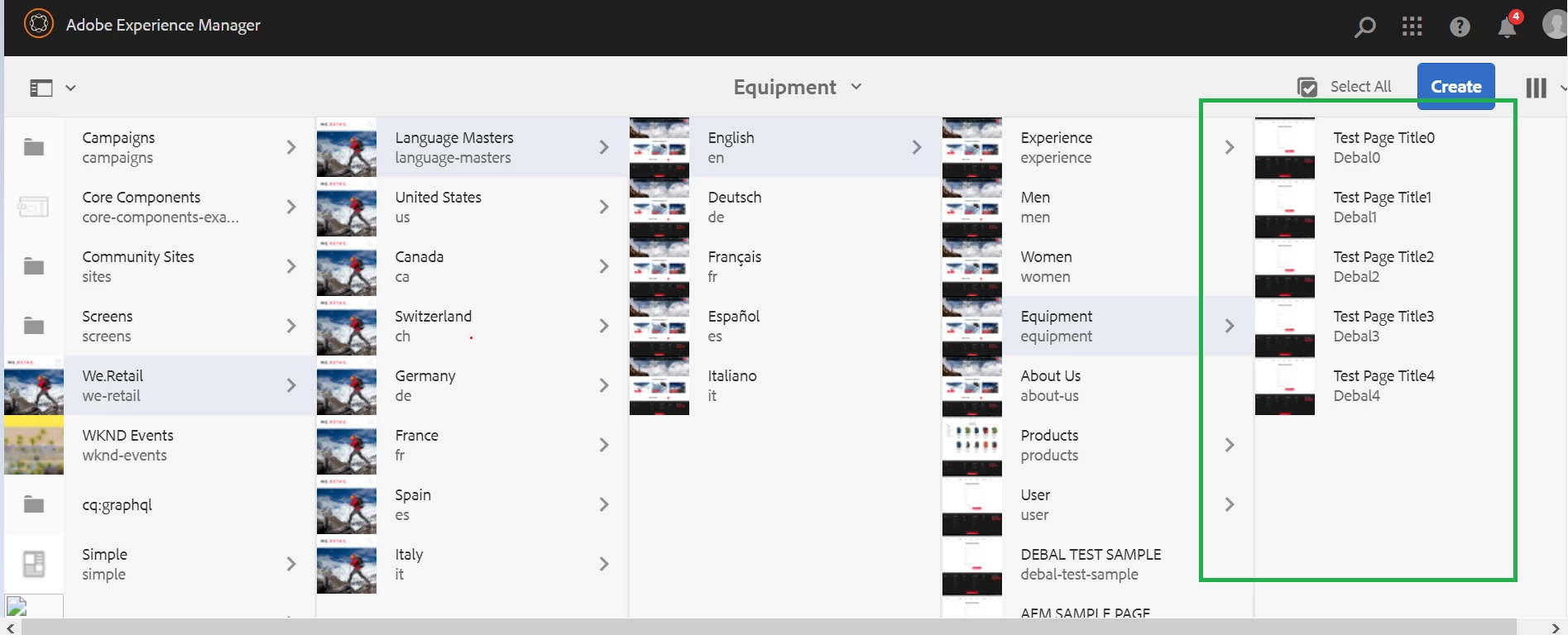
pages were created as shown below -

Executed on AEM 6.5.11. Please try and let us know.
Enter your E-mail address. We'll send you an e-mail with instructions to reset your password.