How are AEM Administrator groups managed in AEMaaCS? | Community
Skip to main content
Mario248
Level 7
February 17, 2023

How are AEM Administrator groups managed in AEMaaCS?

  • February 17, 2023
  • 2 replies
  • 2093 views
Recently I created a program in AEMaaCS. I understand that when we create an environment in cloud manager, Adobe Console creates two profiles, AEM Administrator xx123xx123 & AEM Users xx123xx123, and in publish instance it only creates one profile, AEM Users xx123xx123. As of now, I have no doubts.
 
Now when I add a profile to any user, for example personX and add him AEM Administrator xx123xx123 & AEM Users profiles in author and AEM Users xx123xx123 profile for publish server. When this user personX logged into the system I could see that the profiles are mapped as AEM groups. As of now, everything is clear. I did not see any ACLs created for AEMAdministrator xx123xx123 & AEM Users when I checked the permissions for these groups in AEM. Is this OOTB behavior? How does this group act as admin without permission? below is the screenshot for AEMAdministrator
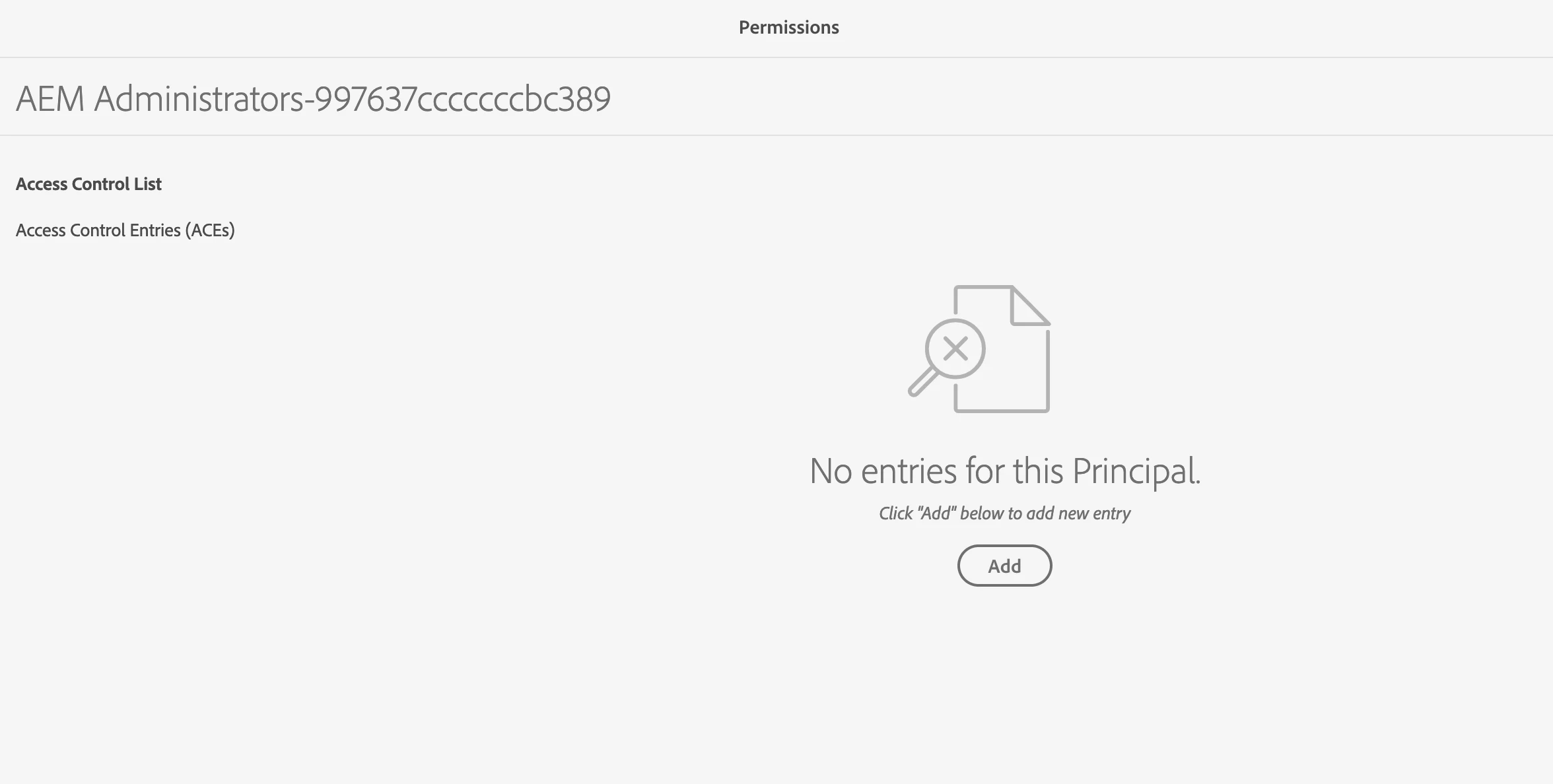


Do we need to set any permission to make this as an admin group ?
This post is no longer active and is closed to new replies. Need help? Start a new post to ask your question.

2 replies

Himanshu_Jain
Community Advisor
Community Advisor
February 17, 2023

Hi @mario248 ,

Check access of crxde (dev only) from both the users (admin and general user) created by cloud manager console.

For Project specific permission ( to access content) you need to create groups within AEM environment and add ACLs accordingly.


Thanks

Himanshu

Himanshu Jain
Mario248
Mario248Author
Level 7
February 17, 2023

I can access CRXDE but I dont have any write access. I get below error 

Could not save changes. Received 409 (Conflict) for saving changes in workspace crx.default. org.apache.jackrabbit.oak.spi.state.ReadyOnlyBuilderException: This builder is read-only.
 
Are we saying cloud manager just creates groups in AEM without any permission ?
 
Himanshu_Jain
Community Advisor
Community Advisor
February 17, 2023

Hi @mario248 ,

You cannot make any change in crxde , this is just to check the difference between admin group and general user group generated from cloud manager.

Also you can test via accessing the package manager.


Thanks

Himanshu

Himanshu Jain
Jagadeesh_Prakash
Community Advisor
Community Advisor
February 17, 2023

@mario248 

Here are some reference links that provide additional information on managing administrator groups in AEM as a Cloud Service:

Mario248
Mario248Author
Level 7
February 17, 2023

sorry, all links goes to 404