Hiding a coral tab | Community
Skip to main content
Karl515
Level 5
February 13, 2019
Solved

Hiding a coral tab

  • February 13, 2019
  • 6 replies
  • 3757 views

I'm trying to hide a tab using javascript.

I've tried

.hide();

addClass("hidden");

addClass("hide");

all just hide the tab content but not the tab itself.
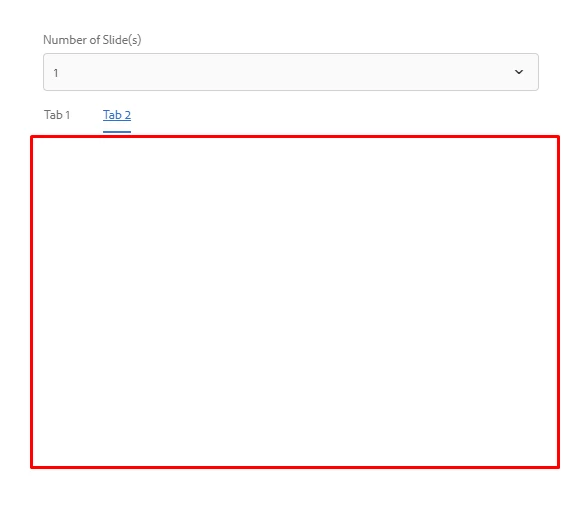
I can achieve hiding the tab by adding "sling:hideResource" in tab 2 properties. How can I do this using javascript?

Thanks!

This post is no longer active and is closed to new replies. Need help? Start a new post to ask your question.
Best answer by antoniom5495929

Hi,

you could try to override the dropdownshowhide.js in order to manage also the attribute value in your components.

I think that you just only need to add the following line:

$target.not(".hide").attr("hidden", "hidden");

Inside the showHide function.

Thanks,

Antonio

6 replies

Karl515
Karl515Author
Level 5
February 13, 2019
edubey
Level 10
February 13, 2019

Tab element and its content are two different DOM element, you have to hide and show them separately.

Karl515
Karl515Author
Level 5
February 13, 2019

I've applied my hide class to my tab container. but only contents get's hidden

antoniom5495929
Level 7
February 13, 2019

Hi,

are you using a javascript in order to change the dialog content?

In the coral API [0]  it's indicated that if you want to hide all the tab you need to apply an HTML attribute "hidden".

If you are using js, you need to run a command like the following:

$('mytab'). attr("hidden", "");

So the result is like the following:

<coral-tab hidden="" ...}" class="coral-Tab" role="tab" id="coral-id-499" aria-controls="coral-id-526" aria-invalid="false" aria-disabled="false" aria-selected="false" tabindex="-1"><coral-tab-label>Item Settings</coral-tab-label></coral-tab>

Let me know if this could help you.

[0] CoralUI

Thanks,

Antonio

Karl515
Karl515Author
Level 5
February 14, 2019

Thanks for taking your time.

But unfortunately, that code only accomplishes what .class("hide") and .class("hidden") can accomplish and that is it only hides the content.

here's how I did it.

and the javascript that I am using is a modified version of this

I'm trying Java approach now as I'm starting to think javascript and gonna suffice. but still very much open for javascript solutions.

@antoniom54959291

antoniom5495929
antoniom5495929Accepted solution
Level 7
February 14, 2019

Hi,

you could try to override the dropdownshowhide.js in order to manage also the attribute value in your components.

I think that you just only need to add the following line:

$target.not(".hide").attr("hidden", "hidden");

Inside the showHide function.

Thanks,

Antonio