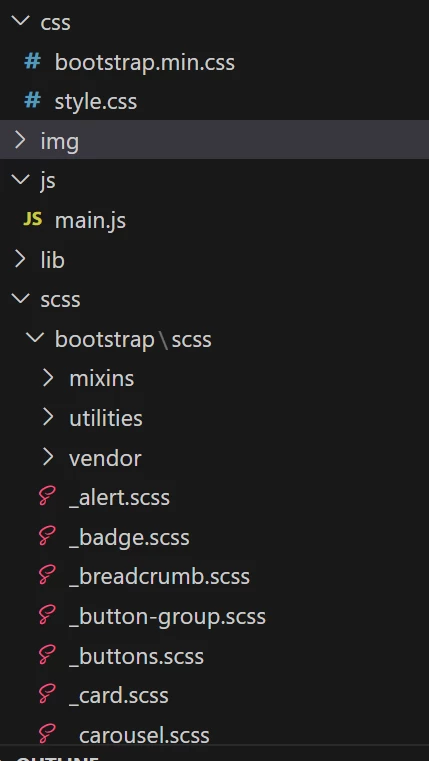
Hi @shamyaswanth
Clientlibs in AEM are used to manage and bundle CSS, JavaScript, and other frontend assets required for your components and pages. By default, AEM supports CSS files, but it does not directly support SCSS files. However, you can use a build process to compile your SCSS files into CSS and then include them in your AEM project.
Here's a general approach to handling SCSS files and Clientlibs in AEM:
Set up a build process: You'll need a build process to compile your SCSS files into CSS files. Popular build tools like Gulp, Grunt, or Webpack can be used for this purpose. You'll need to install the required packages and configure the build process to watch and compile SCSS files into CSS.
Organize your SCSS files: Organize your SCSS files into manageable directories and make sure to have an entry point for your SCSS (e.g., main.scss). This is the file you'll include in your Clientlibs.
Create an AEM Clientlib: In your AEM project, create a Clientlib that will include the compiled CSS. You can do this through the AEM Web Console or by using CRXDE Lite.
Include the compiled CSS in the Clientlib: After compiling your SCSS files into CSS, include the generated CSS file in your AEM Clientlib.
Include the Clientlib in your components: Once your Clientlib is created and contains the CSS, include the Clientlib in your AEM components or templates. This will make sure that the CSS is loaded when the component is rendered on a page.
Apply the Clientlib to pages: Ensure that the pages using your components include the clientlib. This can be done either by adding the Clientlib to the page template or by including it directly on individual pages.
Also, some AEM projects use third-party tools like AEM Clientlib Compiler or AEM Frontend Maven Plugin, which simplify the handling of frontend assets, including SCSS files. These tools can be very useful for automating the build process and integration of front-end assets in AEM.