Handling \n Characters in AEM Content Fragments | Community
Skip to main content
Prashardan
Level 4
January 28, 2025
Solved

Handling \n Characters in AEM Content Fragments

  • January 28, 2025
  • 2 replies
  • 639 views

Hi Team

When inputting a newline character (\n) in any text field of an AEM content fragment, the JSON output shows \\n instead of \n. This leads to inconsistencies, as the UI displays the newline correctly, but the JSON response doesn't reflect the intended formatting

How to address this any advise.

Thanks in advance.
Best answer by PRATHYUSHA_VP

Hi @prashardan ,


Use multi-value rich text property for updating the special characters in the CF field. 

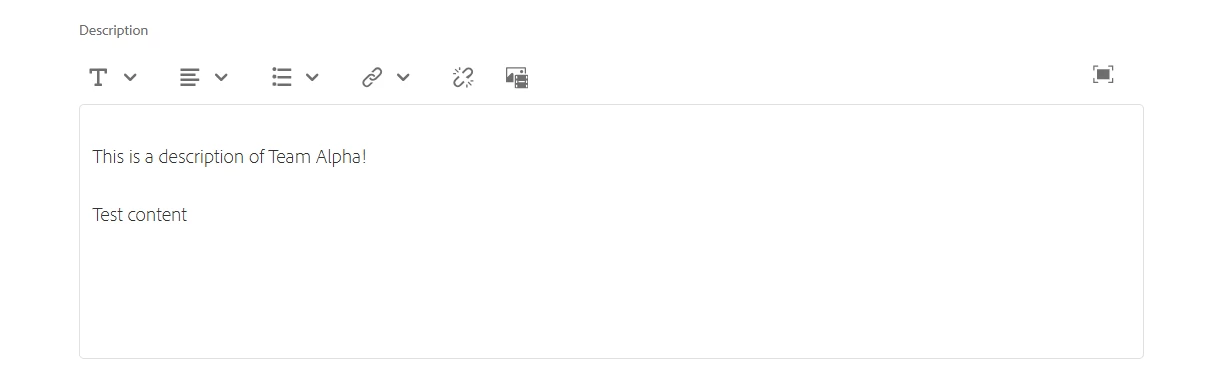
Just enter the content in new line in CF field. In the JSON it appends /n on it's own when rich text property used like below -


Hope this helps


Thanks


2 replies

PRATHYUSHA_VP
Community Advisor
PRATHYUSHA_VPCommunity AdvisorAccepted solution
Community Advisor
January 28, 2025

Hi @prashardan ,


Use multi-value rich text property for updating the special characters in the CF field. 

Just enter the content in new line in CF field. In the JSON it appends /n on it's own when rich text property used like below -


Hope this helps


Thanks


AmitVishwakarma
Community Advisor
Community Advisor
February 2, 2025

To handle newline characters (\n) properly in AEM Content Fragments, you can use a multi-value rich text property. When you enter content with line breaks in the Content Fragment field, AEM will automatically encode it with \n for line breaks.
Solution:

1. Use Multi-value Rich Text Property: This allows AEM to handle newline characters properly when the content is entered in the field.

2. Behavior: When using this property, you can enter the content with new lines, and AEM will ensure that \n appears in the JSON output instead of \\n.
