Solved
Global Content Fragment Models Are Not Visible, but Site CF's are.
When creating a new Content Fragment (CF), there normally should be a list of Content Fragment Models (in the create CF dialog page) to base your new CF on.
In one of our AEM ENVs, we have the peculiar case where, on this creation page, we can see only the "site" content fragment models, but not the global ones.
That is to say:
- /conf/<site>/settings/dam/cfm/models/ <--- models visible in create CF page dialog
- /conf/global/settings/dam/cfm/models/ <---- models not visible in create CF page dialog
Items checked so far are:
- <AEM>/libs/dam/cfm/models/console/content/models.html/conf/global <-- Global models are there
- /conf/global/settings/dam/cfm/models <-- In CRX, the model nodes are present
- <AEM>/libs/granite/configurations/content/view.html/conf <-- Configuration Browser. CFs are allowed.
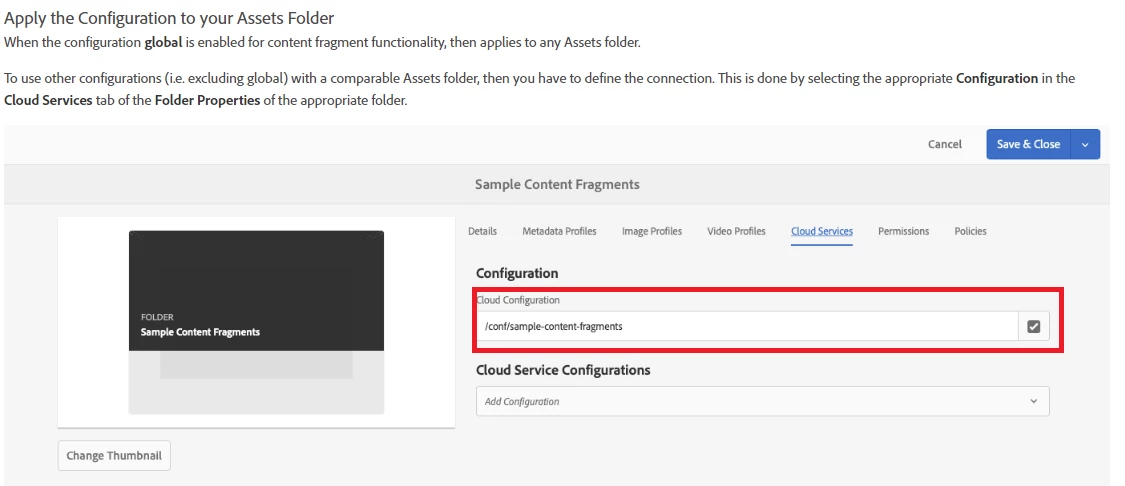
- Cloud Configuration also set for Folder Properties
To summarize, when creating a new CF, we can see the "site" CF models, but not the Global ones.
Any suggestions of where else to look in order to "allow" the global CF models??