


Get Started with XML Documentation | AEM Community Blog Seeding
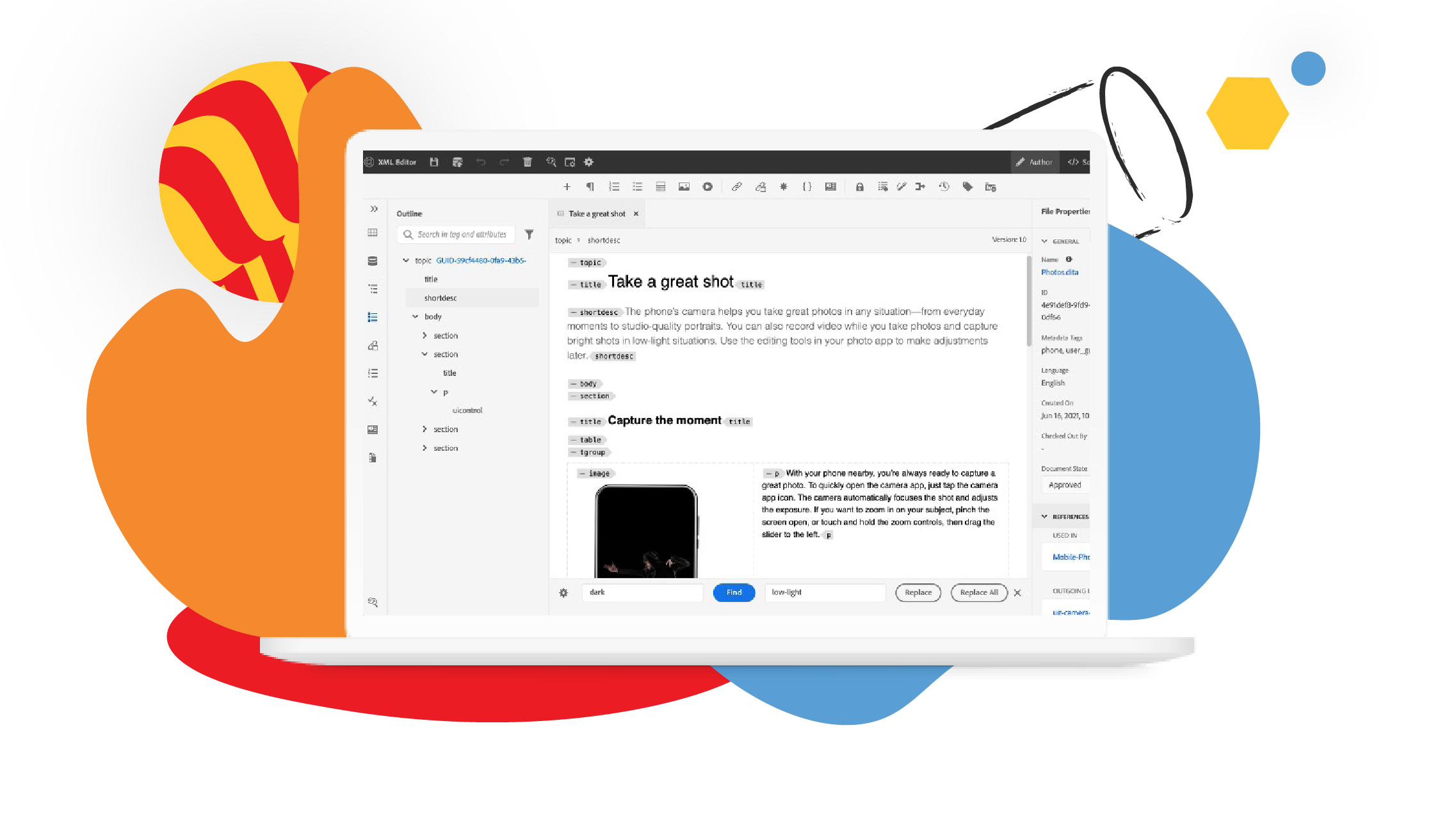
Get Started with XML Documentation by Adobe
Abstract
Get Started with XML Documentation
Learn how to create, organize, author, and publish content with XML Documentation for Adobe Experience Manager.

What you'll learn:
Understand the XML Documentation user interface
Create and structure content with the repository view and XML Editor
Work with images
Add web-links to your content
Work with bulleted and numbered lists
Version your content
Create and organize a map
Publish a map as an AEM Site and PDF

Lesson 1
Introduction
Learn the basics of XML Documentation.

Lesson 2
Understanding the Exprience Manager User Interface
Learn about managing assets, files, and folders in the XML Editor for Experience Manager.

Lesson 3
Creating and Structuring Content
Begin creating and structuring content in the XML Editor Repository. Create folders, subfolders, and begin adding content to a Concept topic.

Lesson 4
Authoring Content
Learn how to author content in XML Documentation for Adobe Experience Manager.

Lesson 5
Publishing Default Output
Once you have a completed map, you can publish your content in multiple output formats.

Lesson 6
Recap of Getting Started with XML Documentation
A recap of the Getting Started with XML Documentation course.
Read Full Blog
Get Started with XML Documentation
Q&A
Please use this thread to ask the related questions.