forms which can be built using spreadsheet in EDS | Community
Skip to main content
Level 2
June 6, 2024
Solved

forms which can be built using spreadsheet in EDS

  • June 6, 2024
  • 3 replies
  • 1180 views

Hi All

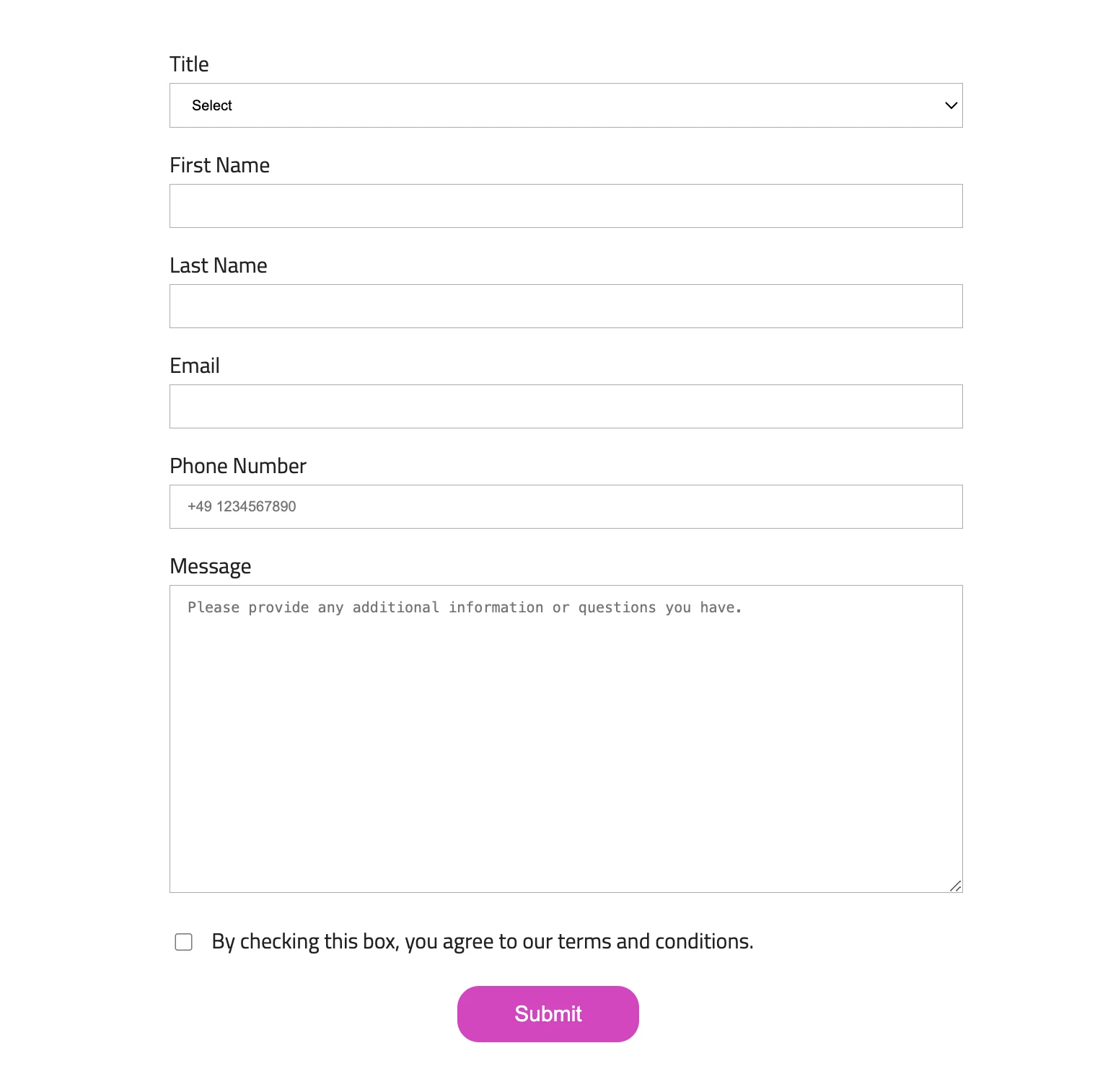
In EDS, there is a form which can be built using a spreadsheet. Do we have any detailed documentation or guidance on how to do this?


I have one more doubt  : https://www.aem.live/developer/forms 

I have read this link. Just wanna confirm that is this feature (forms which can be built using spreadsheet in EDS)  has been deprecated ?


Thanks

This post is no longer active and is closed to new replies. Need help? Start a new post to ask your question.
Best answer by arunpatidar

Hi,

you can use below example for reference

https://main--aem-helix-1--arunpatidar02.hlx.live/contact-us/ 


3 replies

arunpatidar
Community Advisor
arunpatidarCommunity AdvisorAccepted solution
Community Advisor
June 6, 2024

Hi,

you can use below example for reference

https://main--aem-helix-1--arunpatidar02.hlx.live/contact-us/ 


Arun Patidar
arunpatidar
Community Advisor
Community Advisor
June 6, 2024

Adobe might be building new service to create forms, hence it marked as deprecated.

Arun Patidar
HrishikeshKagne
Community Advisor
Community Advisor
June 6, 2024

Hi @kannanch2 ,

Yes, you can create forms using a spreadsheet in EDS (Experience Data Model) in AEM. This feature is called "Spreadsheet to Form" and allows you to create forms quickly and easily by importing data from a spreadsheet.

Here are the steps to create a form using a spreadsheet in EDS:

1. Create a new form in EDS by clicking on the "Create Form" button.

2. In the "Create Form" dialog, select the "Spreadsheet to Form" option and click "Create".

3. Upload your spreadsheet by clicking on the "Upload Spreadsheet" button and selecting your file.

4. Map the columns in your spreadsheet to form fields by selecting the appropriate field type for each column. You can also set validation rules and default values for each field.

5. Preview your form to make sure it looks and works as expected.

6. Save and publish your form.

Regarding your second question, the link you provided is not an official Adobe documentation source. However, as far as I know, the "Spreadsheet to Form" feature is still available in EDS in AEM as of the latest version (AEM 6.5). It is a useful feature for quickly creating forms from existing data in a spreadsheet.

Hrishikesh Kagane