Level 2
December 14, 2022

Font size changes automatically in the rich text editor

  • December 14, 2022
  • 1 reply
  • 1590 views

Hi everyone,


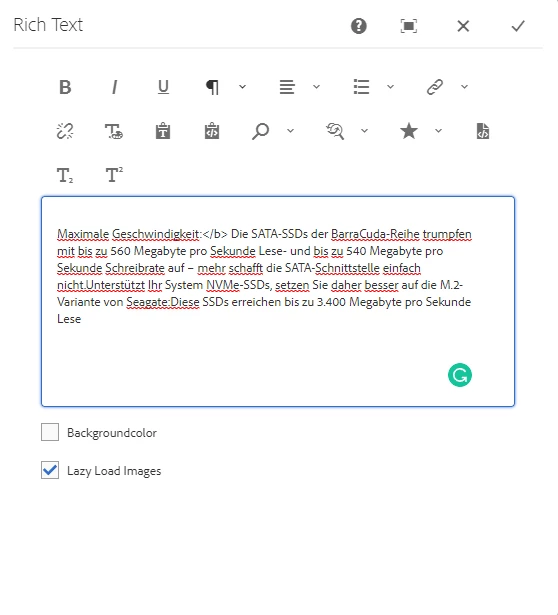
I've found a bug regarding the RTE, after making some changes to the text, the bolded text changes the size without actually changing it. I'm using AEM 6.5 on-premise with SP 6.5.15.0 (it was reproducible before as well). Any idea about this?


Here's how I reproduce it:

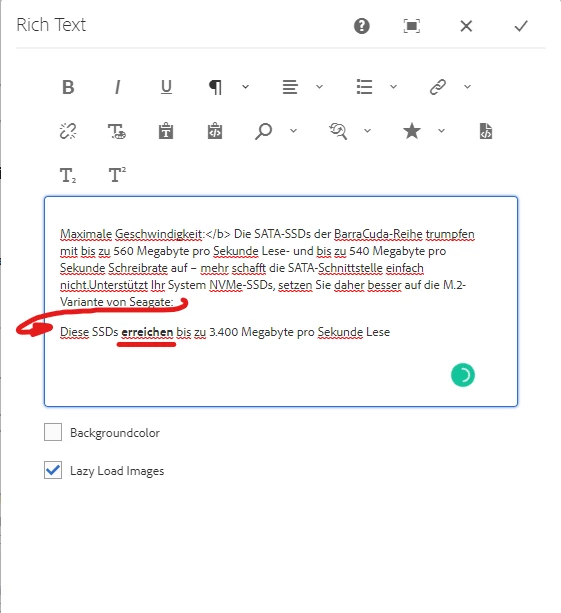
  1. Create an RTE inside the page, enter some text in it
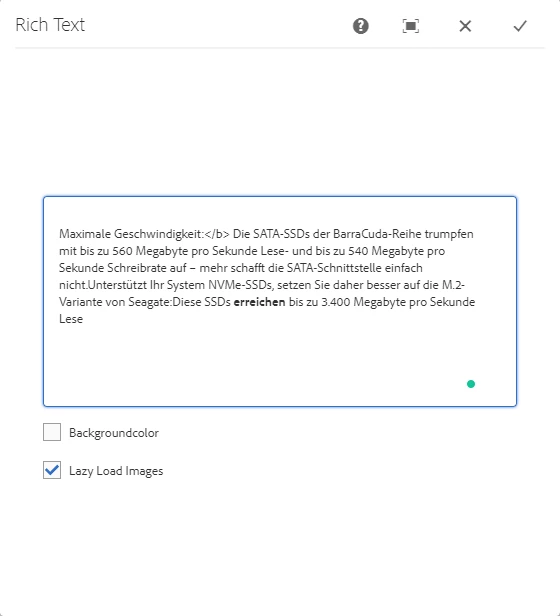
  2. Set a word as bold, and separate a sentence into a new line, like this
    •  

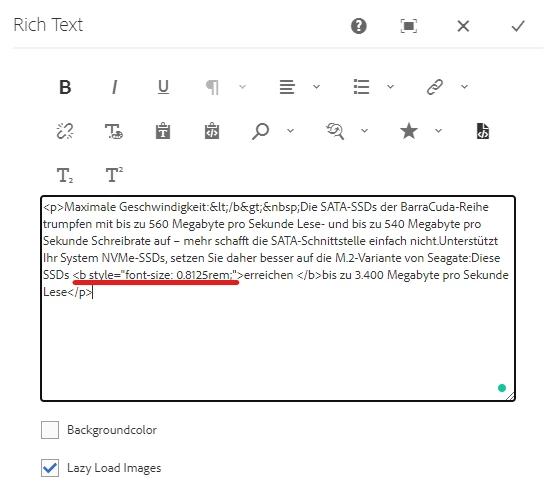
  3. Now, when I remove this new line and return the text as it was (with the bolded word), a style is added to the bold tag setting the font size to 0.8125rem
    •  

Any suggestion here would be great. Thanks

This post is no longer active and is closed to new replies. Need help? Start a new post to ask your question.

1 reply

Adobe Employee
December 15, 2022

hi @matzikaa ,


This seems to be bug with OOTB RTE. You can raise support ticket so that Adobe product engineering team can look into that.


Meanwhile, you can manually remove the class added when you change the bold content from one line to another.


Hope that helps.


Thanks,

Nikita Garg

matzikaaAuthor
Level 2
December 15, 2022

Hi @nikita___garg,


Thanks for the reply. I thought that it actually could be an OOTB bug, so I'll definitely open a support ticket.


Best regards,

Matija.