First Metadata Slot not displaying. | Community
Skip to main content
July 15, 2015
Solved

First Metadata Slot not displaying.

  • July 15, 2015
  • 5 replies
  • 1427 views

Hi,

I've changed my default card to the "Image Left, Metadata right" option.

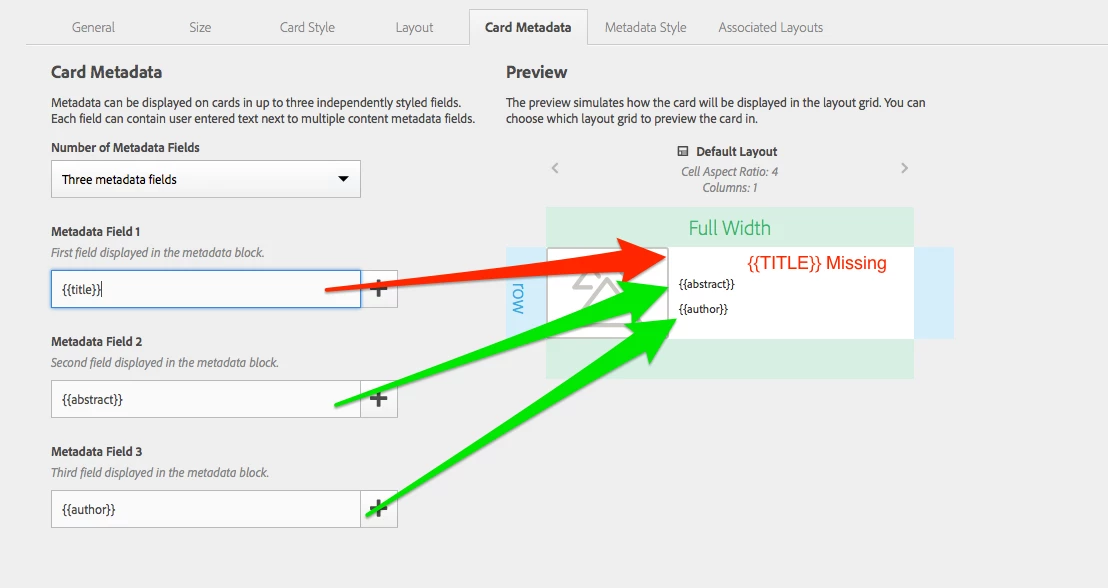
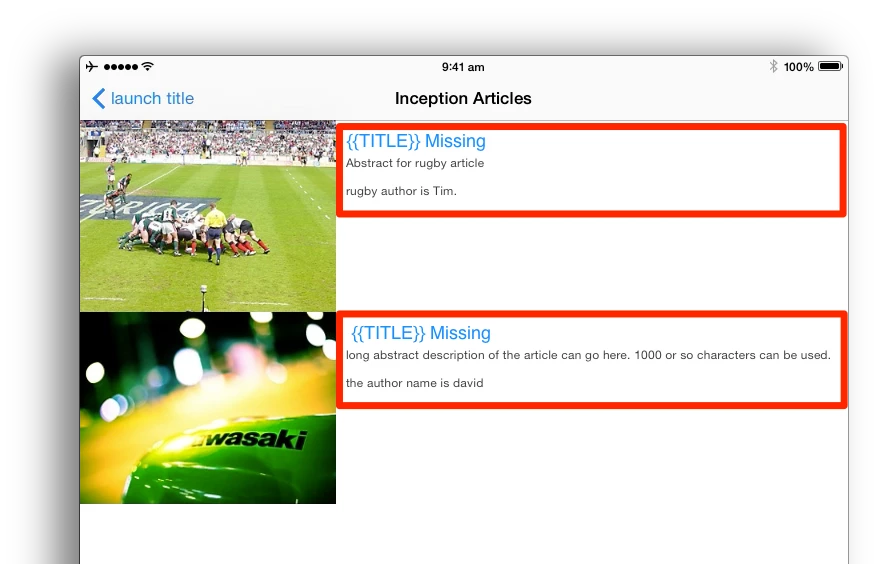
I've set 3 metadata values. However, in the configuration of the card and then on the device, the first metadata value does not display. It does not seem to matter which metadata value is set in the first slot, it just wont display.

Attached screenshots:

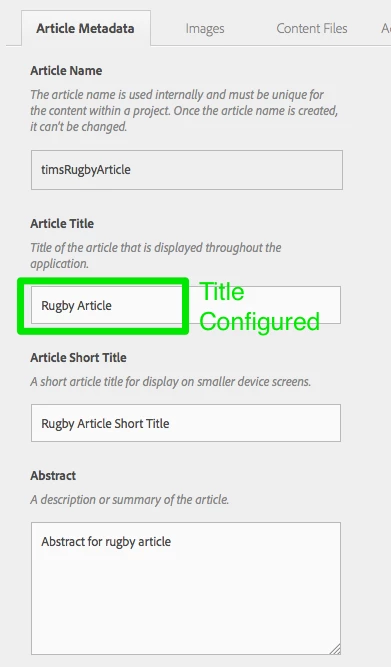
1- config of the article. Metadata set for "Title"
2- config of the card. First Metadata value does not display (does not matter which value is selected from the drop down menu).
3- Display in the app on device. No value is displayed in the first metadata slot.
Is anyone else having this problem?

Can Support please advise?

Thanks,
David.

This post is no longer active and is closed to new replies. Need help? Start a new post to ask your question.
Best answer by andreig1004688

Hi,

Is the card you're using by any chance the Default Card? And the color of the font is actually white, so you can't see it against the background? ( You can change it for the Metadata Field 1, in the Metadata Style Tab).

Thanks,
Andrei

5 replies

andreig1004688
Adobe Employee
Adobe Employee
July 15, 2015

Hi Dave,

We're looking into it and follow up with you asap.

Thanks,

andreig1004688
Adobe Employee
andreig1004688Adobe EmployeeAccepted solution
Adobe Employee
July 15, 2015

Hi,

Is the card you're using by any chance the Default Card? And the color of the font is actually white, so you can't see it against the background? ( You can change it for the Metadata Field 1, in the Metadata Style Tab).

Thanks,
Andrei

Neil_Enns_-_Ado
Adobe Employee
Adobe Employee
July 15, 2015

Yeah, I get hit by that as well, when the font colour is white and the text looks like it doesn't show up. Make sure the text colour isn't white.

Neil

July 16, 2015

It is the default card and the colour was white. Setting to a visible colour resolved the problem.

This seems counter intuitive to have a default colour set to white. Anyway, resolved, appreciated.

Thanks,
David.

andreig1004688
Adobe Employee
Adobe Employee
July 16, 2015

We're fixing that in the next update.

Glad to help.