
Fetch text from an asset | Community
Skip to main content
anupampat
Community Advisor
Community Advisor
February 27, 2025
Solved

Fetch text from an asset

  • February 27, 2025
  • 2 replies
  • 606 views

Hi Community,


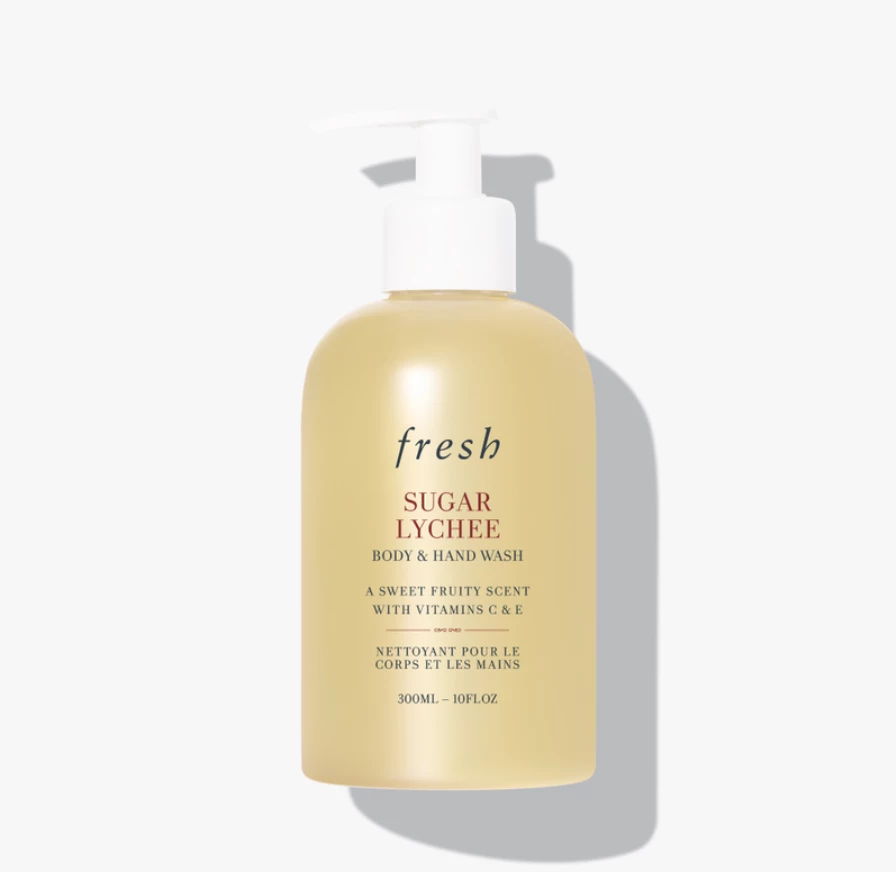
I have a requirement where I need to crop the text part of an asset or crop out the whitespace of an asset, these are generally for packshot product images where a certain part contains the text. As an example this image has the a text area where it has the Product name - fresh sugar lychee... and some details
Should get something like this
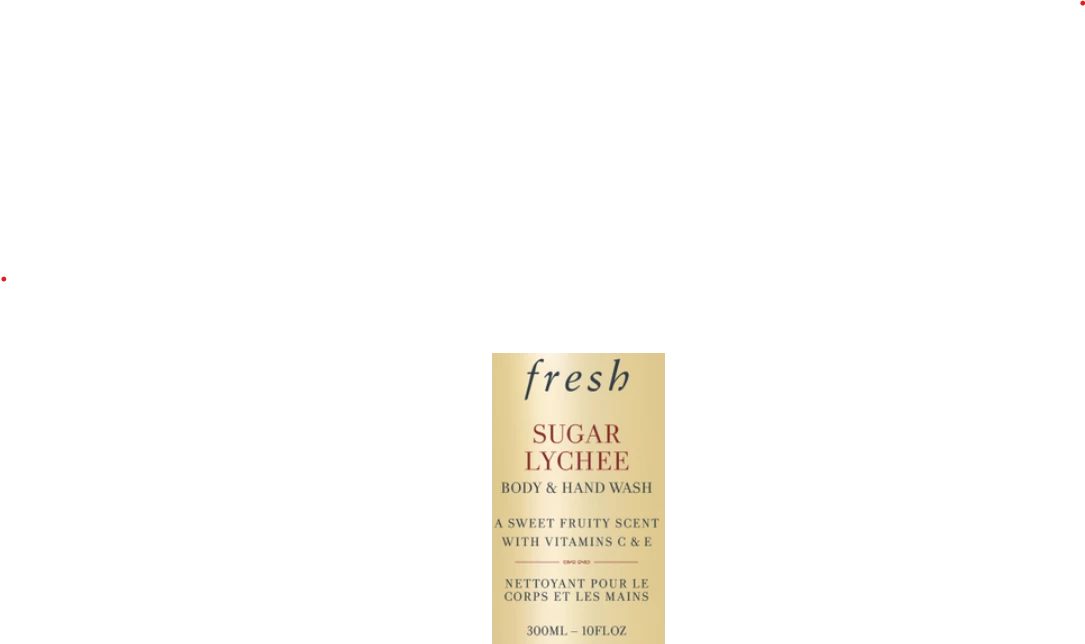
 

Is is possible to achieve this with Adobe sensei or any Sling/Java Library or Dynamic media ?

Ps - Using AEM cloud & Dynamic media

This post is no longer active and is closed to new replies. Need help? Start a new post to ask your question.

2 replies

arunpatidar
Community Advisor
Community Advisor
February 27, 2025
anupampat
Community Advisor
anupampatCommunity AdvisorAuthor
Community Advisor
February 28, 2025

Hi @arunpatidar ,

I realised I forgot to mention it has to be done dynamically cropped for multiple images. So using a core component is not an option.

It's like, when an asset is uploaded, I run a workflow which crops out the whitespace & all that remains is the text area.

arunpatidar
Community Advisor
arunpatidarCommunity AdvisorAccepted solution
Community Advisor
February 28, 2025
kautuk_sahni
Community Manager
Community Manager
March 5, 2025

@anupampat Did you find the suggestions helpful? Please let us know if you need more information. If a response worked, kindly mark it as correct for posterity; alternatively, if you found a solution yourself, we’d appreciate it if you could share it with the community. Thank you!

Kautuk Sahni