


Executing Groovy scripts using Postman and Groovy console to find unused assets | AEM 6.5.5 | AEM Community Blog Seeding
Executing Groovy scripts using Postman and Groovy console to find unused assets | AEM 6.5.5 by AEM Queries & Solutions
Abstract
In this post we will learn how we can tackle basic problems related to memory issues and more by using some basic groovy scripts on our AEM server.

Below are some scenarios where we can use groovy scripts to make our life easy in AEM:
1. List of unused Assets in DAM.
2. List of unused Components.
3. Modify properties.
4. List of heavy content in AEM repo.

We can implement groovy scripts using two way, one is using the already built groovy console and secondly we can use API calls to perform the operations.

1. Groovy Console:

Go to Groovy package and clone the latest version (14.0.0) in your local and build the code using mvn install -P local.
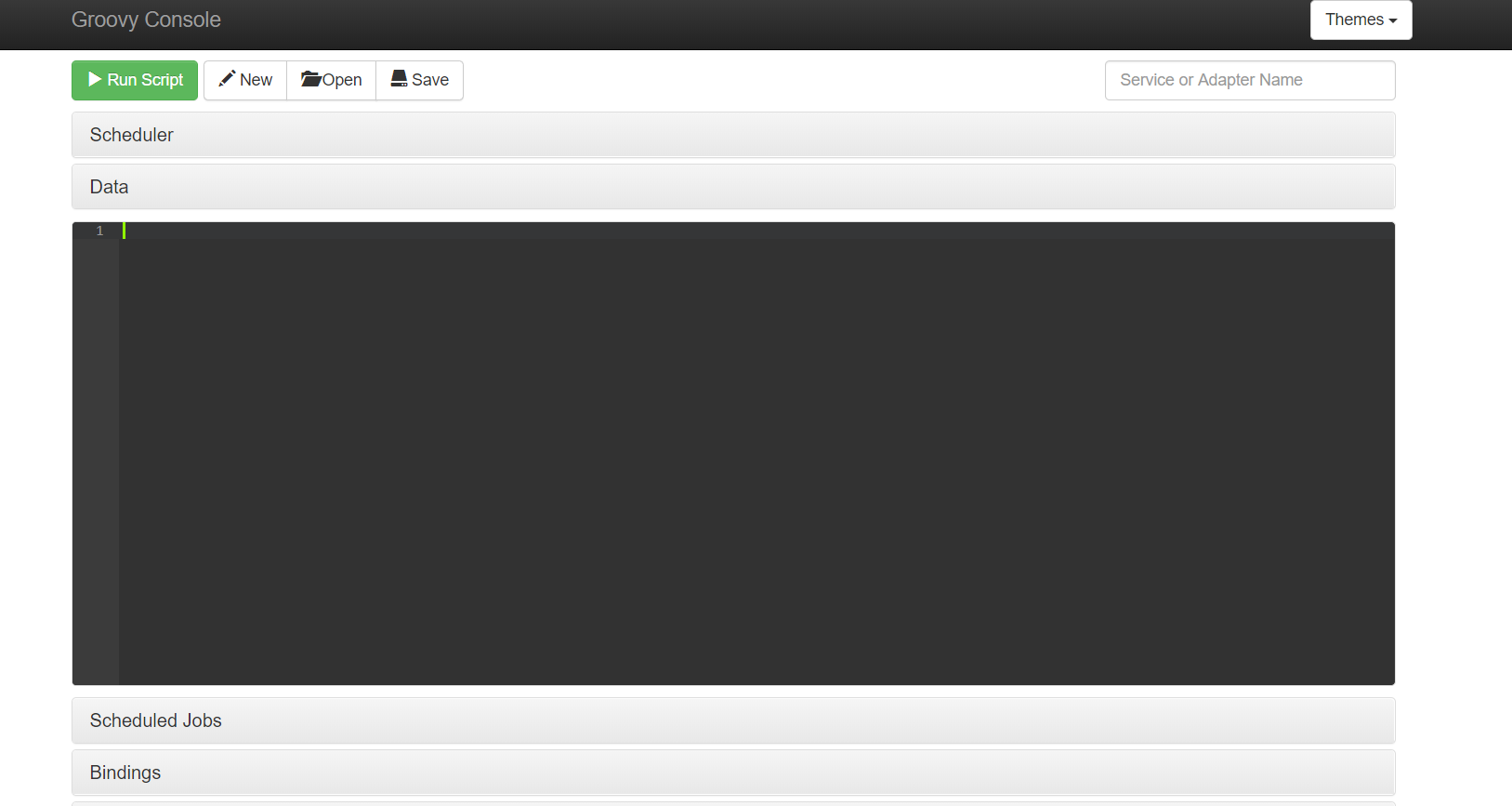
To verify the installation go to Groovy Console.
After verification run the below mentioned script to get unused asset and non referenced Asset in DAM.
Read Full Blog
Executing Groovy scripts using Postman and Groovy console to find unused assets | AEM 6.5.5
Q&A
Please use this thread to ask the related questions.