Solved
etc.map for assets causing problems.
I am putting together an example with the AEM 6.5, we.retail, etc.mappings, with the configurations below. The HTML routing is working correctly and removal of .html extension also works, but or some reason all the images, /etc.clientlibs, JS & CSS, JSON files are all 404 not found after implementation. Is there something in etc.mappings where I can disable sling mappings for assets?
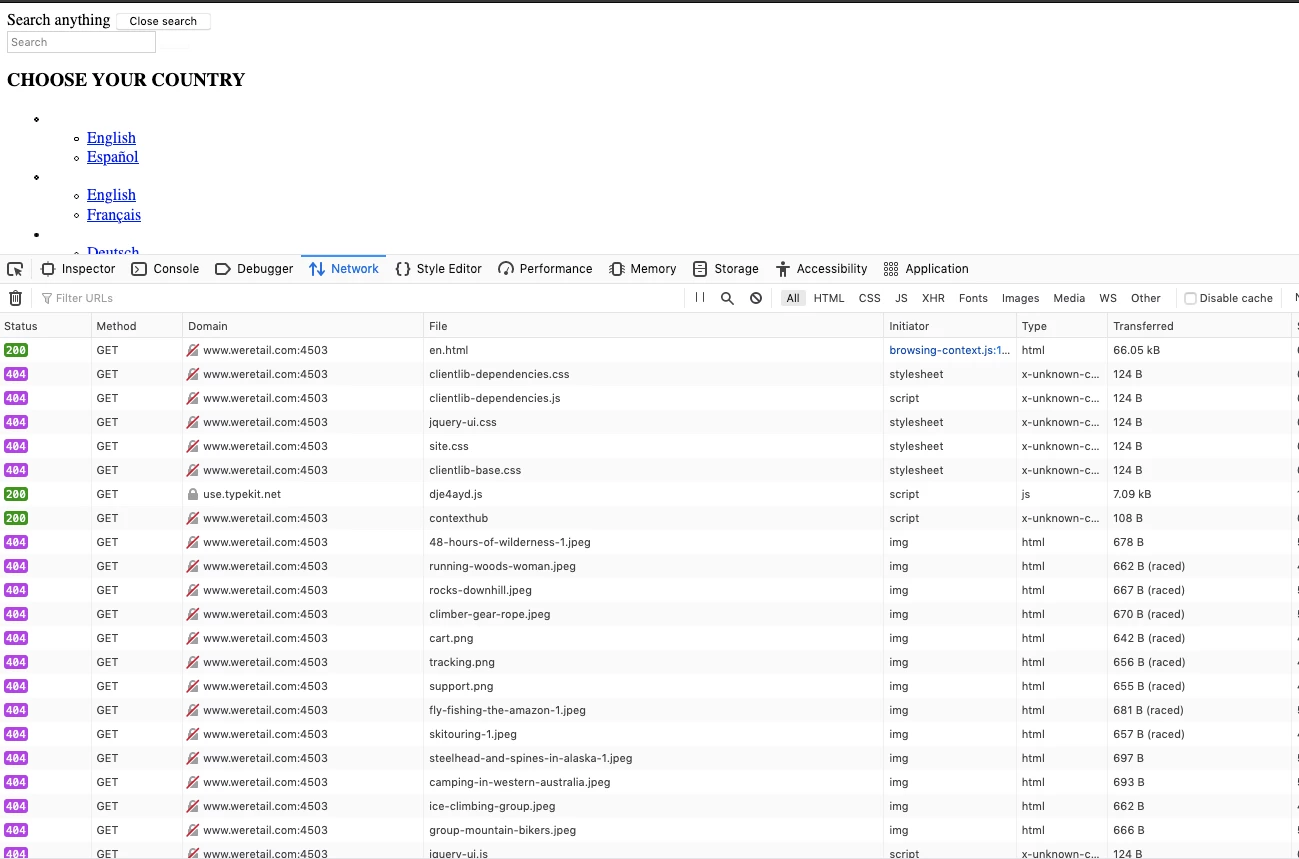
Configuration:
{

    "jcr:primaryType": "sling:Folder",
    "weretail.com": {
        "jcr:primaryType": "sling:Mapping",
        "sling:internalRedirect": [
            "/content/we-retail/us/en"
        ],
        "weretail_com_content": {
            "jcr:primaryType": "sling:Mapping",
            "sling:match": "(.+)$",
            "sling:internalRedirect": [
                "/content/we-retail/us/en/$1",
                "/$1"
            ]
        },
        "reverse_mapping_content": {
            "jcr:primaryType": "sling:Mapping",
            "sling:match": "$1",
            "sling:internalRedirect": [
                "/content/we-retail/us/en/(.*).html"
            ]
        },
        "reverse_mapping_content_nohtml": {
            "jcr:primaryType": "sling:Mapping",
            "sling:match": "$1",
            "sling:internalRedirect": [
                "/content/we-retail/us/en/(.*)"
            ]
        },
        "reverse_mapping_root": {
            "jcr:primaryType": "sling:Mapping",
            "sling:match": "$",
            "sling:internalRedirect": [
                "/content/we-retail/us/en(.html)?"
            ]
        }
    },
    "weretail_com_root": {
        "jcr:primaryType": "sling:Mapping",
        "sling:match": "weretail.com$",
        "sling:internalRedirect": [
            "/content/we-retail/us/en.html"
        ]
    }
}
Thanks